Control Your
Vizio TV
Vizio TVs are popular for their SmartCast platform, strong picture quality, and built-in casting features. They are widely used for streaming content directly from mobile devices.

Features for Vizio TV
Experience seamless control for your Vizio TV with our advanced features.
Smart TV & IR Support
Works with both Smart TVs and IR-enabled televisions for wide compatibility.
Fast & Easy Connection
Connect instantly via WiFi or IR with a simple and quick setup process.
Complete Remote Control
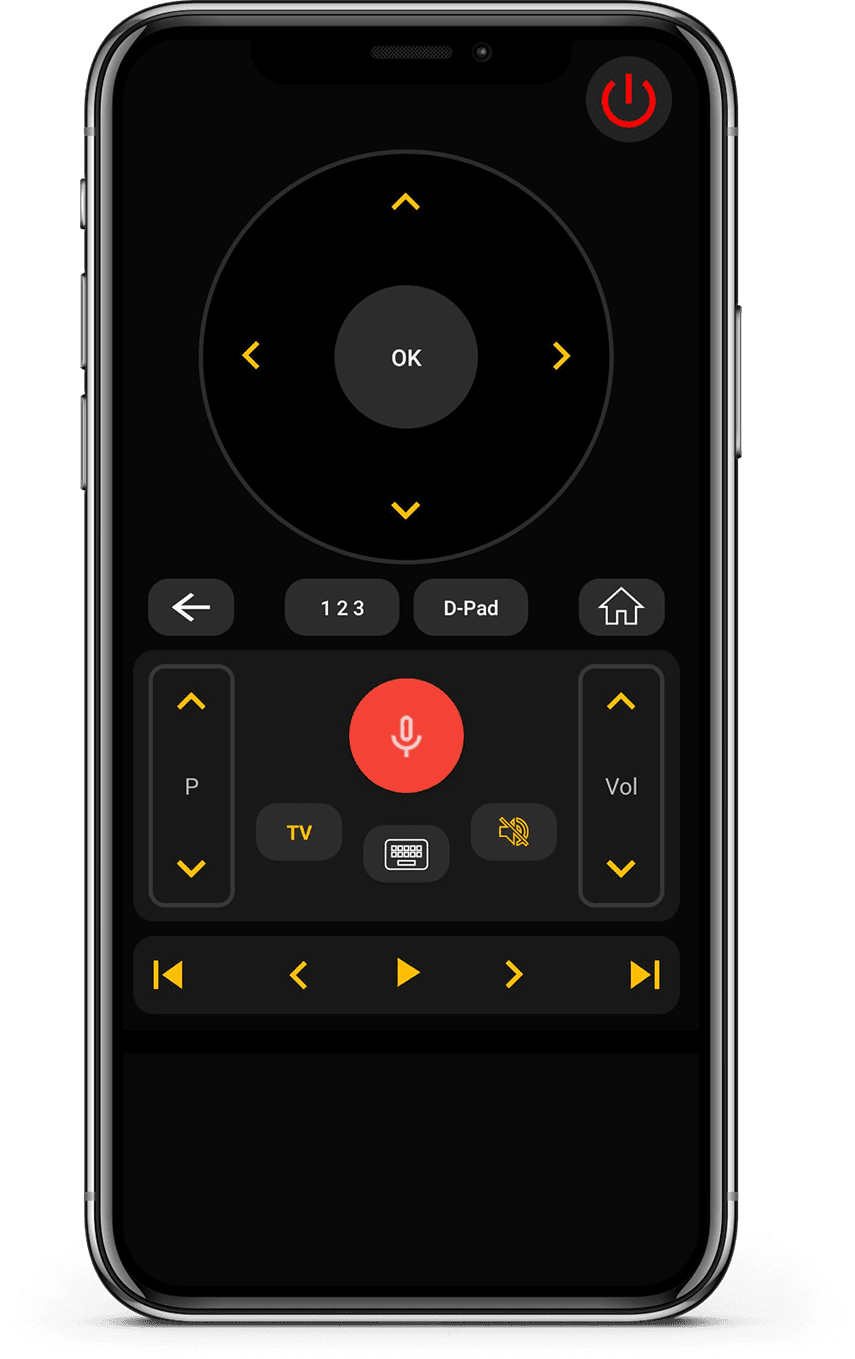
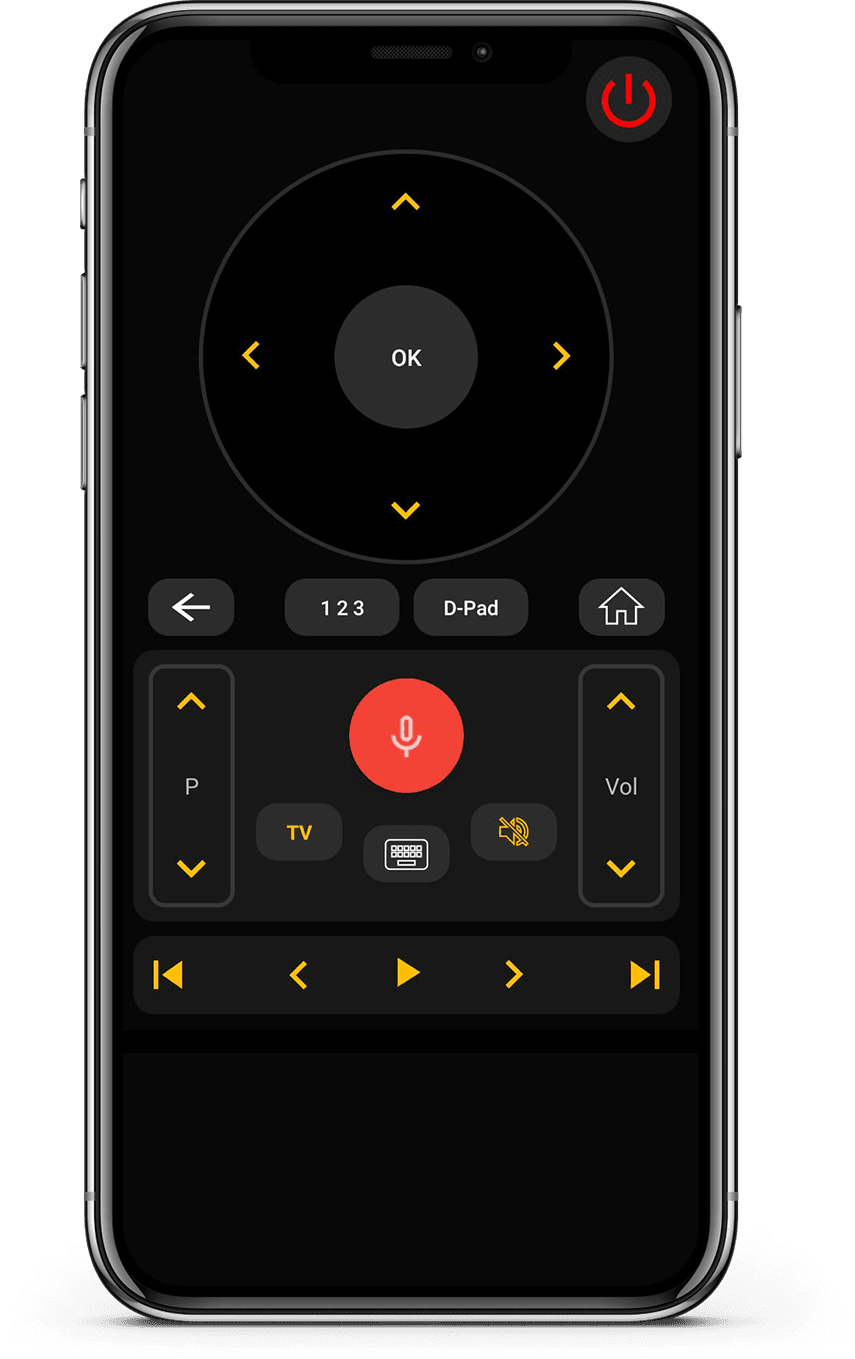
Control volume, channels, apps, navigation, and media playback effortlessly.
Clean & User-Friendly Interface
Minimal design that is easy to understand and comfortable to use.
How to Use Universal
TV Remote Control app
Control your Vizio TV seamlessly. Quick setup and easy navigation make this the perfect companion for your entertainment system.
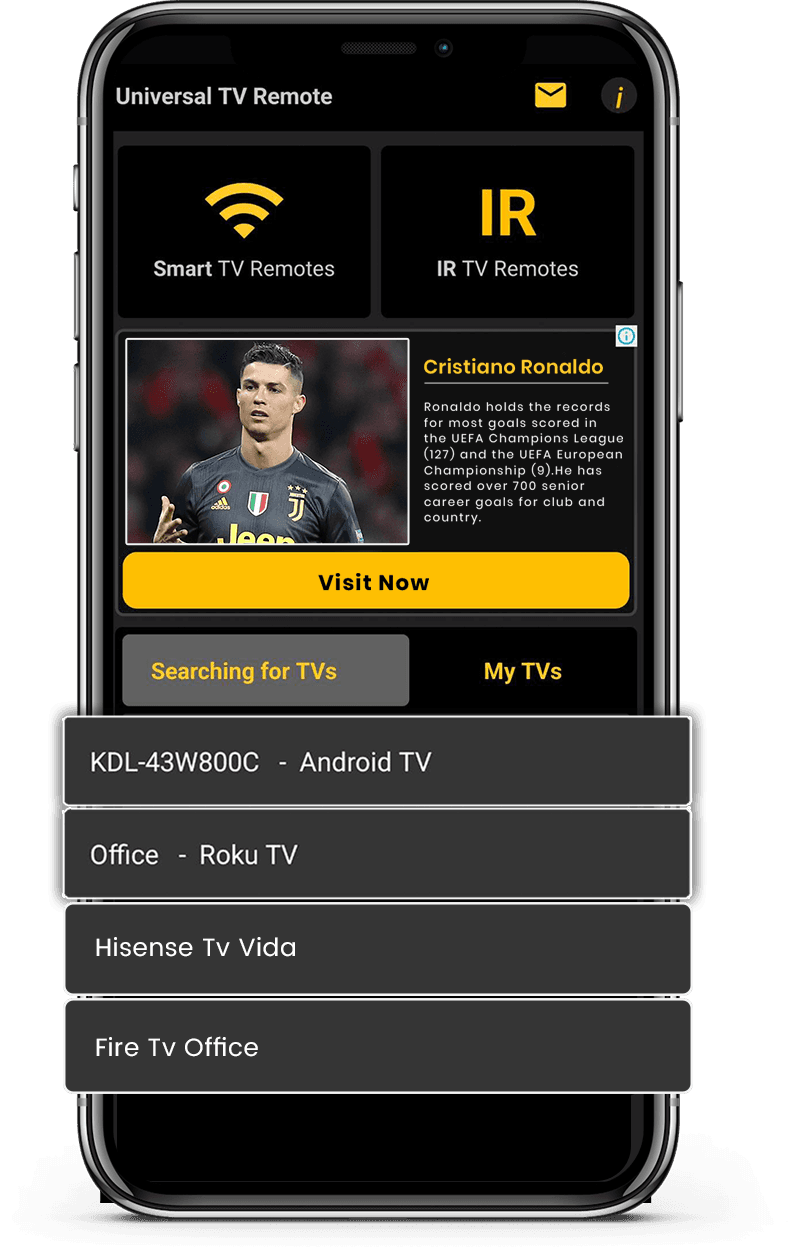
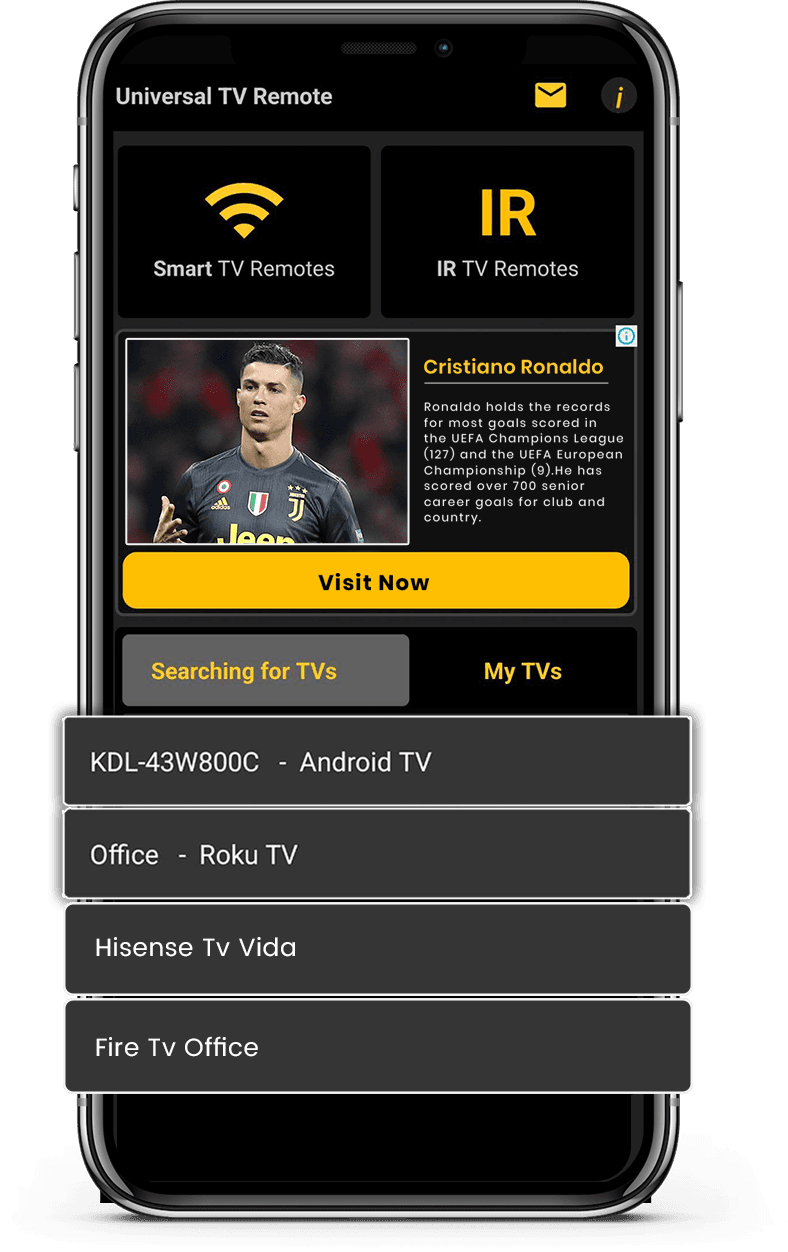
- Connect your phone and TV to the same Wi-Fi network
- Select Vizio TV from the list of available devices
- Enter the PIN code displayed on your TV screen
- Enjoy full control of your TV from your smartphone
Control Your Smart TV with Ease
Our Universal TV Remote Control app connects easily with Vizio TVs and gives you full control through your smartphone. You can manage volume, inputs, and navigation without relying on a physical remote.
The app offers a smooth D-Pad experience along with a keyboard for quick text input. This is especially useful when searching for shows or apps on Vizio TVs.
With WiFi and IR support, the app works with a wide range of Vizio models. It provides a simple and effective way to control your TV with minimal setup.


What users say
Real feedback from people using Universal TV Remote to control Smart TVs and IR devices.
Frequently Asked Questions
Quick answers about compatibility, setup, and how the app works.
Which is the best TV remote app?
Is there a free TV remote app?
Can I use my phone as a TV remote?
What TV Brands does this remote app support?
How does this TV remote app connect to the TV?
Can this app replace a lost TV remote?
Does the app work with non smart infrared tv’s?
Can one app control multiple TVs?
Is this app available on Android and iOS?
Still have questions? Scroll down to download the app and try it on your TV.
Contact Us
For quick support or valuable suggestions, use the contact form below. Our team will get back to you as soon as possible.
Address
Office # 14, 2nd Floor, KPK IT Park,
Abbottabad, Pakistan