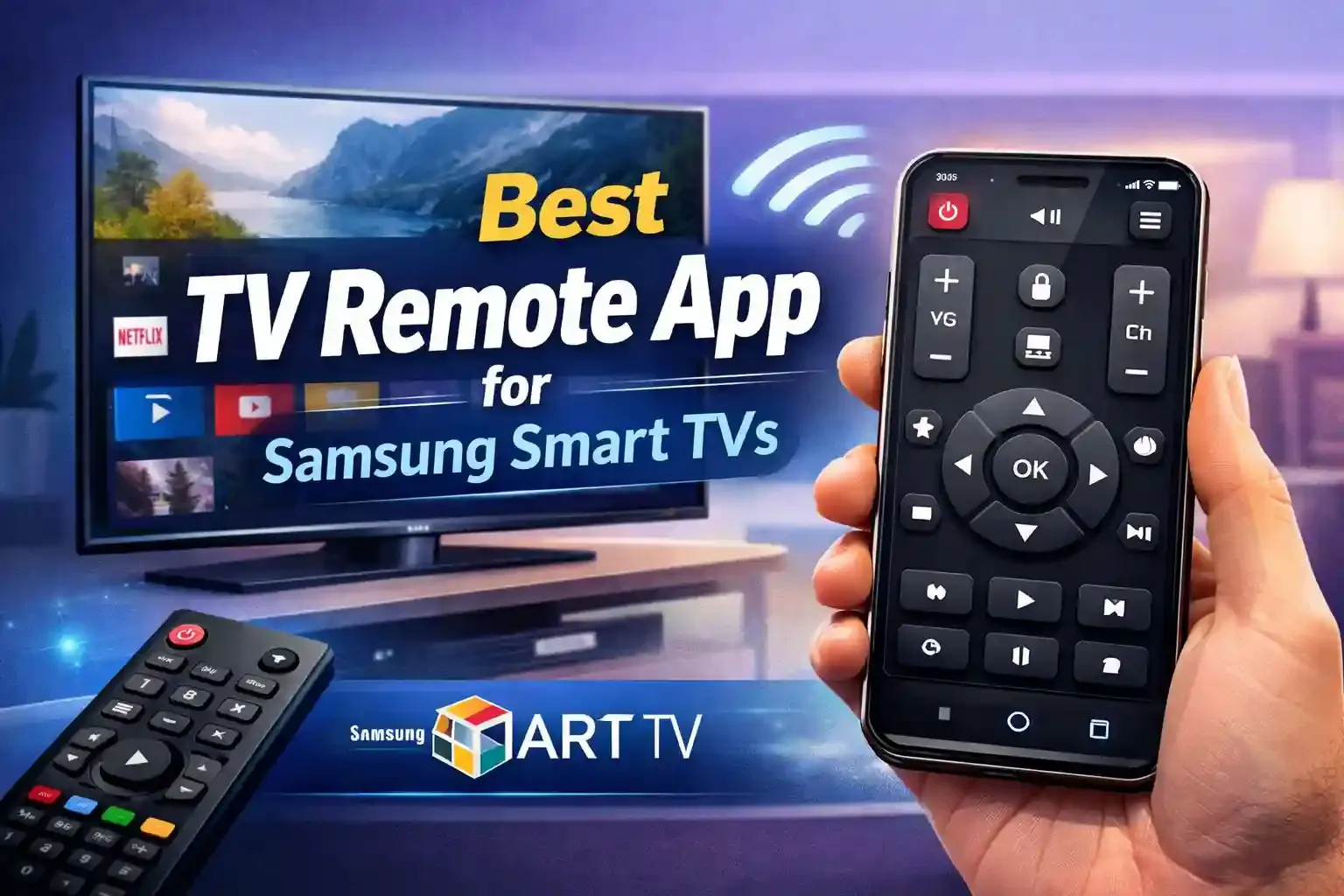
Your phone is a better way to control your Samsung Smart TV. The Universal TV Remote Control app is a free tool. It works with most TV brands. It is the best choice for Samsung users who want a simple, fast experience.
Why use Universal TV Remote App for Samsung Tv's?
Standard remotes are clunky. A digital app gives you more power. Here is why you should switch:
1. Fast Keyboard Typing: Stop clicking individual letters on your screen. Use your phone's keyboard to search for movies on Netflix or YouTube.
2. Touchpad Control: Swipe and scroll with ease. The touchpad mimics a laptop to navigate the Samsung Tizen OS menus.
3. Wi-Fi Connection: This app uses your home network. You do not need a direct line of sight to the TV.
4. App Shortcuts: Open Disney+ or Prime Video with one tap from the mobile interface.
How to connect your phone to your Samsung TV:
Setting up your Samsung remote control takes less than a minute.
- Join Wi-Fi: Connect your phone and TV to the same Wi-Fi network.
- Scan for TV: Open the Universal TV Remote Control app. It will find your Samsung TV automatically.
- Accept Link: Tap your TV name. Enter pairing code and you are all set to use the app.
Universal TV Remote app is built for modern home theaters. It works with all samsung Tv's that includes smart and IR TV. It works for old TVs with Infrared and new Smart TVs with Wi-Fi. It saves your phone's battery while you watch.
The app is free to download on the Google Play Store and apple app store.
Ready to upgrade your remote exprience? Download Universal TV Remote Control now and enjoy the real remote experience on your phone.