



Codematics logoUniversal TV Remote

Language

Universal TV Remote Control by Codematics

The No.1 Universal TV Remote Control - Smart and IR Remotes App in more than 100 countries.

4.5466K ratings

130M+ Users700+ TV BrandsAndroid & iOS
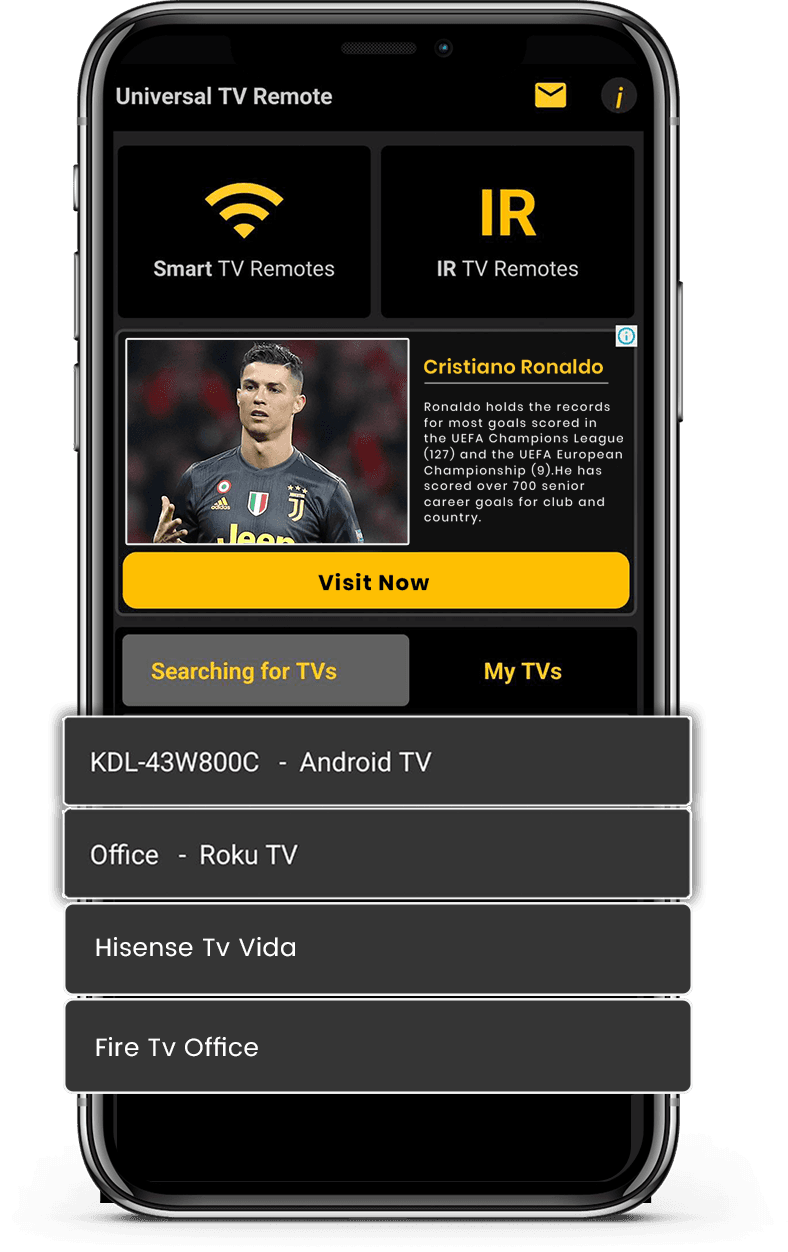
Mobile app mockup
TV Brand

App Features

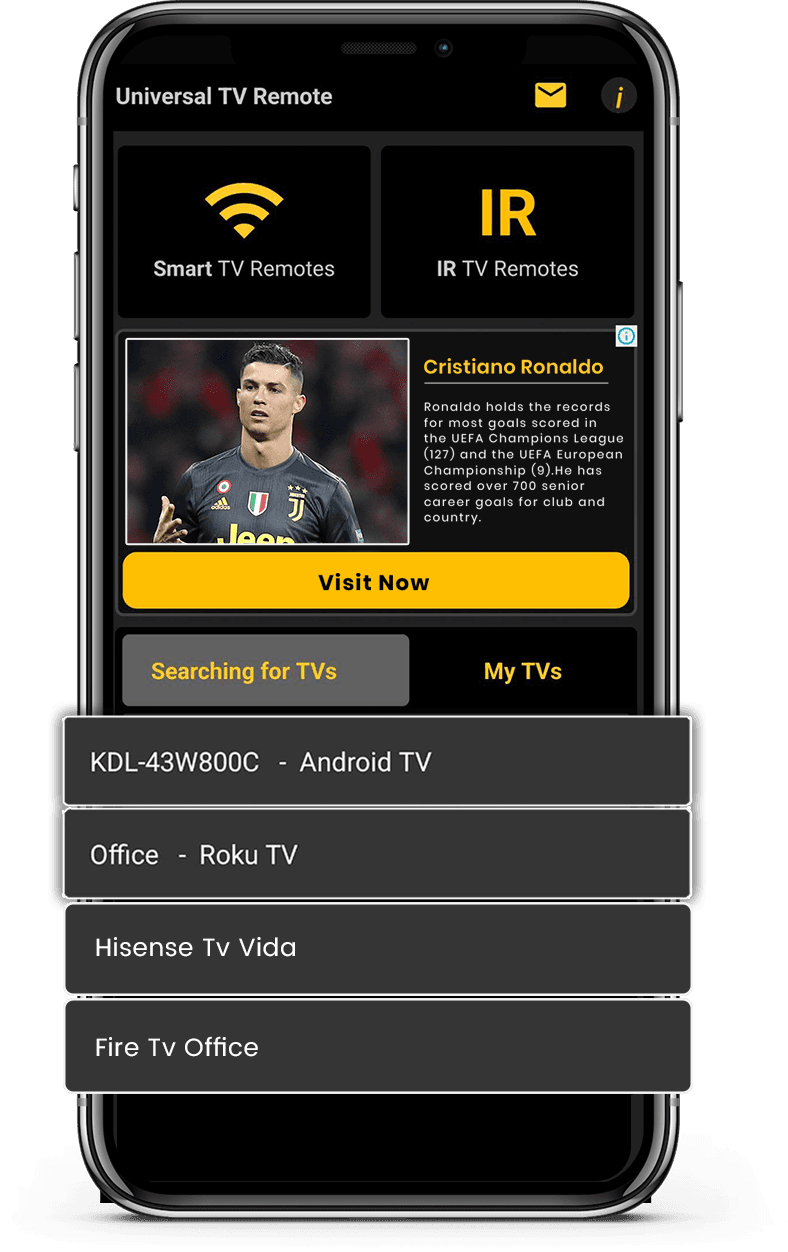
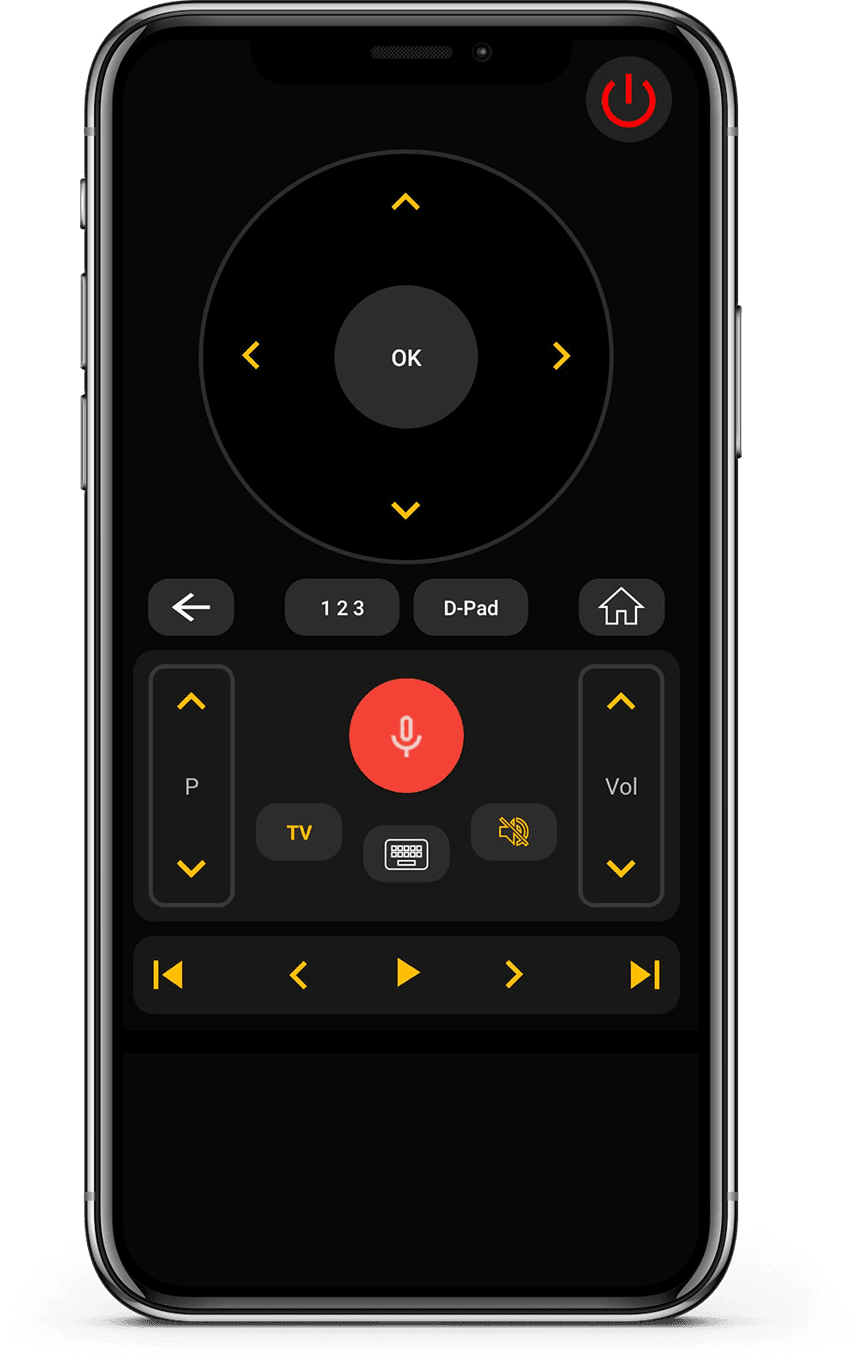
Works with both Smart TVs and IR-enabled televisions for wide compatibility. Connect instantly via WiFi or IR with a simple and quick setup process.

Smart TV & IR Support

Smart TV & IR Support

Works with both Smart TVs and IR-enabled televisions for wide compatibility.

Fast & Easy Connection

Fast & Easy Connection

Connect instantly via WiFi or IR with a simple and quick setup process.

Complete Remote Control

Complete Remote Control

Control volume, channels, apps, navigation, and media playback effortlessly.

Clean & User-Friendly Interface

Clean & User-Friendly Interface

Minimal design that is easy to understand and comfortable to use.

How it works

How does this app work?

  • Connect Device

    Connect your phone and TV to the same Wi-Fi network.

  • Pair & Control

    Open the app, pair your TV, and start controlling instantly.

  • Enjoy Smart Control

    Change channels, adjust volume, and use smart features easily.

Available on Google PlayAvailable on the App Store

Supported TV Brands

Works with 700+ TV brands including Samsung, LG, Sony, Roku, Fire TV, Android TV, and more.
Vizio TV
Amazon Fire TV
Android TV

What users say

Real feedback from people using Universal TV Remote to control Smart TVs and IR devices.

  • “Unlike the other apps tried, it easily found and connected to the TV, and worked.”
    KL
    Kent Lion
  • “Just downloaded this out of boredom. It was super easy to set up and it makes me wonder why all remotes aren't designed like this. I love the interface and I actually use it more than the actual remote the TV came with. I love how it has all my TV apps in one location. I found some apps I had forgotten about. I can't find a negative thing to say. I wonder if there is a way to turn ads off, even if it means paying a small fee. I have a Sony Bravia TV.”
    CR
    Corine Raymond
  • “I usually don't review but I had to for this. This was the only remote app that worked for me because this was the only one that I found that works as an IR remote. This works well for the most part except sometimes it goes ahead two spaces instead of one when I am in the settings. I will probably continue using this in the future.”
    RG
    Ramjot Grewal
  • “This is a really great app, and it barely took me 2 minutes to set my TV up! But some advice I have is: My TV measures volume from 1-100, and because the volume doesn't change when you long press the volume button, it's very tedious when you have to press the volume button over and over. And second: You could add a vibrate feature whenever you press a button. It feels really delicate to use the app otherwise. But overall, it's an awesome app!.”
    YC
    Yashna Chattree
  • “Worked flawlessly as a smart remote with my LG OLED webOS TV. My only complaint is that I can't hold down the volume buttons, but that is minor. Out of all the apps I tested, this was the only one that worked. Not only that, but the ads are out of the way and not obtrusive at all. Well done.”
    NR
    N River
  • “Thank you for this app guys, I'm using the free version and was staggered that your list of tv's included my obscure, old skool artefact! The interface is first class and includes all I need. Wonderful and totally unexpected gem. I'm upgrading to 5 stars now I am familiar with all the options. I can fully recommend this feature for all the frustrated searchers out there, download and good luck! Thanks again, Chris.”
    CG
    Christopher Garner
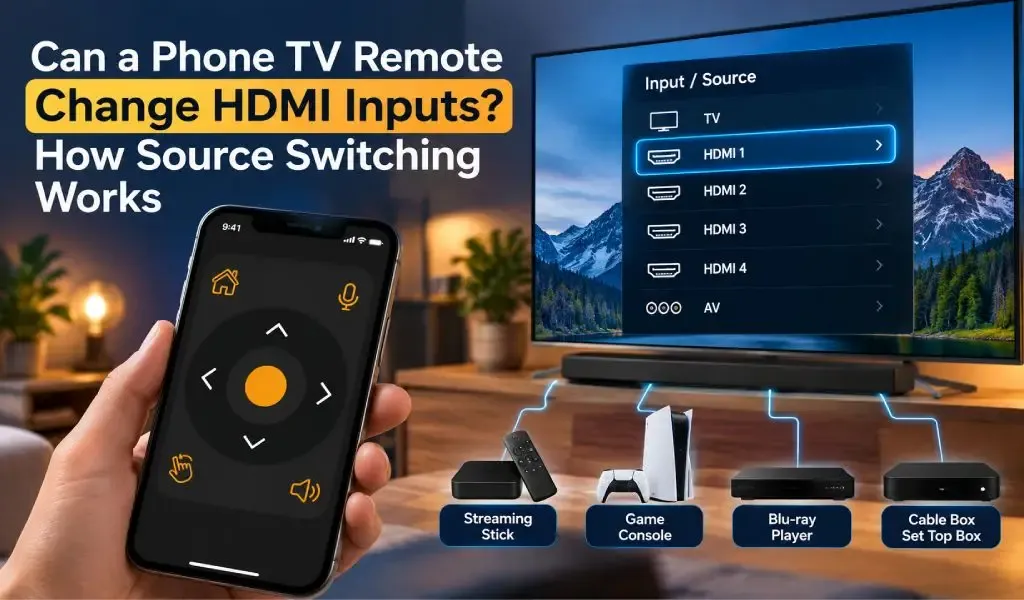
  • “Motel TVs- I like to connect my own device to watch my own recordings. That often requires switching which input on the TV is being used. Quite often the remote control provided by the motel won't allow that to happen. And quite often the commercial TV in a motel has had all of the buttons removed. But if you have your own universal remote you can get around all that. This app worked great at helping me do that. Also helps shut off the closed captioning if it's on.”
    DE
    David Ermoian
  • “Well Have a Bolva tv and there is no code listed for it , nor is it listed in either list. That being said!! You and your team have Nailed this app, easy to sorce it easy to use as well bright very well color coded and a huge list of codes available. If you ever lose your TV control, it's such a good app even if you don't Lose it this is an amazing app, features and design. Ilk even take it a little further what a team if you post an issue a team member quickly responds!! 2 Thumbs Up!!”
    CR
    Chris REDDING
  • “I have used so many remote apps. Yet i couldn't find any better than this. This universal remote has so much options working silk smooth. It has track pad, keyboard, full tv remote accessies,and most of all it allows you to search your TV brand and pair in just a click. I am simply amazed.”
    KZ
    Kamran Zahoor
  • “Simple setup with an incredible number of brands supported, clean interface, unobtrusive ads. Unfortunately, I didn't think to check whether my new phone has IR capability before downloading (my last phone did and this one is supposed to be an upgrade)”
    A
    Ada

Frequently Asked Questions

Quick answers about compatibility, setup, and how the app works.

What is Universal TV Remote Control?
Universal TV Remote Control is a mobile application developed by CodeMatics Services Pvt. Ltd. It is designed to let users control compatible televisions from their smartphones.
Who develops Universal TV Remote Control?
Universal TV Remote Control is developed and maintained by CodeMatics Services Pvt. Ltd. The company develops the app and continues to update it as mobile and television technologies evolve.
Is Universal TV Remote Control available for both Android and iPhone?
Yes. The app is available for Android devices through Google Play and for iPhone and iPad through the Apple App Store.
Where can I download Universal TV Remote Control?
You can download the app from the official Google Play Store for Android devices or the Apple App Store for iPhone and iPad.
Where is Universal TV Remote Control available?
Universal TV Remote Control is available in more than 100 countries. Availability may depend on the app store and platform in your region.
Does Universal TV Remote Control have different versions for different TV brands?
No separate app is required for each supported TV brand. Universal TV Remote Control is designed as a single mobile application that supports compatible televisions from many manufacturers.
Does the app work the same way on every supported TV?
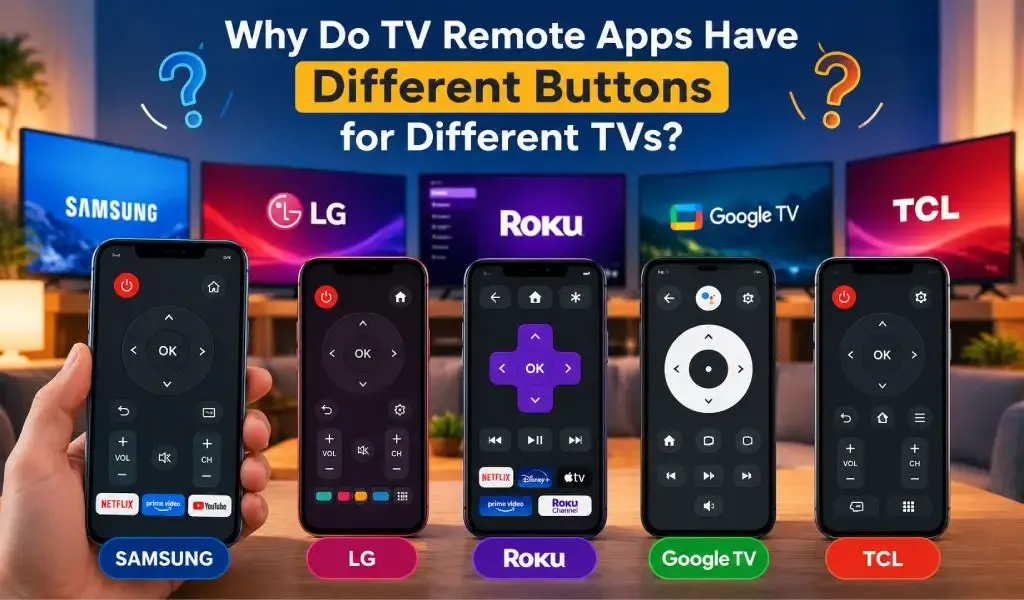
Not necessarily. The available controls and user experience can vary depending on the TV brand, model, operating system, and supported capabilities. This allows the app to accommodate differences between television platforms.
Can Universal TV Remote Control be used on more than one type of TV?
Yes. The app is designed for households and users who may have televisions from different manufacturers. Supported TVs can be set up according to their individual compatibility and connection requirements.
Where can I find help if I have a problem with the app?
You can use the guides and troubleshooting resources available throughout the Universal TV Remote Control website. These resources cover common questions about compatibility, setup, TV discovery, connectivity, and specific TV platforms.

Still have questions? Scroll down to download the app and try it on your TV.

Contact Us

For quick support or valuable suggestions, use the contact form below. Our team will get back to you as soon as possible.

Address

Office # 14, 2nd Floor, KPK IT Park,
Abbottabad, Pakistan

Let's download free from Apple and Play Store

Install the download from Apple and Play Store.
Get it on Google PlayDownload on the App Store
App screenshot preview 2
App screenshot preview 1
Privacy Policy

Copyrights © 2018 - 2026 Universal TV Remote Control. Product by Codematics Services (Private) Limited.