Contrôlez votre
Hisense TV
Les téléviseurs Hisense sont populaires pour leur rapport qualité-prix et leurs fonctionnalités intelligentes, offrant une excellente qualité d'image et des options de streaming intégrées. De nombreux modèles Hisense sont équipés de plateformes intelligentes prenant en charge les applications, le contrôle vocal et la connectivité sans fil.
Contrôlez votre Smart TV en toute simplicité
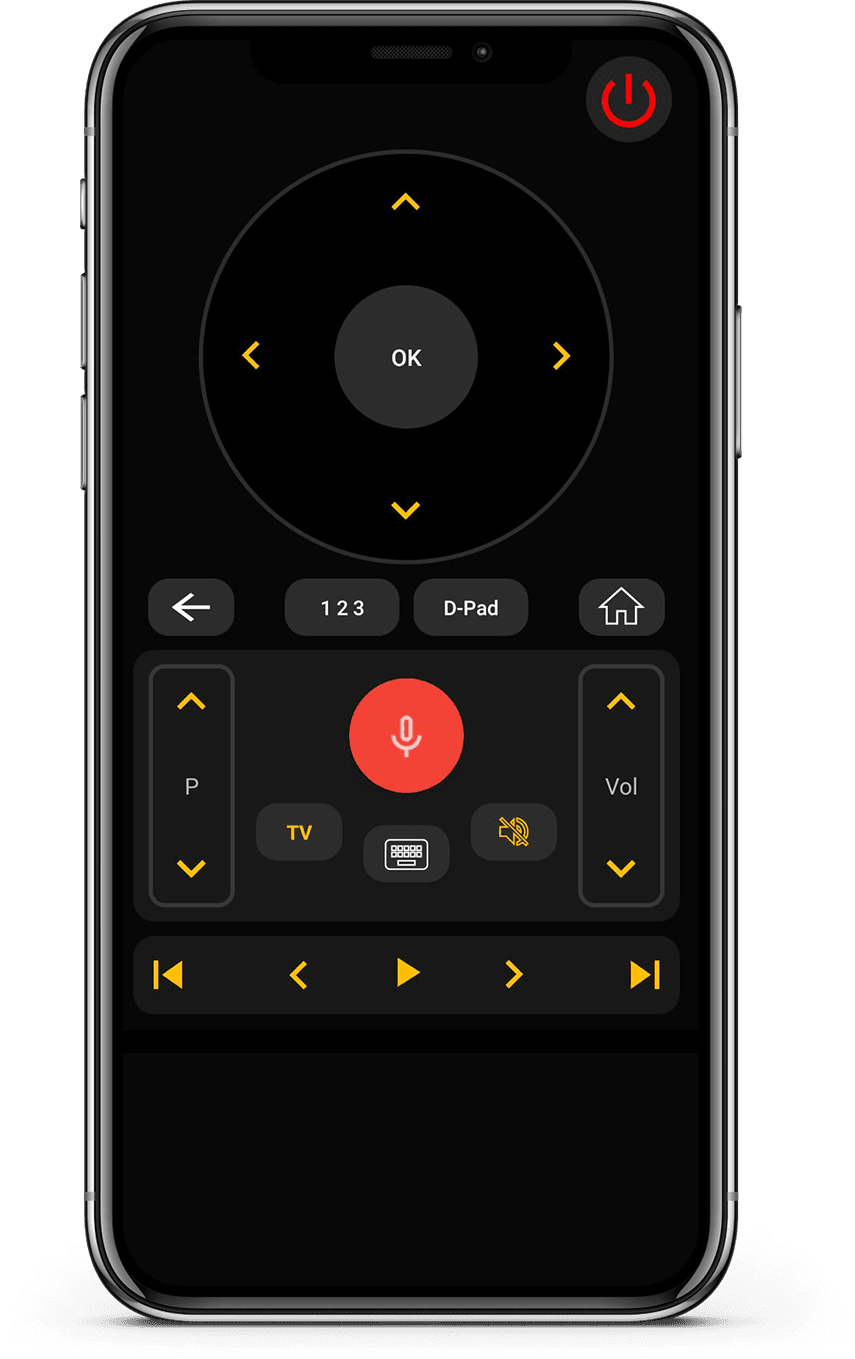
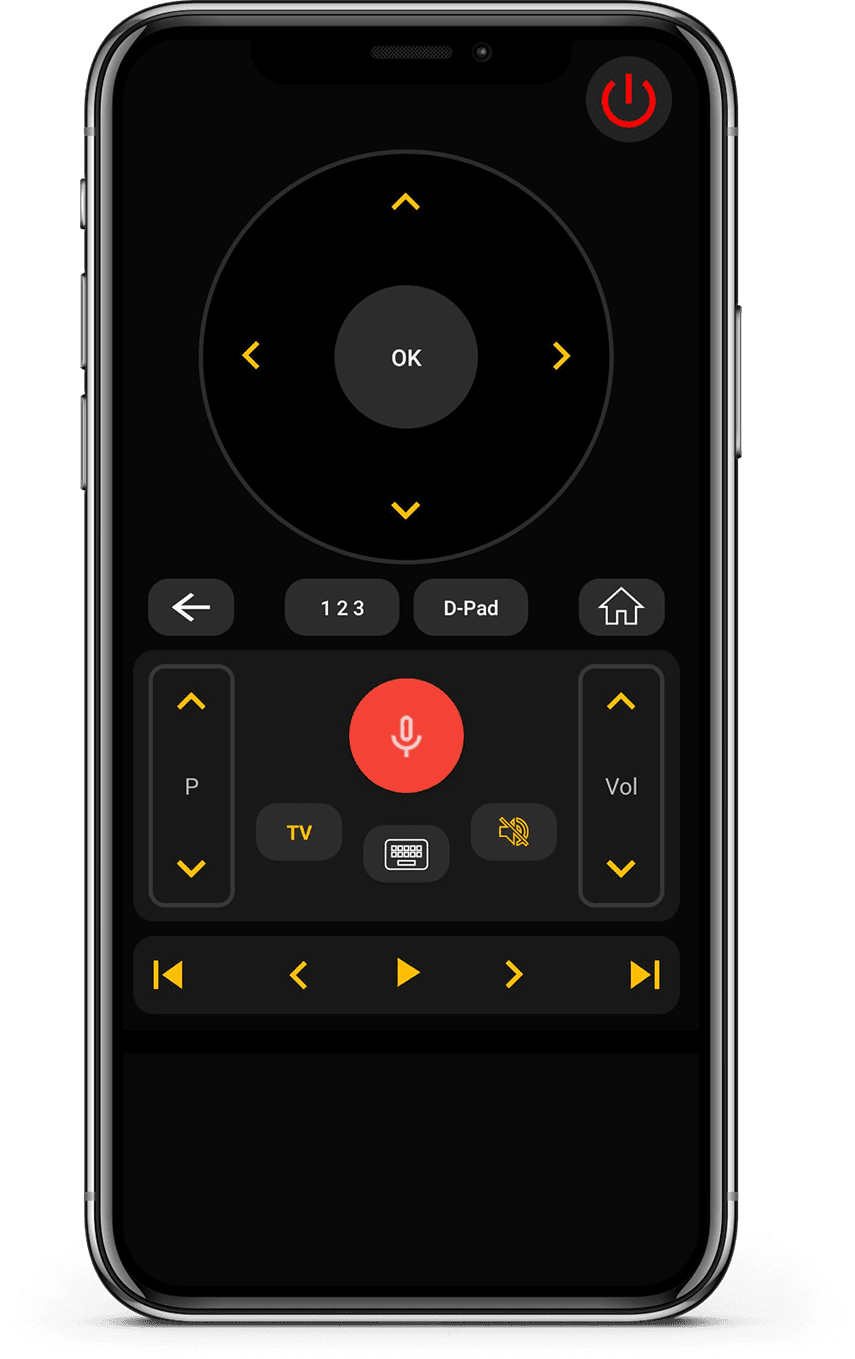
Notre application Universal TV Remote Control est compatible avec les téléviseurs Hisense, offrant une expérience de télécommande fluide et réactive. Vous pouvez contrôler toutes les fonctions essentielles, y compris le volume, les chaînes, la sélection des entrées et la navigation intelligente.
L'application comprend un D-Pad tactile, un clavier facile à utiliser et la prise en charge du contrôle vocal pour une interaction plus rapide. Grâce à la compatibilité WiFi et IR, elle fonctionne avec les modèles Hisense intelligents récents et plus anciens.
Approuvée par plus de 130 millions d'utilisateurs dans le monde, cette application est conçue pour la simplicité et les performances. Si vous possédez un téléviseur Hisense, vous pouvez compter sur cette application pour une configuration rapide et un contrôle fiable.
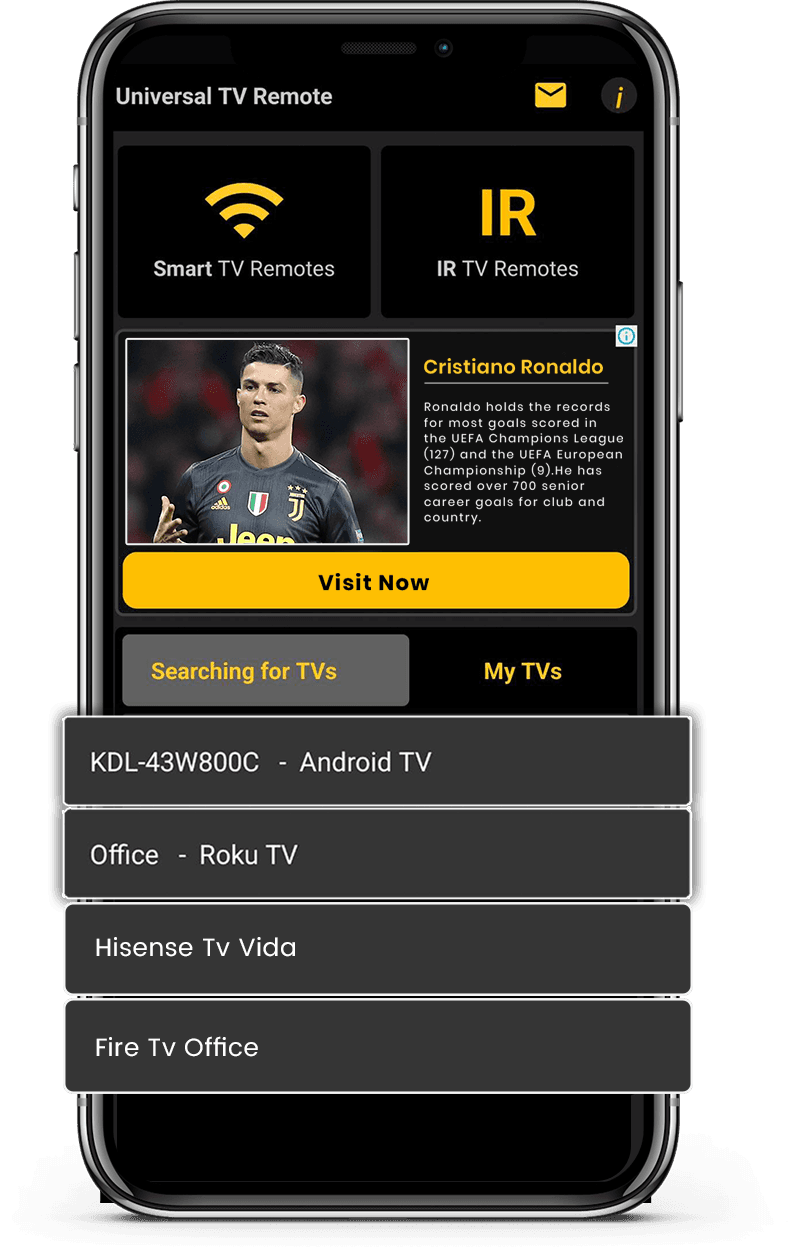
Comment utiliser Universal
Application TV Remote Control
Contrôlez votre Hisense TV en toute simplicité. Configuration rapide et navigation facile en font le compagnon idéal pour votre système de divertissement.
- Connectez votre téléphone et votre TV au même réseau Wi-Fi
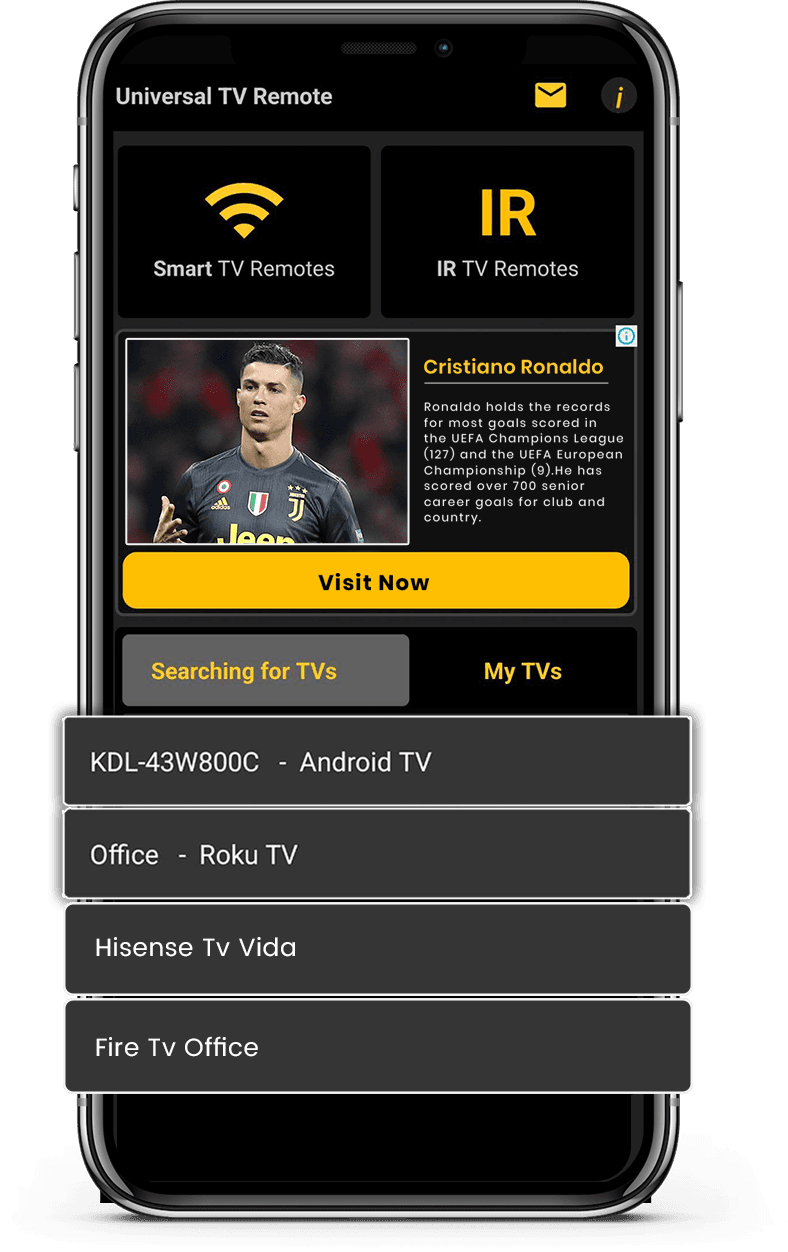
- Sélectionnez Hisense TV dans la liste des appareils disponibles
- Entrez le code PIN affiché sur l'écran de votre TV
- Profitez du contrôle total de votre TV depuis votre smartphone
Téléchargez gratuitement depuis
Apple et Play Store
Installez l'application depuis Apple et Play Store.