Universal TV Remote
Language
Sony TV Remote App for Bravia Smart TVs
Sony's Bravia smart TVs use Google's TV software, so they connect to your phone the same way other Google-powered TVs do. This page walks through the Sony TV remote app setup, plus a couple of Sony-specific settings that can get in the way.

Which software does your Bravia run?
Sony has moved its smart TVs through two generations of Google software:
- Google TV: Sony switched its new Bravia models to Google TV starting with the 2021 range, and current Bravia TVs use it.
- Android TV: earlier Sony smart TVs use the Android TV interface.
Both connect the same way, so you don't need to know the exact model year; the home screen tells you which one you have.
Pairing your phone with a Sony Bravia
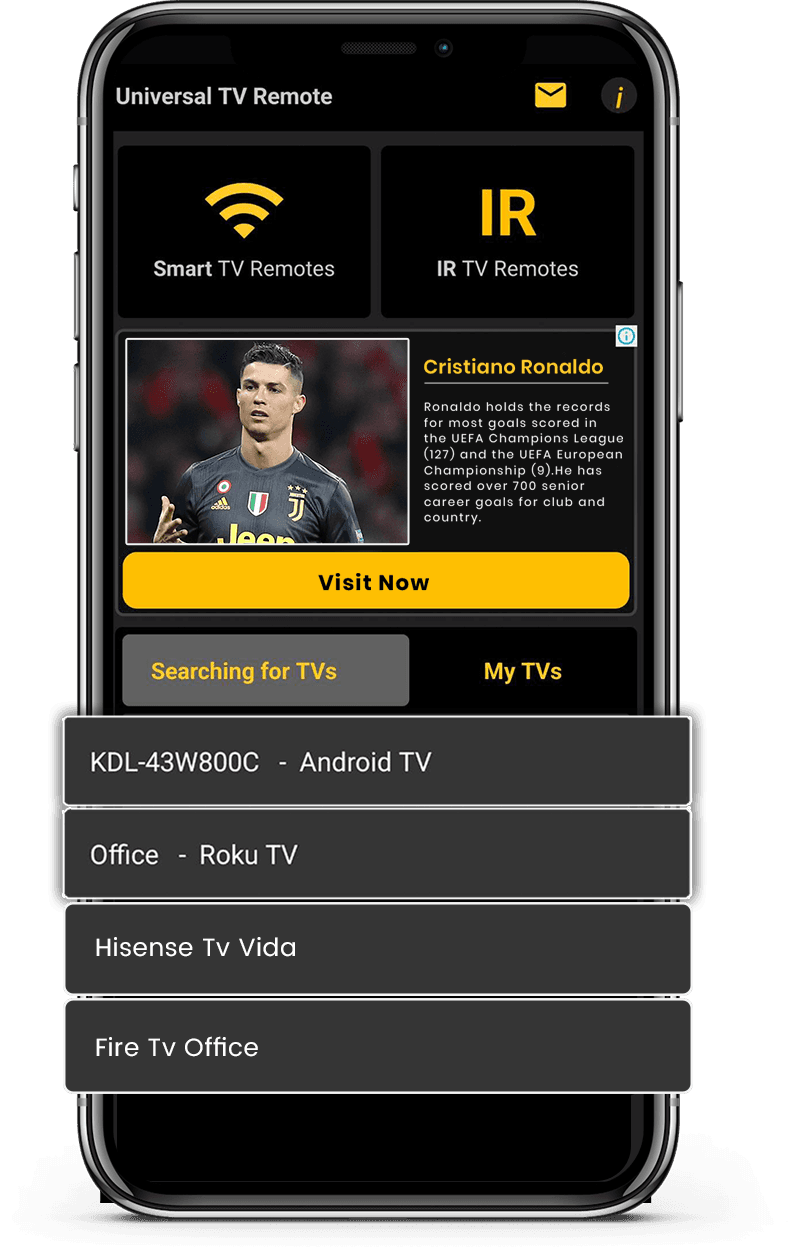
Make sure the TV is on and connected to your home network, and that your phone is on the same Wi-Fi. Then start the app and choose your Bravia from the devices it discovers. A code may appear on the TV; type it on your phone if it does. The Sony Bravia remote app is then ready for everyday use.
Sony settings that can block the connection
Eco and standby settings. Some power-saving options switch off the network when the TV is in standby, so the phone can't find it. If your Bravia disappears from the app whenever it's off, check the TV's power and network standby options.
Network connection. Open the TV's network settings and confirm it shows as connected. A TV that has dropped its Wi-Fi will show up as missing in the app.
Software version. Install updates from the TV's system settings. Updates often fix network and casting issues that also affect remote apps.
Controls you'll use
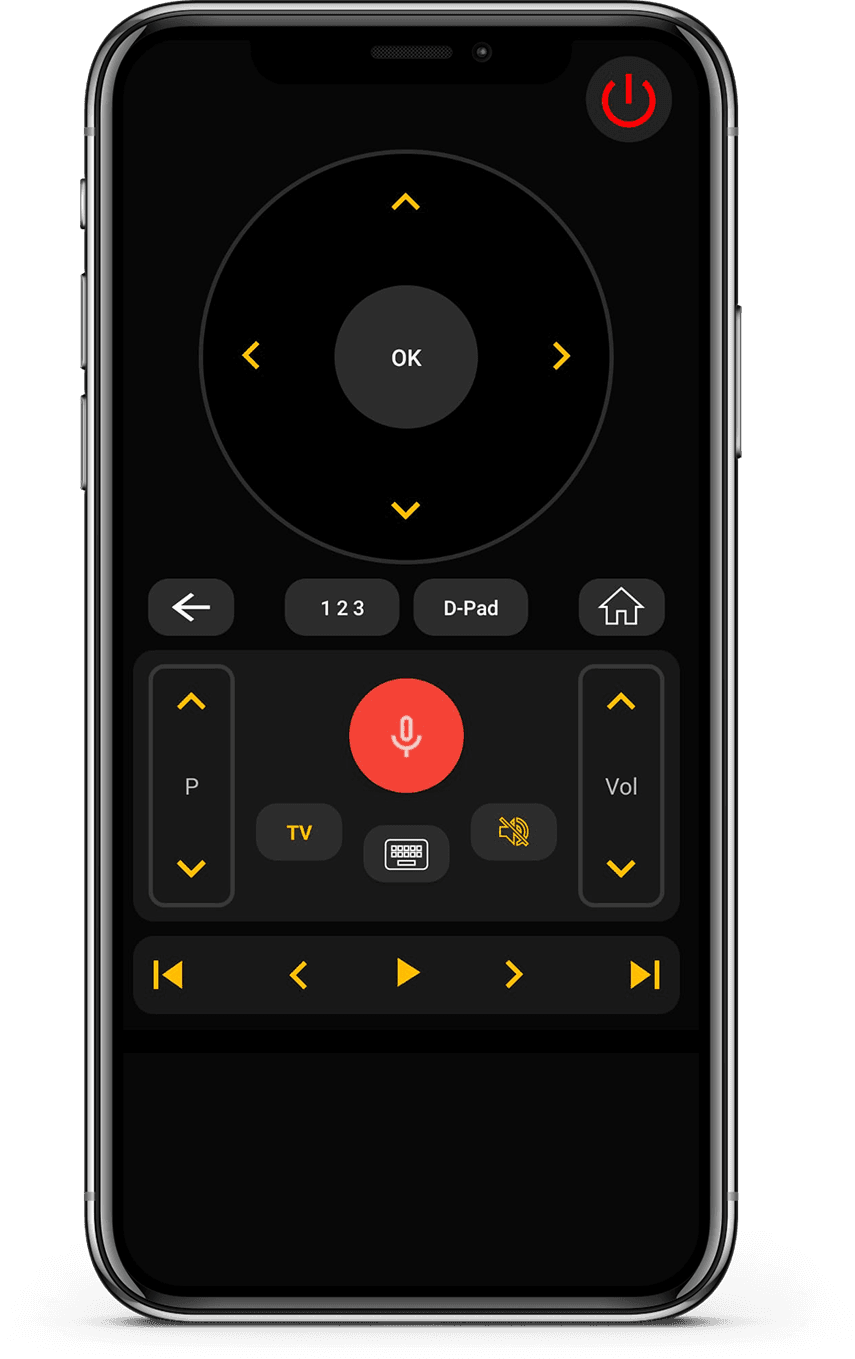
The app gives you directional navigation and OK, Home and Menu, power, volume, mute and channel controls, and playback buttons for apps like YouTube, Netflix and Prime Video. Android users also get voice search and a keyboard for the Google TV search bar.
Older Sony TVs
Sony TVs without smart features can't connect over Wi-Fi. If your Android phone has an IR blaster, IR mode handles the basics such as power, volume and channels. On iPhone, which has no IR hardware, only Sony smart TVs on Wi-Fi can be controlled.
Quick fixes
- 1Turn the TV on fully.
- 2Check the phone and TV are on the same network.
- 3Pause any VPN on the phone.
- 4Restart the TV and router.
- 5If a code expired, select the TV again for a new one.
Frequently Asked Questions
Quick answers about compatibility, setup, and how the app works.
My Bravia says "Google TV". Does that change anything?
Can I control a Sony soundbar with this app?
Will an iPhone work with a Sony Bravia?
Pick up Universal TV Remote Control free and enjoy your Bravia without hunting for the remote.
Let's download free from
Apple and Play Store
Install the download from Apple and Play Store.