Codematics logoUniversal na Remote ng TV

Wika

Kontrolin ang Iyong
Hisense TV

Popular ang Hisense TV dahil sa abot-kayang presyo at matalinong features, na nag-aalok ng mahusay na picture quality at built-in na streaming options. Maraming Hisense model ang may smart platform na sumusuporta sa mga app, voice control, at wireless connectivity.
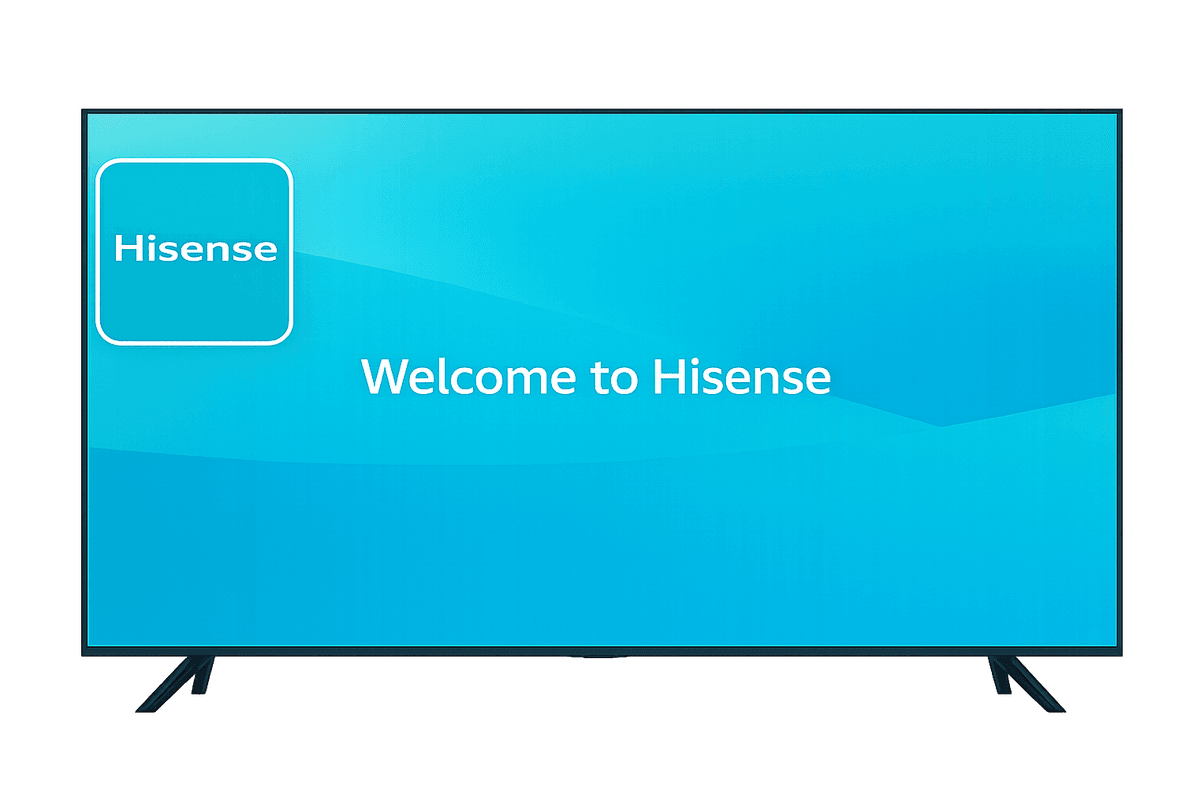
Mobile app mockup

Mga Feature para sa Hisense TV

Maranasan ang seamless na kontrol sa Hisense TV gamit ang aming advanced na features.

Suporta sa Smart TV at IR

Suporta sa Smart TV at IR

Gumagana sa Smart TV at IR-enabled na telebisyon para sa malawak na compatibility.

Mabilis at Madaling Koneksyon

Mabilis at Madaling Koneksyon

Kumonekta agad via WiFi o IR na may simple at mabilis na setup.

Kumpletong Remote Control

Kumpletong Remote Control

Kontrolin ang volume, channel, apps, navigation, at media playback nang madali.

Malinis at User-Friendly na Interface

Malinis at User-Friendly na Interface

Minimal na disenyo na madaling maintindihan at komportableng gamitin.

Paano Gamitin ang Universal

TV Remote Control app

Kontrolin ang Hisense TV nang walang hassle. Mabilis na setup at madaling navigation ang ginagawang perpektong kasama para sa entertainment system mo.

  • Ikonekta ang phone at TV sa parehong Wi-Fi network
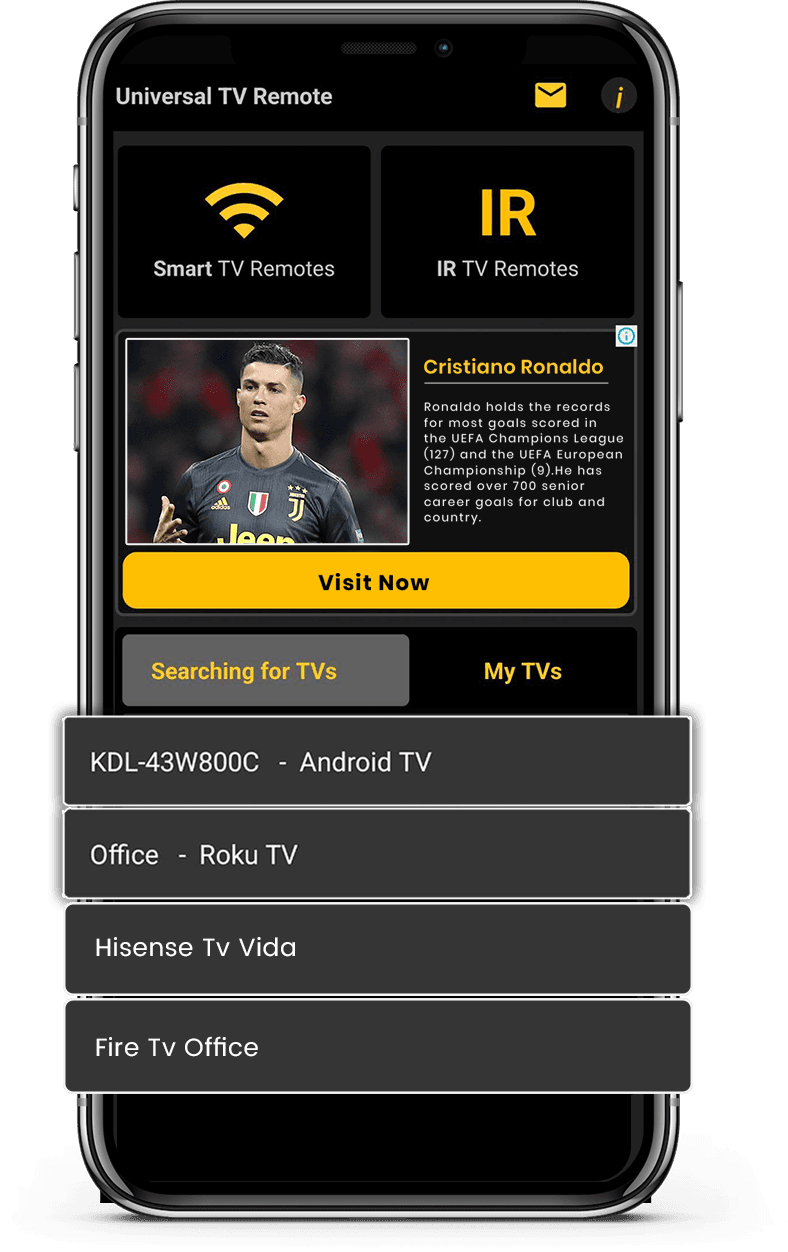
  • Piliin ang Hisense TV mula sa listahan ng available na devices
  • Ilagay ang PIN code na ipinapakita sa TV screen
  • I-enjoy ang buong kontrol ng TV mula sa smartphone mo
Download on the App StoreGet it on Google Play

Kontrolin ang Smart TV Mo nang Madali

Ang aming Universal TV Remote Control app ay compatible sa Hisense TV, na nagbibigay ng maayos at responsive na remote experience. Makokontrol mo ang lahat ng mahalagang function, kasama ang volume, channel, input selection, at smart navigation.

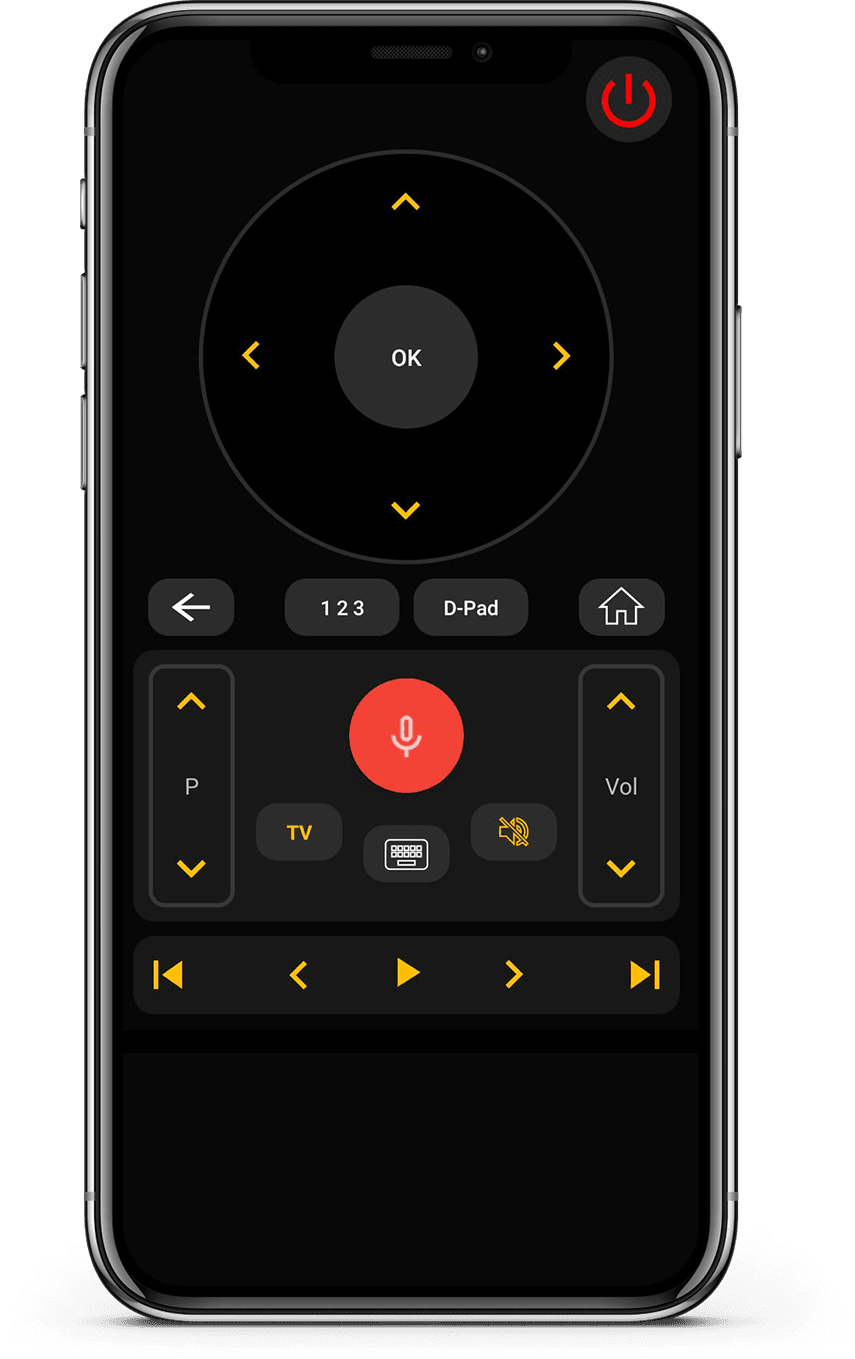
Kasama sa app ang touch-friendly na D-Pad, madaling gamiting keyboard, at suporta sa voice control para sa mas mabilis na interaction. Sa WiFi at IR compatibility, gumagana ito sa parehong mas bagong smart model at mas lumang Hisense TV.

Pinagkakatiwalaan ng mahigit 130 milyong user sa buong mundo, idinisenyo ang app na ito para sa simplicity at performance. Kung mayroon kang Hisense TV, maaasahan mo ang remote app na ito para sa mabilis na setup at consistent na kontrol.
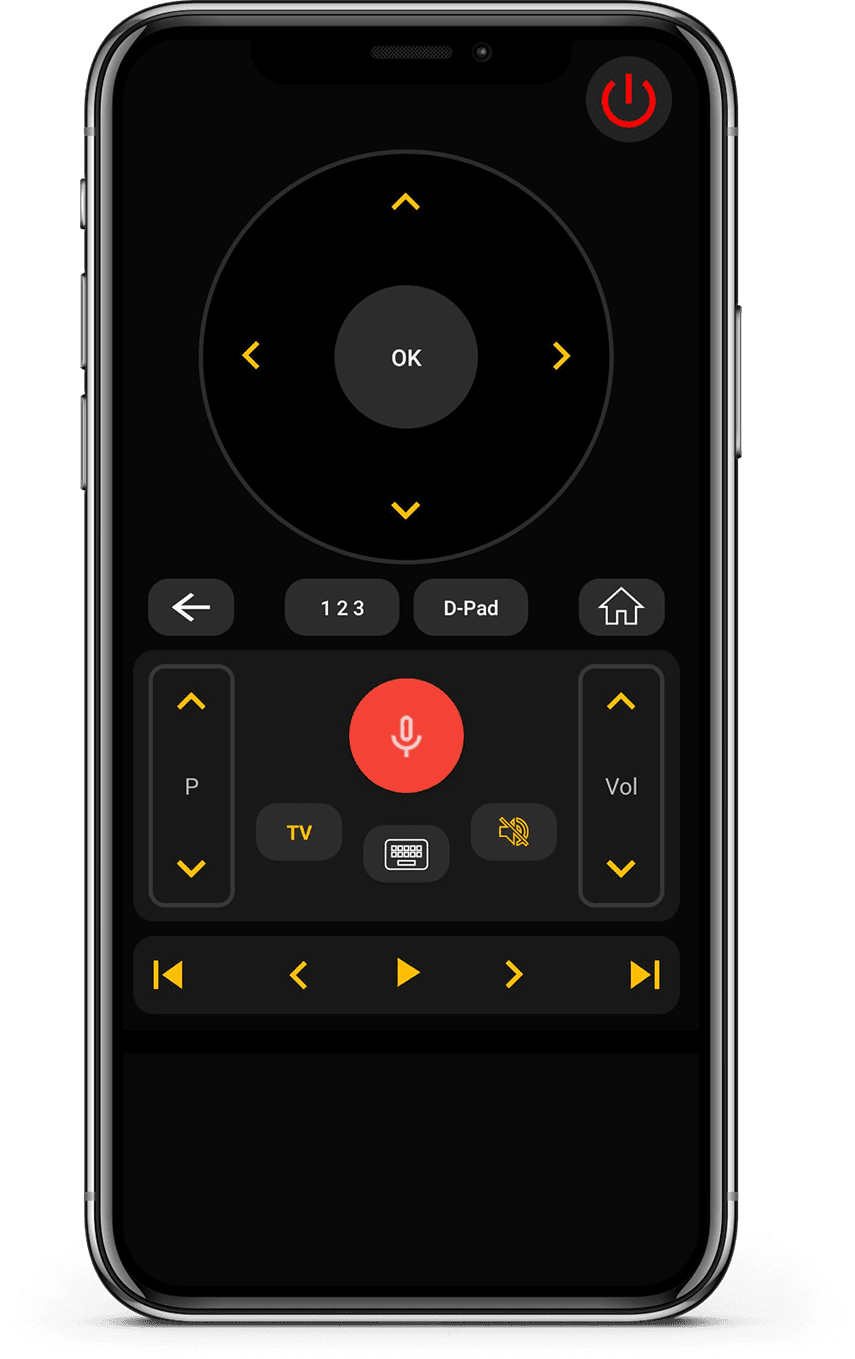
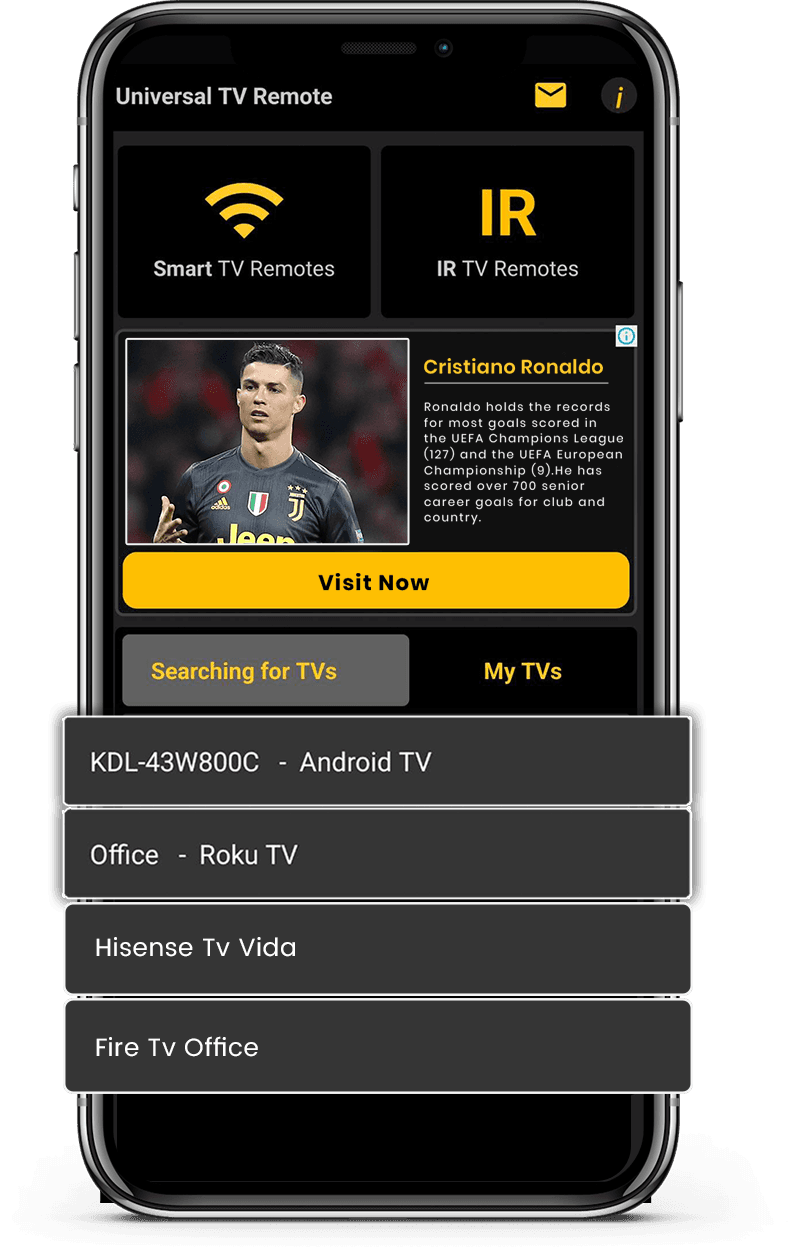
App Interface 1
App Interface 2

Ano ang sabi ng mga user

Tunay na feedback mula sa mga gumagamit ng Universal TV Remote para kontrolin ang Smart TV at IR devices.

Unlike the other apps tried, it easily found and connected to the TV, and worked.

KL
Kent Lion

Just downloaded this out of boredom. It was super easy to set up and it makes me wonder why all remotes aren't designed like this. I love the interface and I actually use it more than the actual remote the TV came with. I love how it has all my TV apps in one location. I found some apps I had forgotten about. I can't find a negative thing to say. I wonder if there is a way to turn ads off, even if it means paying a small fee. I have a Sony Bravia TV.

CR
Corine Raymond

I usually don't review but I had to for this. This was the only remote app that worked for me because this was the only one that I found that works as an IR remote. This works well for the most part except sometimes it goes ahead two spaces instead of one when I am in the settings. I will probably continue using this in the future.

RG
Ramjot Grewal

Mga Madalas Itanong

Mabilis na sagot tungkol sa compatibility, setup, at kung paano gumagana ang app.

Ano ang pinakamahusay na TV remote app?
Ang Universal TV Remote Control ay isa sa pinakamahusay na TV remote app dahil gumagana sa maraming smart TV brand, kumokonekta via Wi-Fi, at nag-aalok ng essential remote features nang libre.
May libreng TV remote app ba?
Oo. Ang Universal TV Remote ay libreng app na nagpapahintulot kontrolin ang TV nang walang bayad o subscription para sa kumpletong remote functions.
Maaari ko bang gamitin ang telepono bilang TV remote?
Oo. Ang Universal TV Remote Control para sa Android at iOS ay ginagawang kumpletong kapalit ng physical remote ang smartphone mo.
Anong mga TV brand ang sinusuportahan ng app na ito?
Sinusuportahan ng Universal TV Remote ang 700+ smart TV, kasama ang Samsung, LG, Android TV, Google TV, Roku, Fire TV, Sony, TCL, JVC, Insignia, Sharp, Panasonic, Hisense, Xiaomi, at marami pa.
Paano kumokonekta ang TV remote app sa TV?
Ikokonekta ng Universal TV Remote ang telepono at TV sa parehong Wi-Fi network at direktang magpapadala ng control commands sa TV.
Maaari bang palitan ng app na ito ang nawawalang TV remote?
Oo. Kung nawala o nasira ang physical remote, kayang palitan ng Universal TV Remote basta pareho ang Wi-Fi network ng TV at telepono.
Gumagana ba ang app sa non-smart infrared TV?
Oo. Gumagana ang Universal TV Remote sa smart at non-smart TV. Para sa non-smart TV, kailangan may built-in infrared sensor ang telepono.
Maaari bang kontrolin ng isang app ang maraming TV?
Oo. Maaaring gamitin ang Universal TV Remote para kontrolin ang maraming compatible TV mula sa isang smartphone.
Available ba ang app sa Android at iOS?
Oo, available ang Universal TV Remote para sa Android at iOS devices.

May tanong pa? Mag-scroll pababa para i-download ang app at subukan sa iyong TV.

Makipag-ugnayan

Para sa mabilis na suporta o mahalagang mungkahi, gamitin ang form sa ibaba. Babalikan ka ng team namin sa lalong madaling panahon.

Address

Office # 14, 2nd Floor, KPK IT Park,
Abbottabad, Pakistan

I-download nang libre mula sa Apple at Play Store

I-install ang app mula sa Apple at Play Store.

Download on the App StoreGet it on Google Play
App screenshot preview 2
App screenshot preview 1

Copyright © 2018 - 2026 Universal TV Remote Control. Produkto ng Codematics Services (Private) Limited.