Universal TV Remote
Language
Control Your
Android TV
Android TVs offer flexibility, powerful performance, and access to a wide range of apps through the Google Play Store. Brands using Android TV provide smooth navigation, voice search, and smart home integration.
Control Your Smart TV with Ease
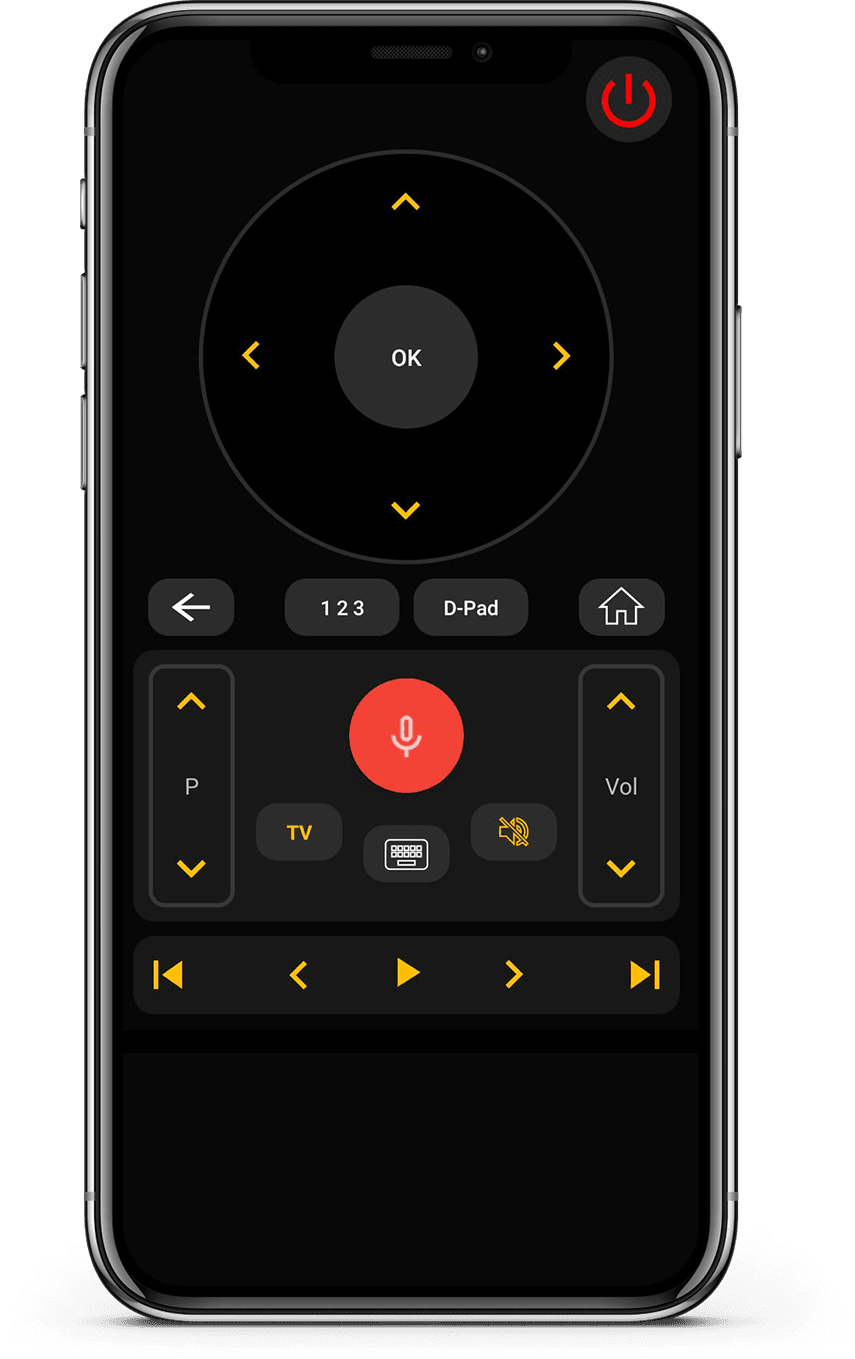
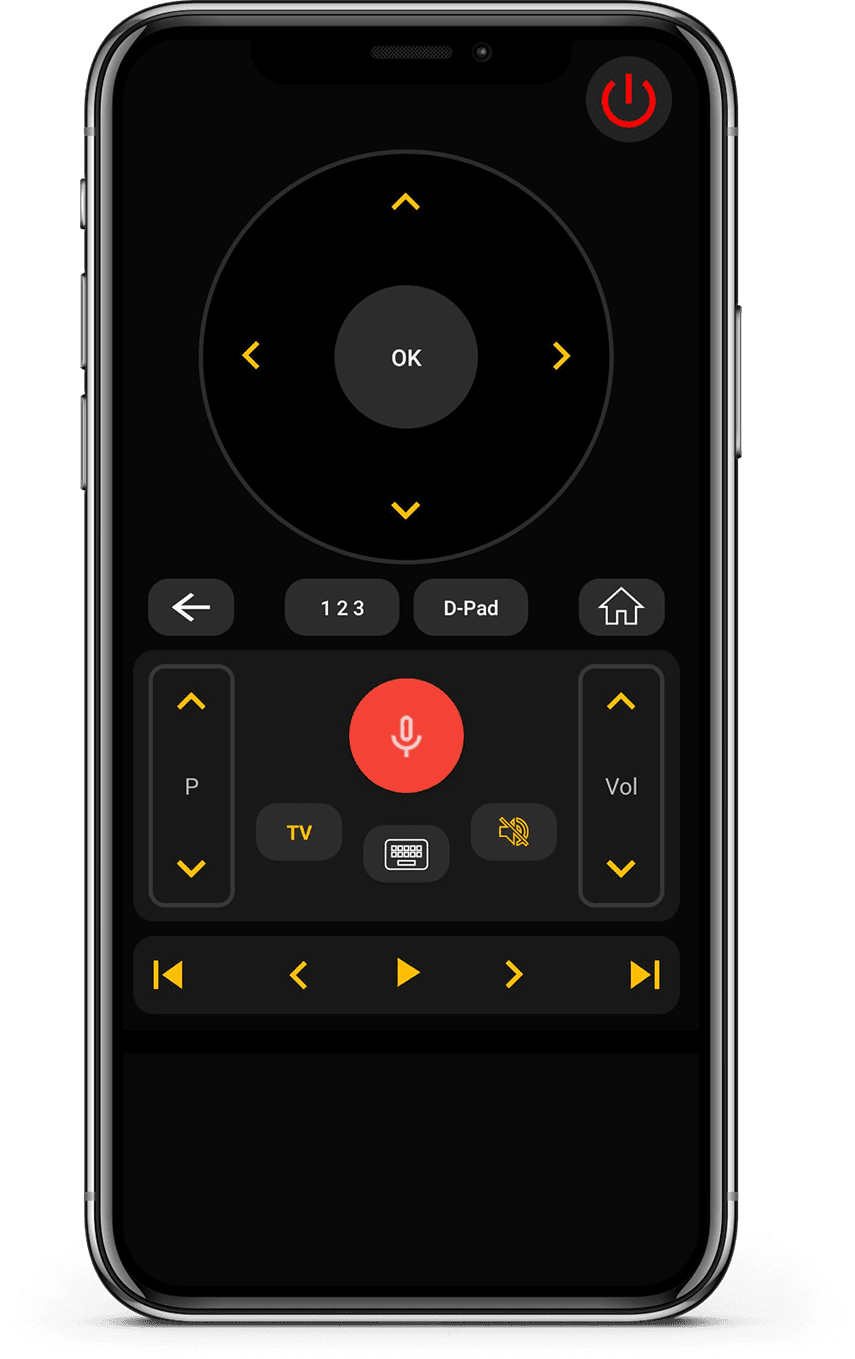
Our Universal TV Remote Control app is fully compatible with Android TV devices, allowing you to control your TV directly from your smartphone. You can switch channels, adjust volume, and navigate apps using an intuitive D-Pad layout.
The built-in keyboard helps you type quickly when searching for content, while voice control adds an extra level of convenience. Whether your TV connects via WiFi or via IR, the app ensures stable, fast connectivity.
With support for more than 700 TV brands and millions of active users, this app is designed to simplify your Android TV experience and eliminate the need for multiple remotes.
How to Use Universal
TV Remote Control app
Control your Android TV seamlessly. Quick setup and easy navigation make this the perfect companion for your entertainment system.
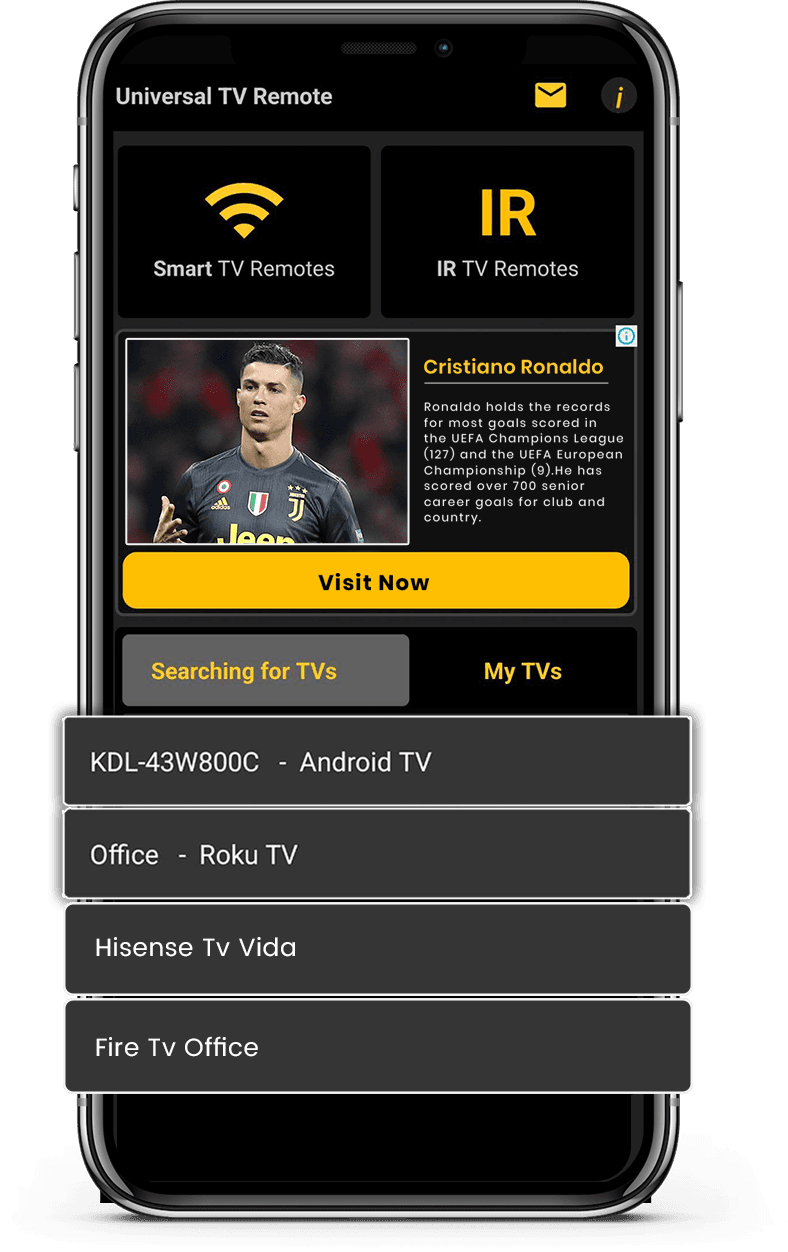
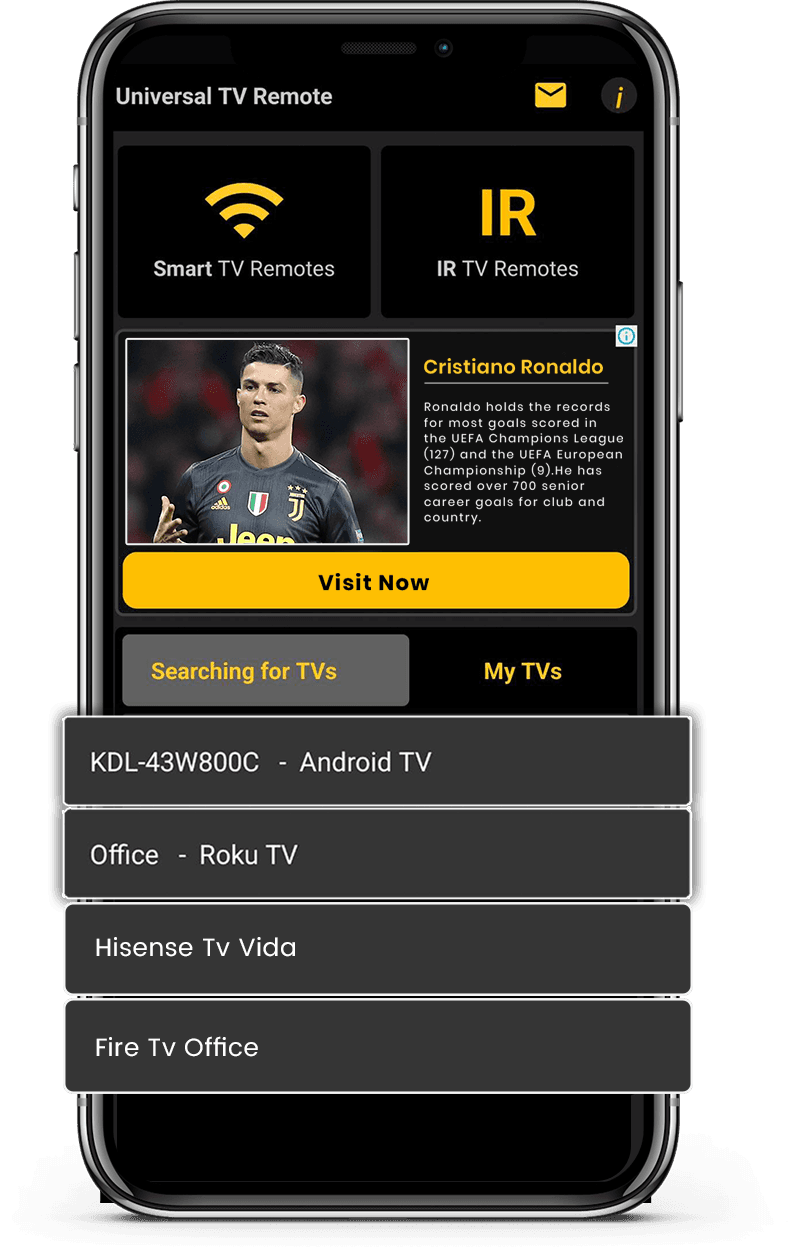
- Connect your phone and TV to the same Wi-Fi network
- Select Android TV from the list of available devices
- Enter the PIN code displayed on your TV screen
- Enjoy full control of your TV from your smartphone
Let's download free from
Apple and Play Store
Install the download from Apple and Play Store.