Universal TV Remote
Language
Onn TV Remote App With Control of Onn Roku, VIZIO and Google TV Devices
Onn is Walmart's budget-friendly home entertainment brand, and its lineup runs on three different platforms. Onn streaming devices, such as the Onn 4K Streaming Box and 4K Pro, run Google TV, which is built on Android TV. Many Onn smart TVs are Roku TVs with the Roku interface built in. Newer models are sold as "Onn powered by VIZIO" and run VIZIO's smart TV software. All three give easy access to popular streaming apps at an affordable price, which is why Onn is so popular with budget-conscious viewers.
Onn Roku TV
How to recognise it: the purple Roku home screen, a remote with Roku-branded buttons, and "Roku TV" on the box.
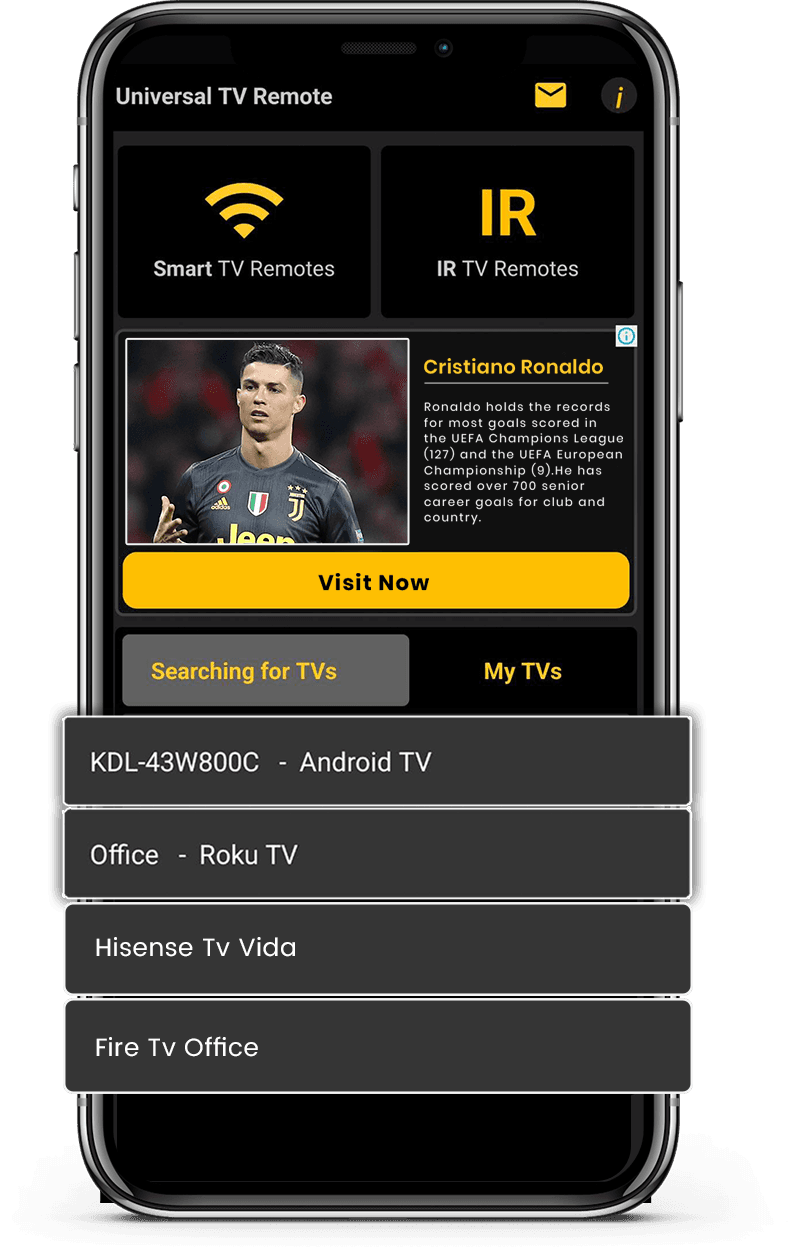
How to connect: connect both the phone and the TV to your home Wi-Fi, then pick the TV from the app's device list. Roku TVs don't ask for a code, so control starts immediately.
If it isn't found: on the TV, go to Settings › System › Advanced system settings › Control by mobile apps and set network access to Default or Permissive. Then search again.
Onn powered by VIZIO
How to recognise it: the model is sold as "onn. Powered by VIZIO", and the home screen uses VIZIO's smart TV interface rather than Roku's. Walmart started selling these after it acquired VIZIO.
How to connect: with both devices on the same network, select your set in the app. VIZIO-based TVs can show a PIN on screen; type it into your phone to finish pairing if one appears.
If it isn't found: power-cycle the TV by unplugging it for a minute, then try again. Make sure the TV's network connection is active in its settings.
Onn Google TV streaming boxes
How to recognise it: a small box such as the Onn 4K Streaming Box or Onn 4K Pro, connected to any TV over HDMI, showing the Google TV "For you" screen.
How to connect: select the box in the app. If Google TV shows a pairing code, enter it on your phone.
If it isn't found: check the box isn't asleep, restart it, and install any pending system update.
What you'll use most
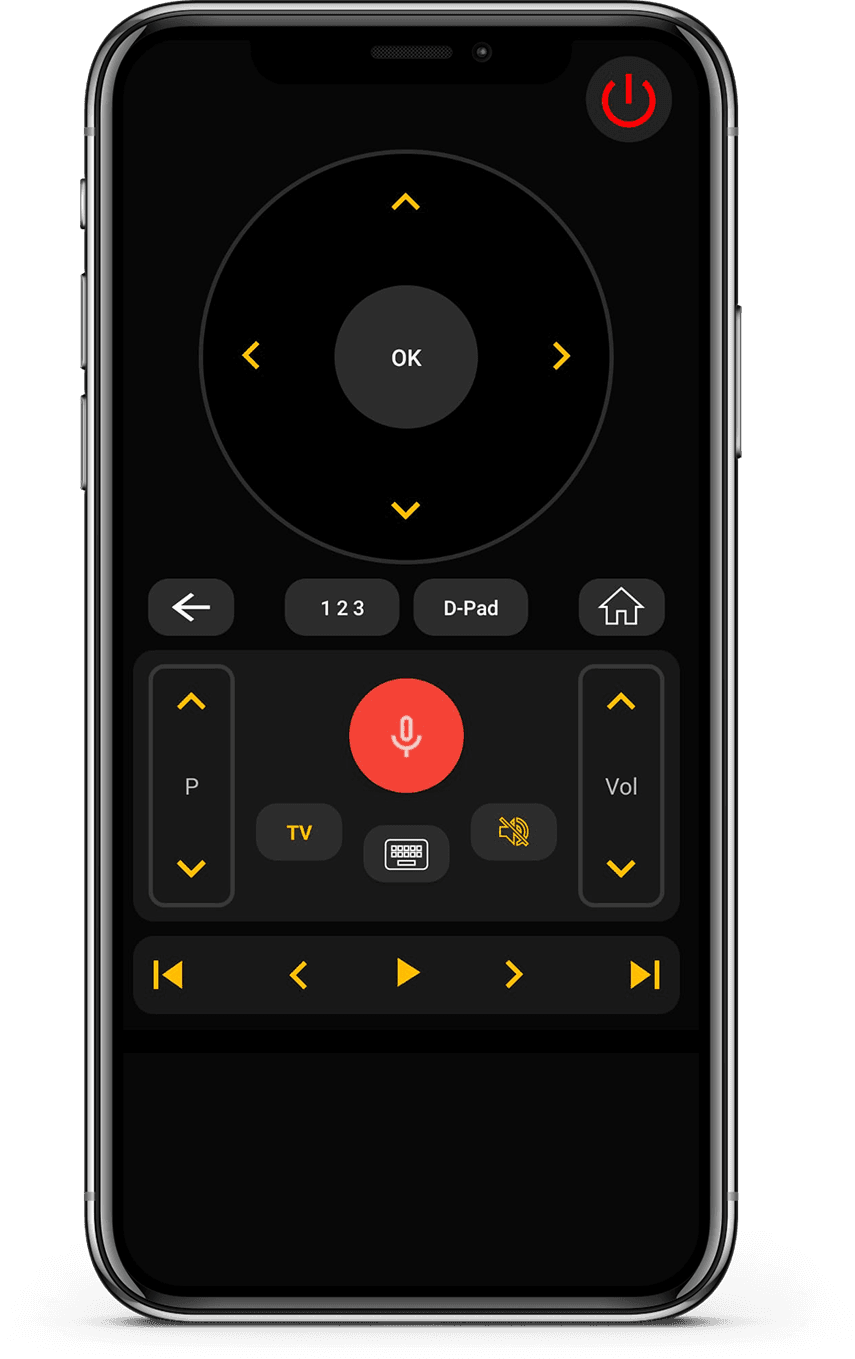
Whichever Onn you own, the Onn TV remote app handles navigation, Home, Menu, power, volume, channels and playback. Android users also get a keyboard, which saves the most time when you're entering a streaming password.
Tips that apply to every Onn
- Phone and Onn device must be on the same Wi-Fi network, not a guest network.
- Turn off VPN apps on the phone while connecting.
- Restarting your router fixes a surprising number of "device not found" problems.
Want a full walkthrough with screenshots? Read our guide How to Use Your Phone as an Onn TV Remote on the blog.
Frequently Asked Questions
Quick answers about compatibility, setup, and how the app works.
Why does my Onn TV look different from my friend's?
Is the Onn streaming box a Roku?
Can I control an Onn TV from an iPhone?
Whichever Onn sits under your TV, the free Universal TV Remote Control app can run it from your phone.
Let's download free from
Apple and Play Store
Install the download from Apple and Play Store.