Universal TV Remote
Language
Control Your
Philips TV
Philips TVs are recognized for their Ambilight technology, immersive viewing, and smart TV capabilities. Many Philips models come with Android TV or Saphi OS, offering access to popular streaming platforms.
Control Your Smart TV with Ease
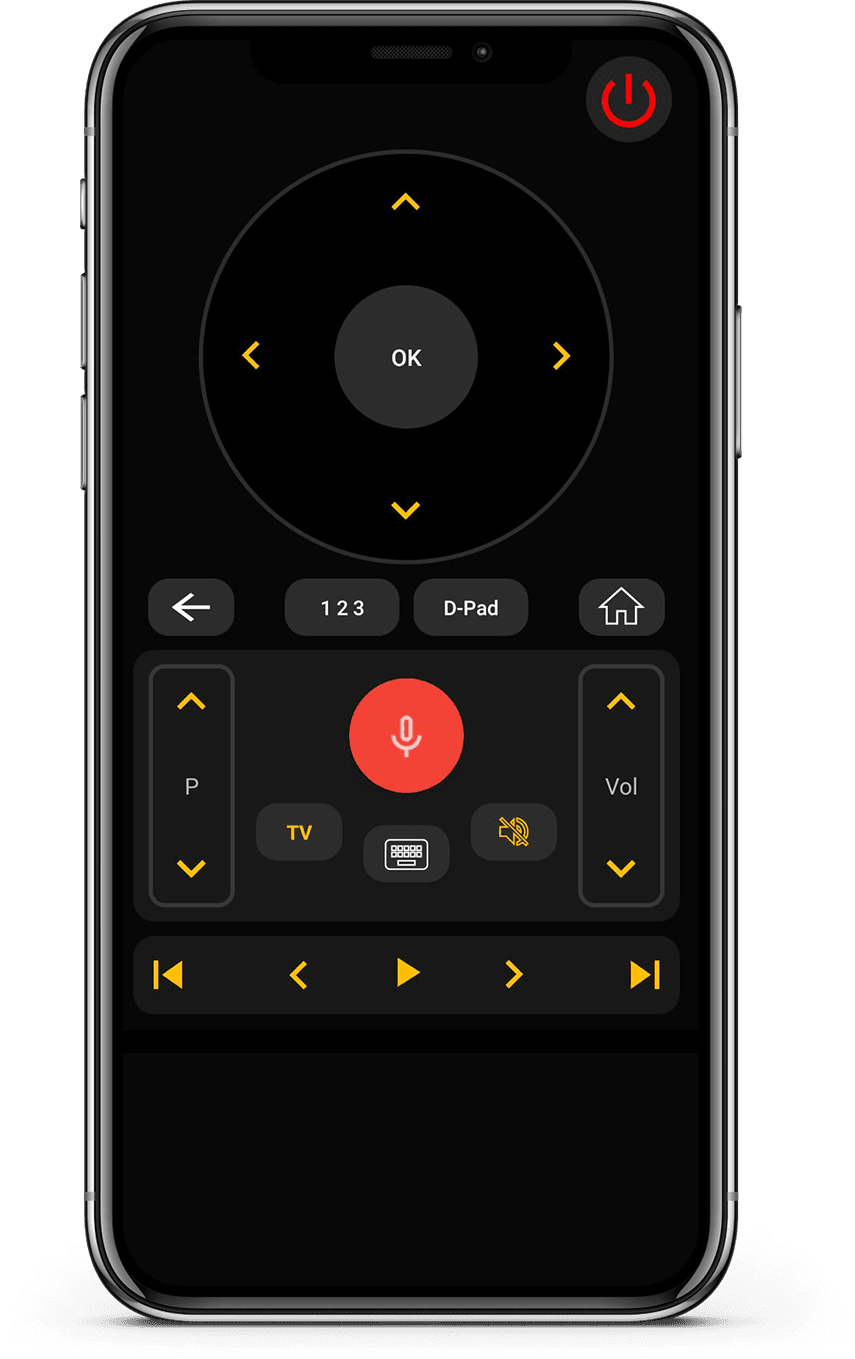
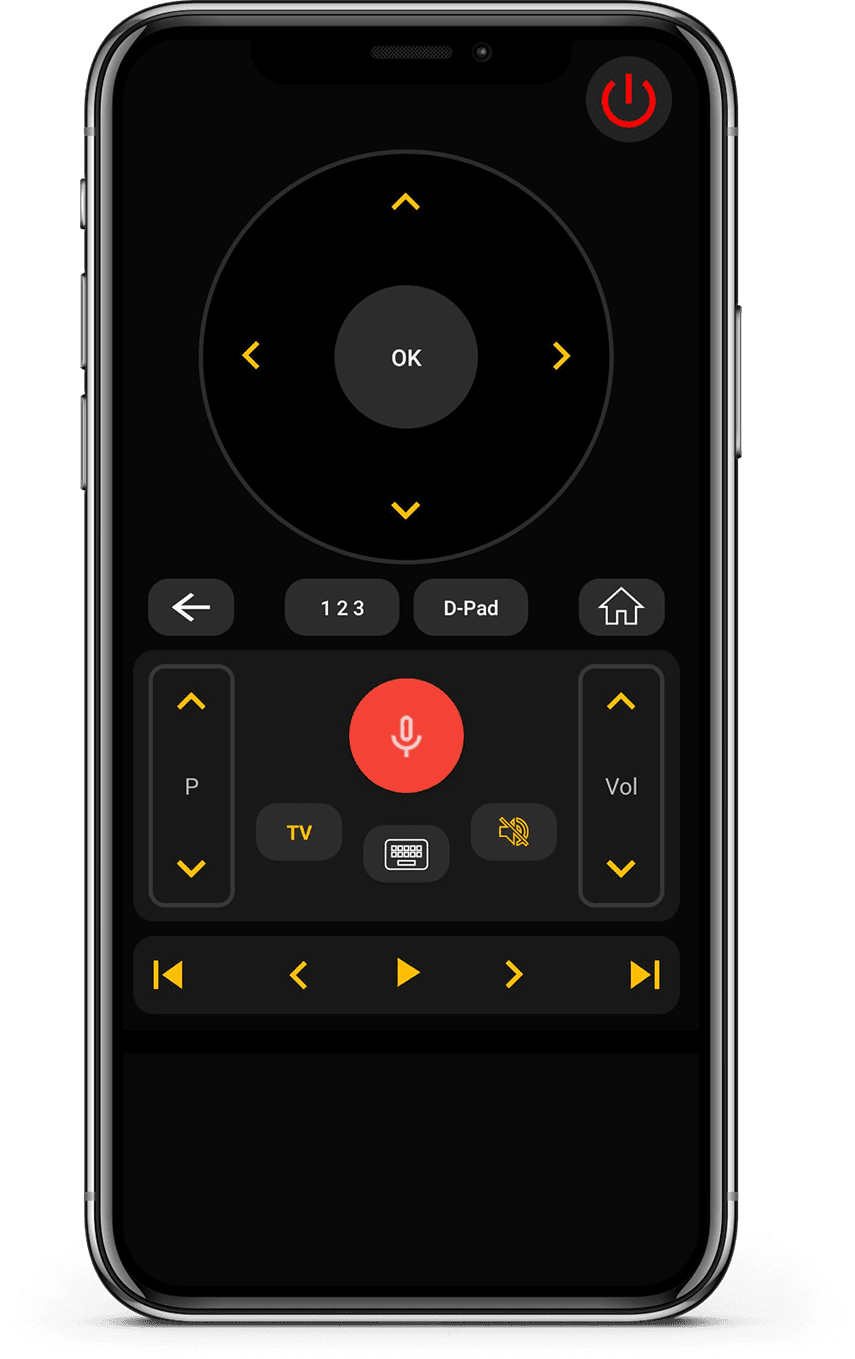
Our Universal TV Remote Control app works efficiently with Philips TVs, giving you full control through your smartphone. You can adjust volume, change channels, and navigate apps with ease.
The app provides a clean D-Pad interface and a keyboard for faster input, which is especially useful when searching for content. Voice control is also supported on compatible models.
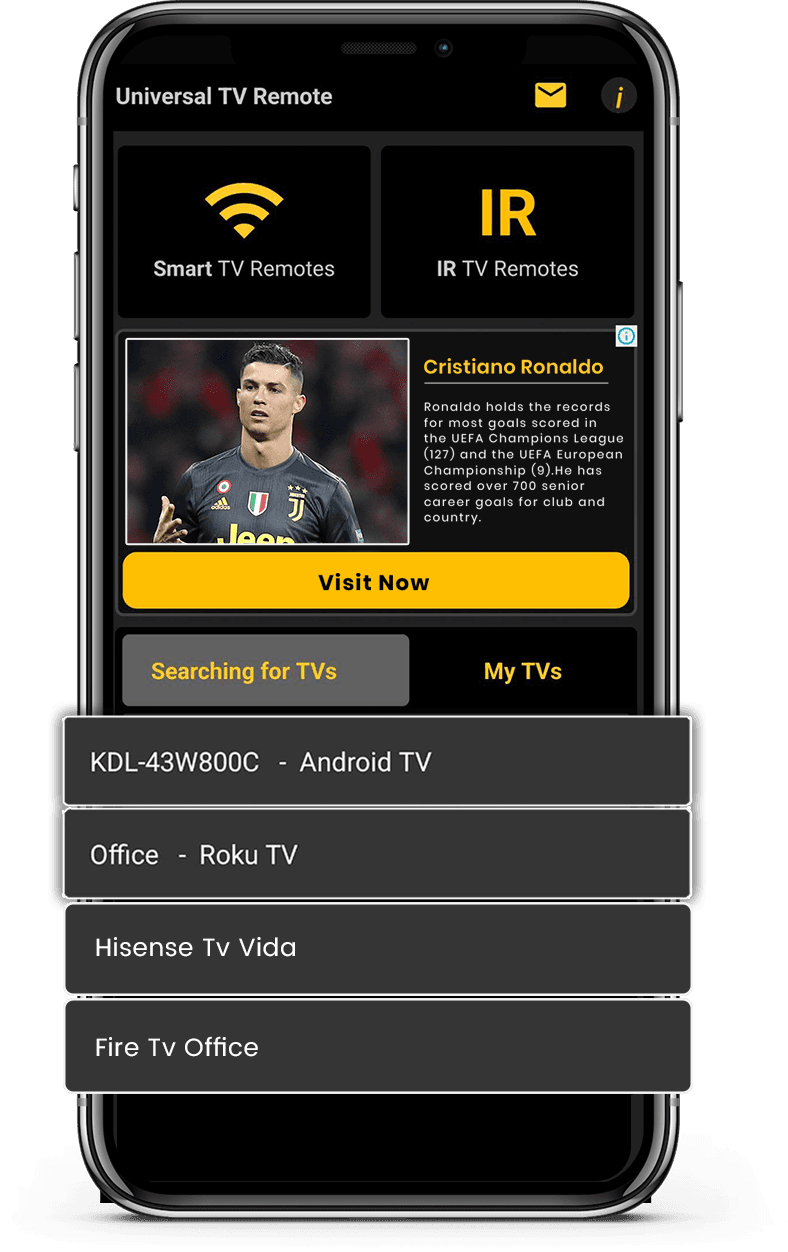
Whether your Philips TV uses WiFi or IR, the app ensures stable connectivity and smooth operation. It is a reliable option for managing your Philips TV without interruptions.
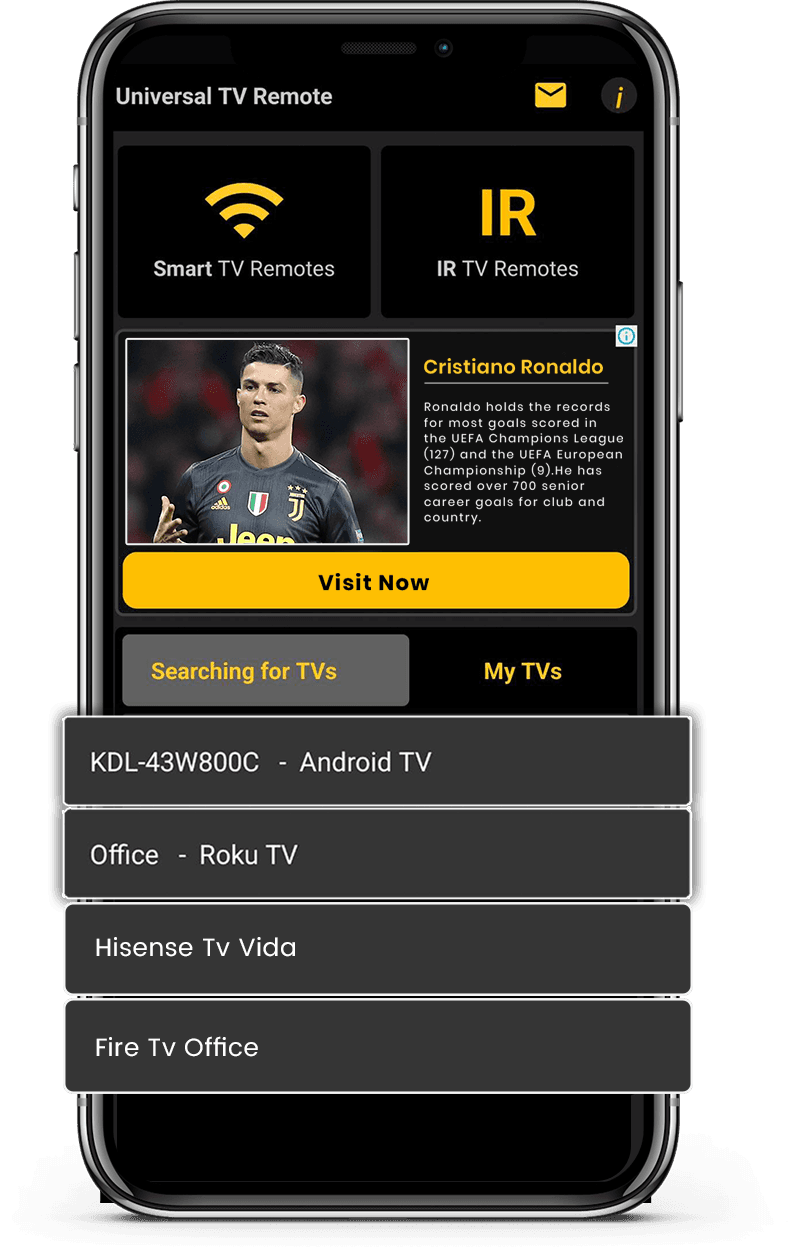
How to Use Universal
TV Remote Control app
Control your Philips TV seamlessly. Quick setup and easy navigation make this the perfect companion for your entertainment system.
- Connect your phone and TV to the same Wi-Fi network
- Select Philips TV from the list of available devices
- Enter the PIN code displayed on your TV screen
- Enjoy full control of your TV from your smartphone
Let's download free from
Apple and Play Store
Install the download from Apple and Play Store.