Universal TV Remote
Language
RCA TV Remote App: Control Your RCA TV Without Remote Codes
If you've ever tried to program a generic universal remote for an RCA TV, you know the routine: look up a list of codes, try them one by one, and hope the power button eventually works. Universal TV Remote Control skips that entirely. You choose RCA in the app, and it handles the connection.
Wi-Fi or IR: which do you need?
RCA has made televisions for a very long time, so RCA TVs in people's homes range from older basic sets to modern smart models. The connection type depends on what you have:
Your RCA is a smart TV (it has apps like Netflix and YouTube built in and connects to Wi-Fi). Most current RCA smart TVs run Roku TV or Android TV / Google TV. The app controls these over your home network, on both iPhone and Android.
Your RCA is a basic TV (no apps, no Wi-Fi). It can only be controlled by infrared. IR mode in the app needs an Android handset fitted with an IR emitter. iPhones don't have IR hardware, so an iPhone can't control a non-smart RCA.
Setting up an RCA smart TV
- Connect the phone to the same Wi-Fi network as the TV.
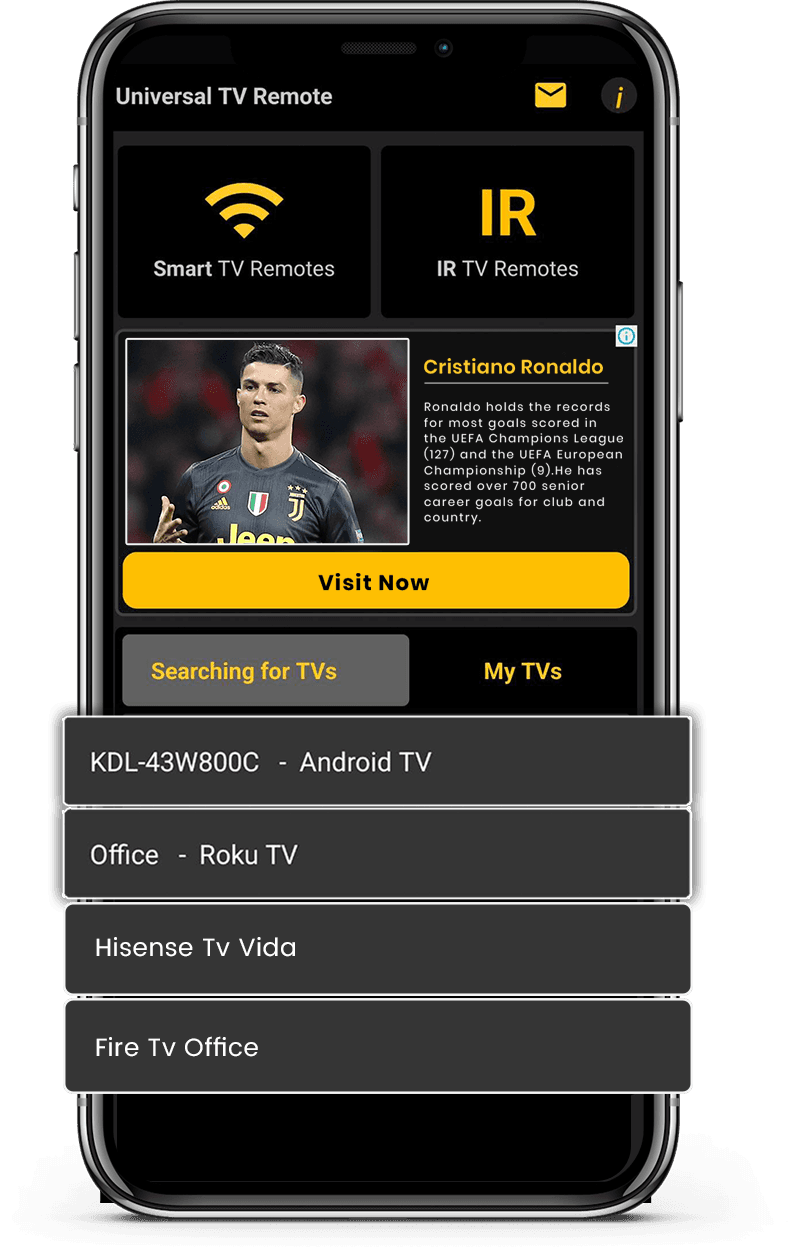
- Open the app and select your RCA from the list.
- RCA Roku TVs connect without a code.
- RCA Android/Google TV models may show a pairing code; if so, type it into the app.
Setting up an older RCA TV with IR
On an Android phone with an IR blaster, use the app's IR remote and choose RCA as the brand. Point the top edge of the phone at the TV, the same way you'd point a normal remote, and press Power to test it. Stay within a few metres and avoid thick cases that cover the IR window.
What the RCA TV remote app gives you
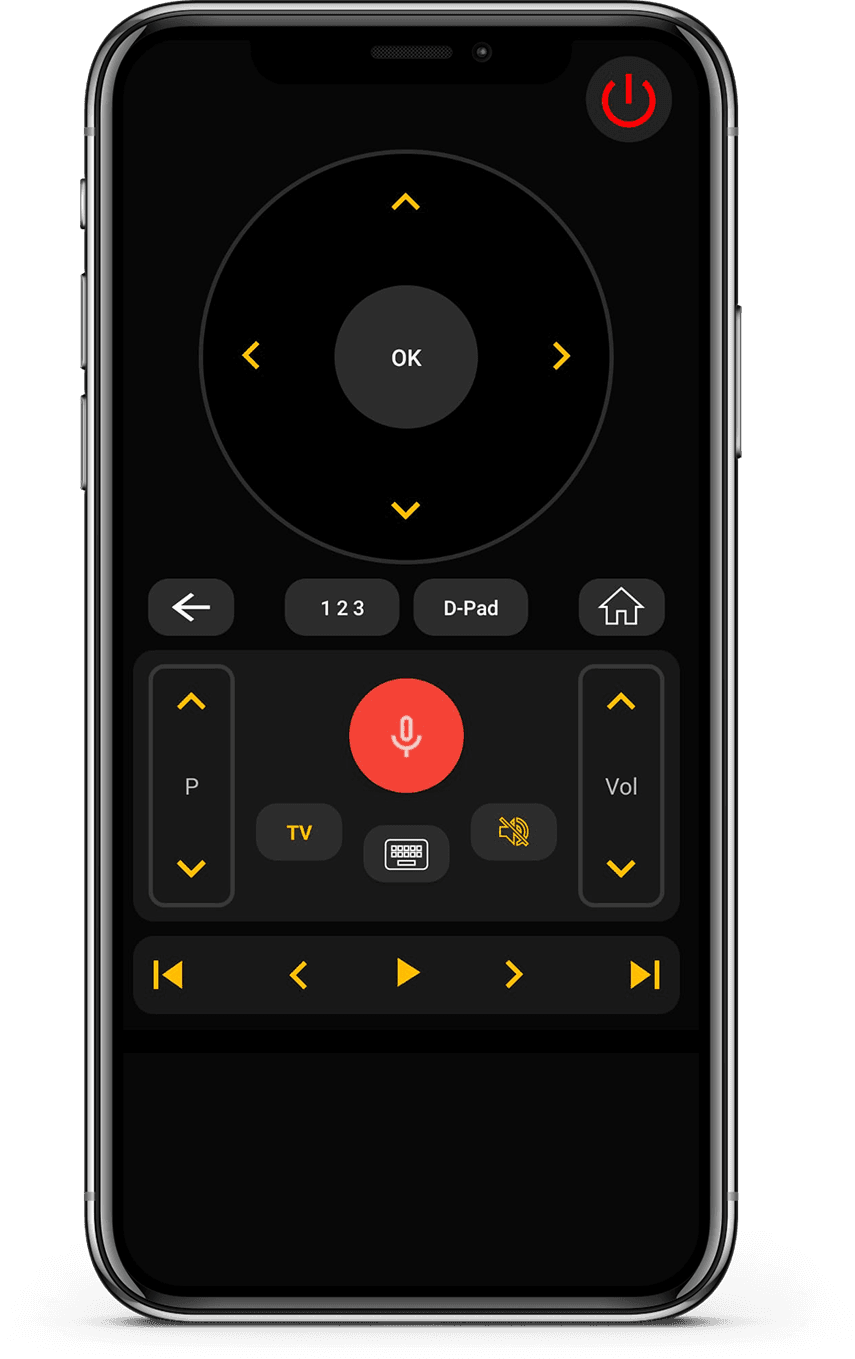
On smart RCA TVs you'll mainly use navigation, Home, power, volume and playback. On IR-controlled sets the app's IR remote offers power, volume and channel buttons, a numeric keypad, and Menu and AV/TV keys. In both cases, it's a quick fix while you decide whether to buy a replacement remote at all.
RCA troubleshooting by situation
Smart RCA not found over Wi-Fi: check that both devices share one network, restart the TV and router, and disable any phone VPN.
RCA Roku TV still not found: enable Roku's "Control by mobile apps" option (the steps are on our Roku TV page).
Older RCA doesn't react in IR mode: confirm your Android phone actually has an IR blaster (not every model does), move closer, and point the phone directly at the TV's sensor.
Frequently Asked Questions
Quick answers about compatibility, setup, and how the app works.
Where do I find RCA remote codes for this app?
My RCA TV says "Roku TV" on the frame. Does that change the setup?
Can I turn my RCA smart TV on from the app?
No codes, no guesswork: try Universal TV Remote Control free on your RCA TV today.
Let's download free from
Apple and Play Store
Install the download from Apple and Play Store.