Control Your
Roku TV

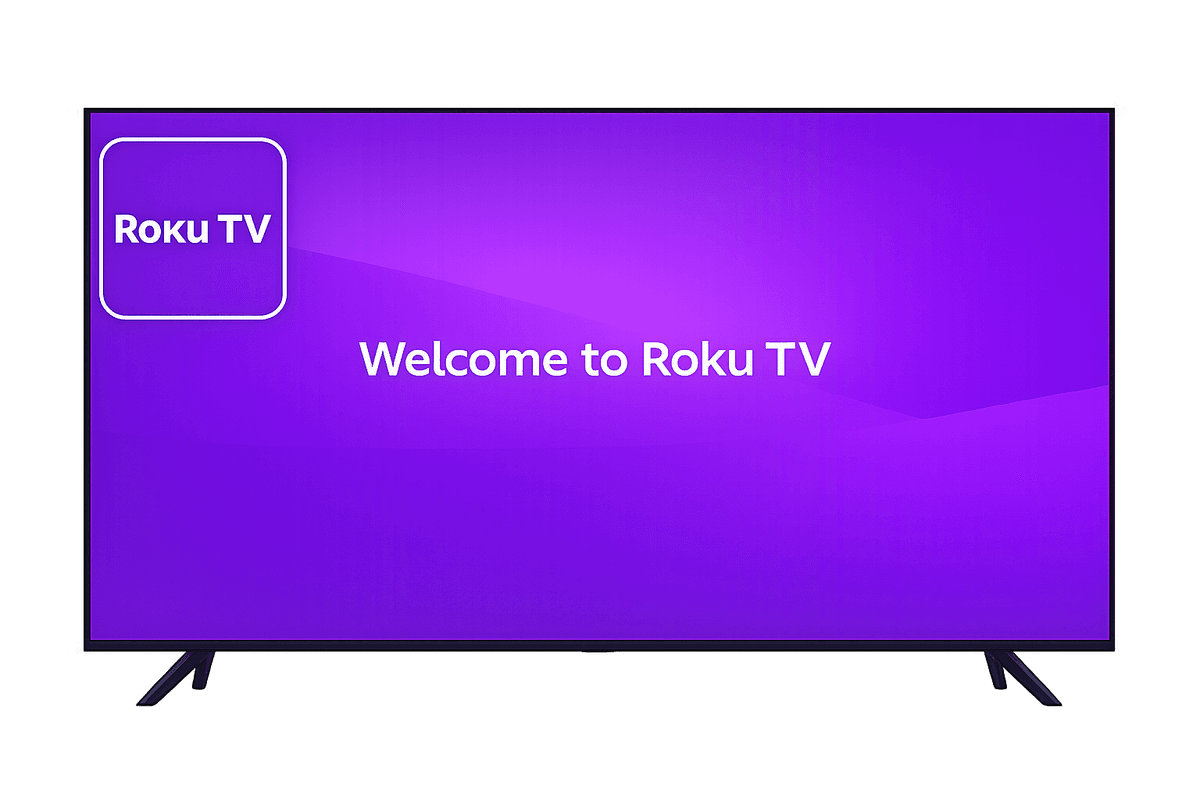
Roku TVs are popular for their simple interface and strong streaming ecosystem. With access to thousands of channels and apps, Roku makes content discovery easy and fast.
Mobile app mockup

Features for Roku TV

Experience seamless control for your Roku TV with our advanced features.

Smart TV and IR support

Smart TV & IR Support

Works with both Smart TVs and IR-enabled televisions for wide compatibility.

Fast and easy connection

Fast & Easy Connection

Connect instantly via WiFi or IR with a simple and quick setup process.

Complete remote control

Complete Remote Control

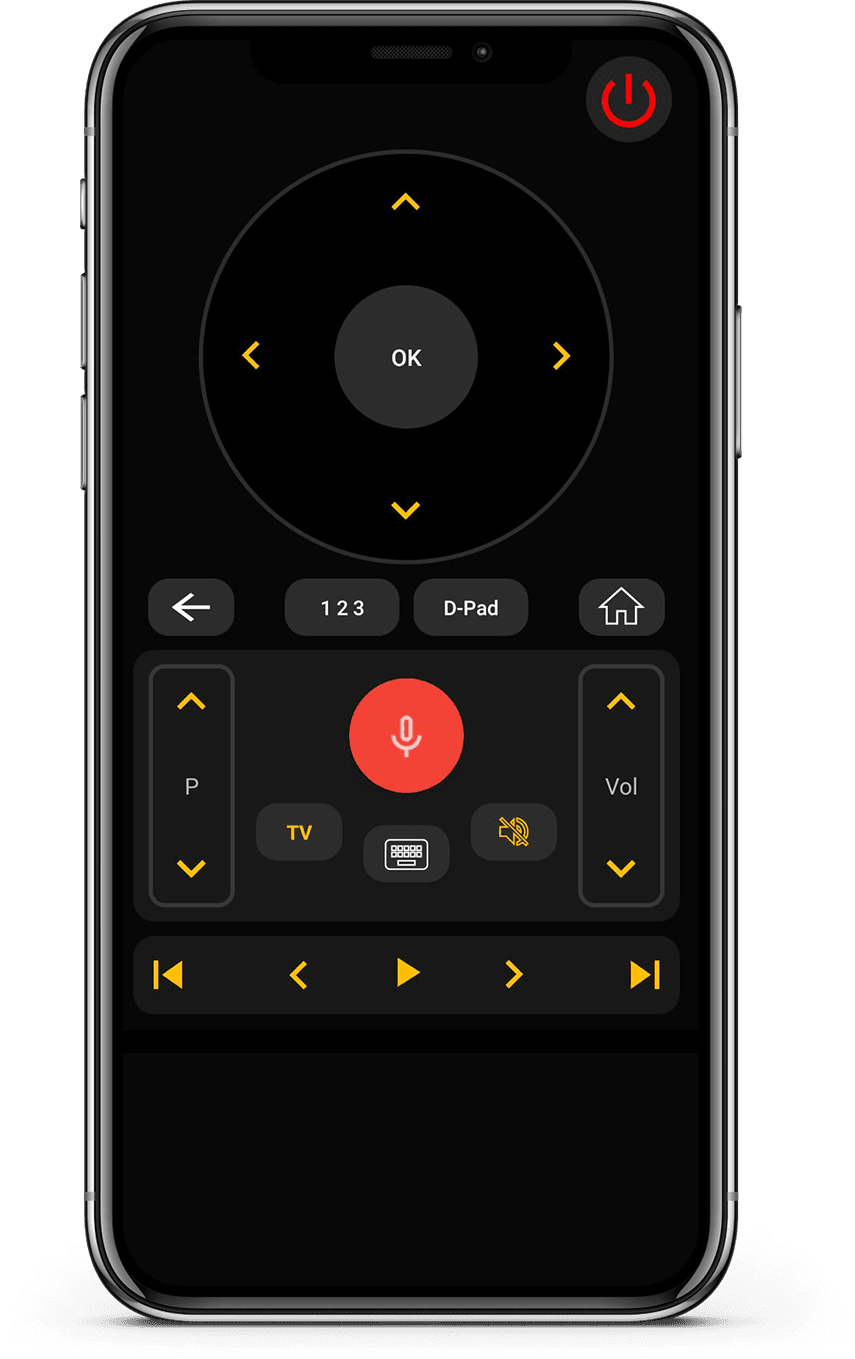
Control volume, channels, apps, navigation, and media playback effortlessly.

Clean and user-friendly interface

Clean & User-Friendly Interface

Minimal design that is easy to understand and comfortable to use.

How to Use Universal

TV Remote Control app

Control your Roku TV seamlessly. Quick setup and easy navigation make this the perfect companion for your entertainment system.

  • Connect your phone and TV to the same Wi-Fi network
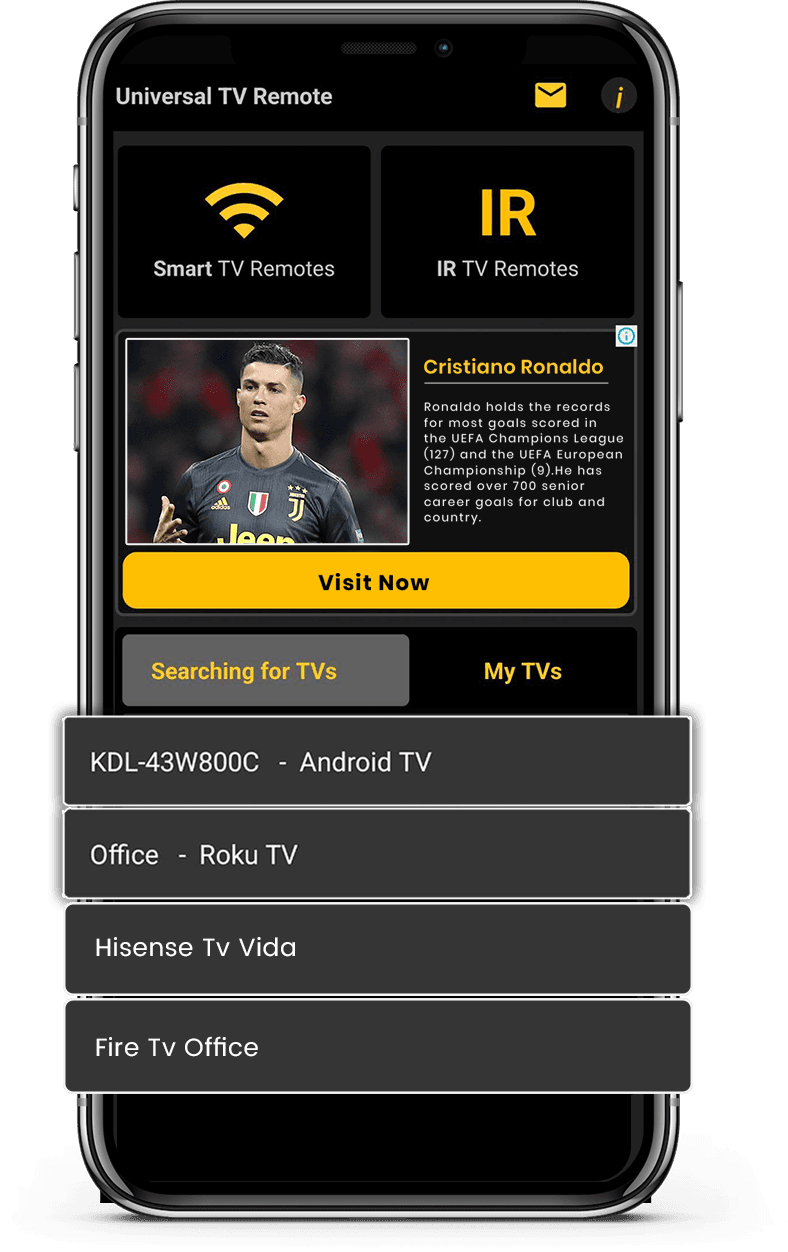
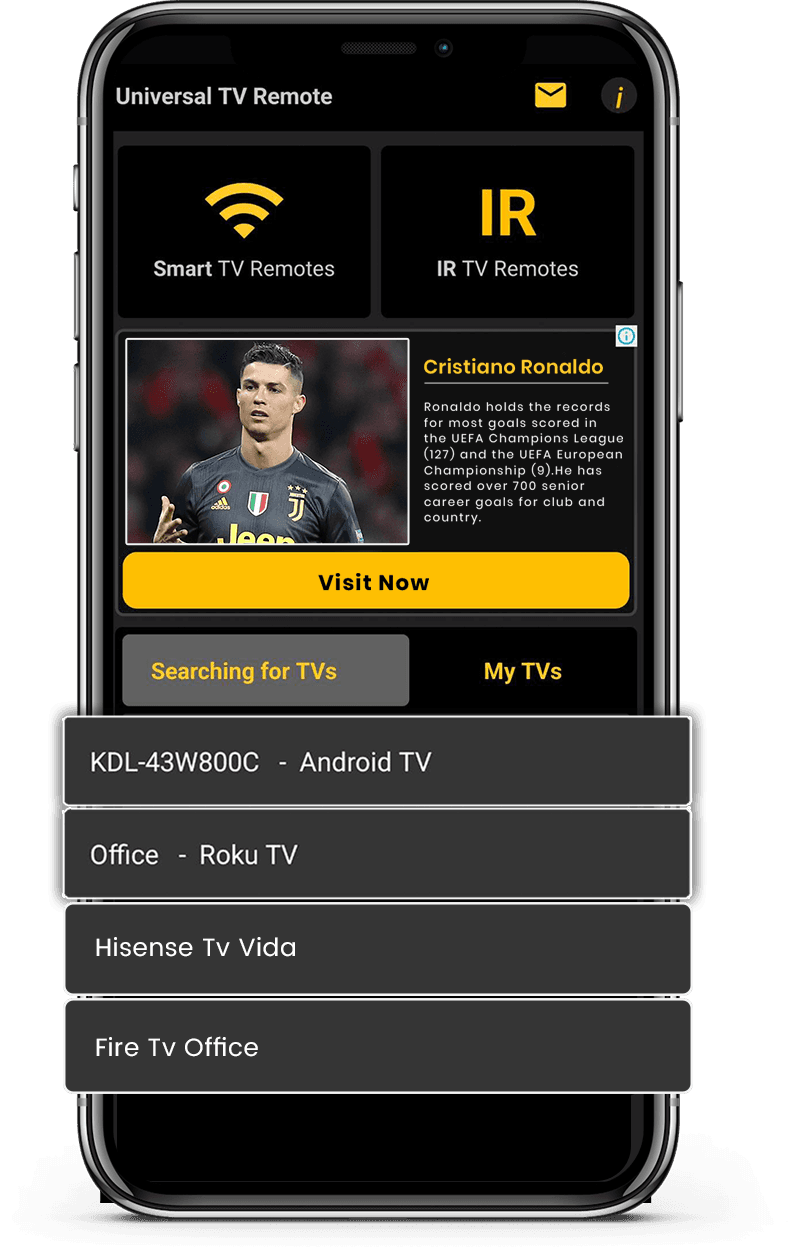
  • Select Roku TV from the list of available devices
  • Enter the PIN code displayed on your TV screen
  • Enjoy full control of your TV from your smartphone
Download on the App StoreGet it on Google Play

Control Your Smart TV with Ease

Our Universal TV Remote Control app connects seamlessly with Roku TVs over WiFi. It allows you to navigate the interface, launch apps, and control playback directly from your smartphone.

The built-in keyboard makes searching for shows and movies quicker than using a traditional remote. The D-Pad ensures smooth navigation across menus.

With millions of users worldwide, the app delivers a stable, responsive experience for controlling Roku TVs, making everyday use more convenient.
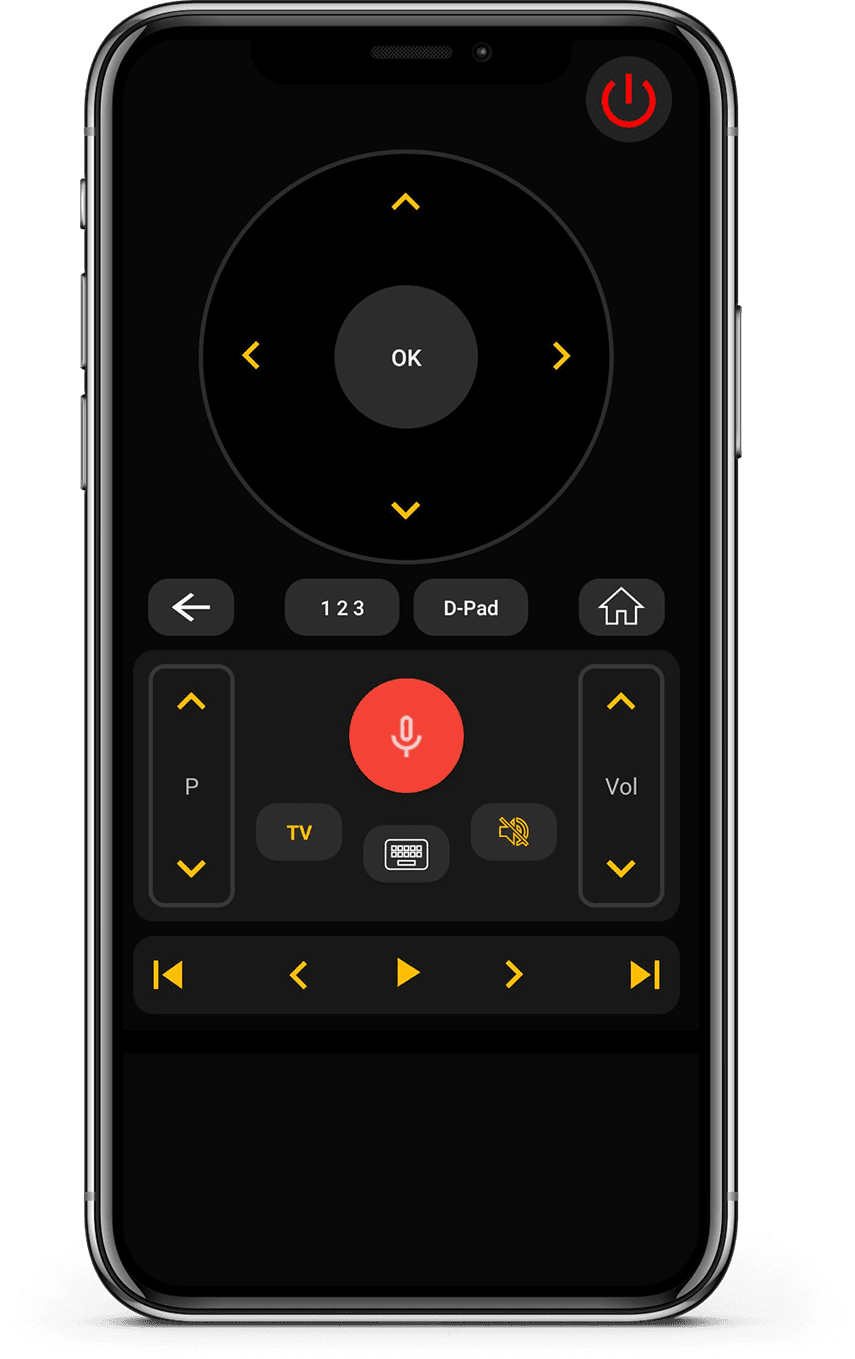
App Interface 1
App Interface 2

What users say

Real feedback from people using Universal TV Remote to control Smart TVs and IR devices.

Unlike the other apps tried, it easily found and connected to the TV, and worked.

KL
Kent Lion

Just downloaded this out of boredom. It was super easy to set up and it makes me wonder why all remotes aren't designed like this. I love the interface and I actually use it more than the actual remote the TV came with. I love how it has all my TV apps in one location. I found some apps I had forgotten about. I can't find a negative thing to say. I wonder if there is a way to turn ads off, even if it means paying a small fee. I have a Sony Bravia TV.

CR
Corine Raymond

I usually don't review but I had to for this. This was the only remote app that worked for me because this was the only one that I found that works as an IR remote. This works well for the most part except sometimes it goes ahead two spaces instead of one when I am in the settings. I will probably continue using this in the future.

RG
Ramjot Grewal

Frequently Asked Questions

Quick answers about compatibility, setup, and how the app works.

Which is the best TV remote app?
Universal Tv Remote Control is one of the best TV remote apps because it works with multiple smart TV brands, connects over Wi-Fi, and offers essential remote features for free.
Is there a free TV remote app?
Yes. Univesal Tv Remote app is a free TV remote app that lets users control their TV without paying or subscribing to access complete remote functions.
Can I use my phone as a TV remote?
Yes. With universal tv remote control for android and ios app lets your smartphone works as a full replacement for a physical TV remote.
What TV Brands does this remote app support?
Universal tv supports more than 500 smart TVs, including Samsung, LG, Android TV, Google TV, Roku TVs, Fire TV, Sony, TCL, JVC, Insignia, Sharp, Panasonic, Hisense, Xiaomi & much more.
How does this TV remote app connect to the TV?
Universal Tv remote ap connects your phone and TV through the same Wi-Fi network and sends control commands directly to the TV.
Can this app replace a lost TV remote?
Yes. If your physical remote is lost or broken, universal tv remote app can fully replace it as long as your TV and phone is connected to the same Wi-Fi network.
Does the app work with non smart infrared tv’s?
Yes. Universal Tv remote app works for both smart and non smart Tv’s. For non smart Tv’s, your phone must contain a built-in infrared sensor.
Can one app control multiple TVs?
Yes. Universal tv remote can be used to control multiple compatible TVs from a single smartphone.
Is this app available on Android and iOS?
Yes universal tv remote app is available for both Android and iOS devices.

Still have questions? Scroll down to download the app and try it on your TV.

Contact Us

For quick support or valuable suggestions, use the contact form below. Our team will get back to you as soon as possible.

Address

Office # 14, 2nd Floor, KPK IT Park,
Abbottabad, Pakistan

Let's download free from Apple and Play Store

Install the download from Apple and Play Store.

Download on the App StoreGet it on Google Play
App screenshot preview 2
App screenshot preview 1