Universal TV Remote
Language
Control Your
LG TV
LG TVs are known for their WebOS platform, smooth interface, and high-quality displays. Features like Magic Remote support, AI ThinQ, and fast app access make LG a preferred choice for smart TV users.
Control Your Smart TV with Ease
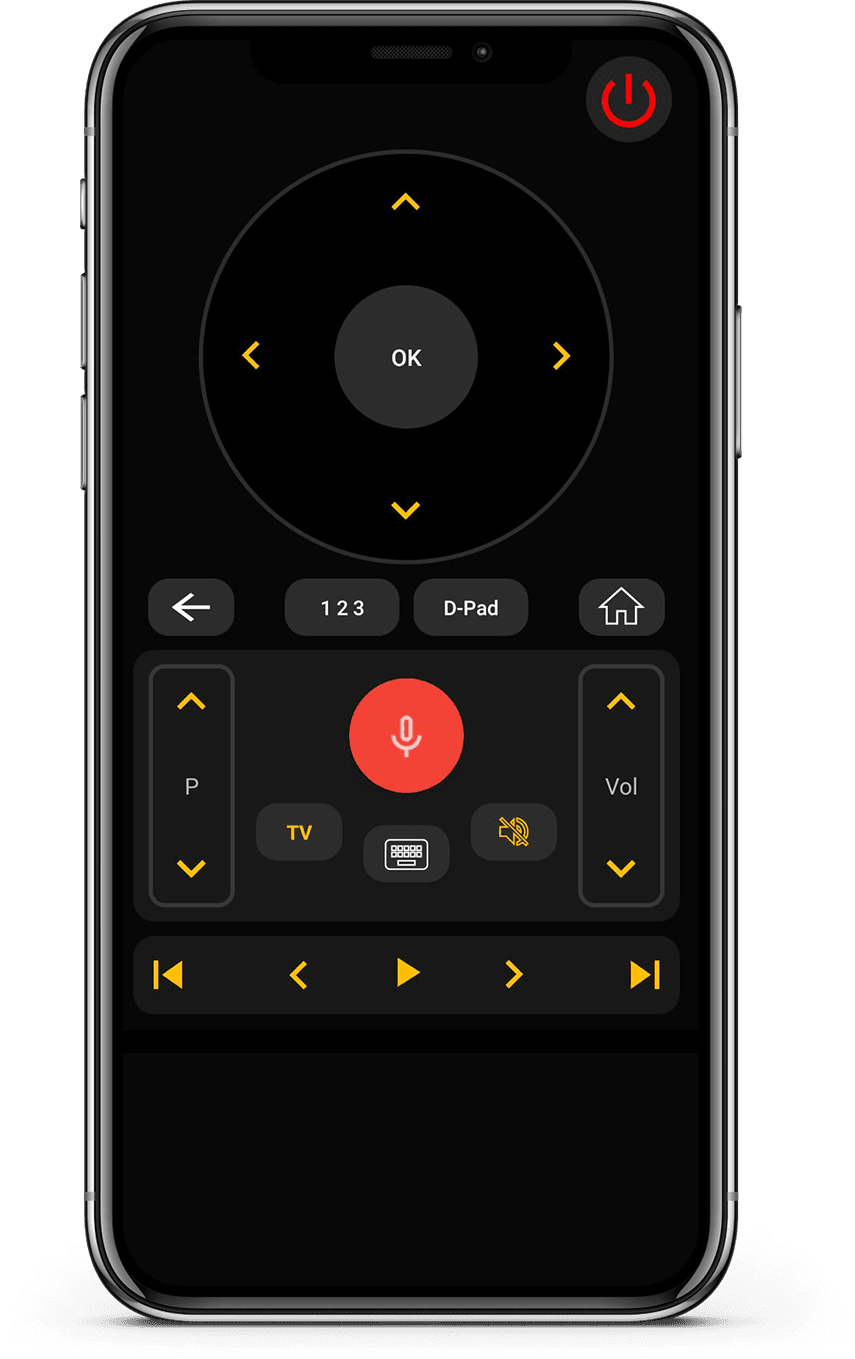
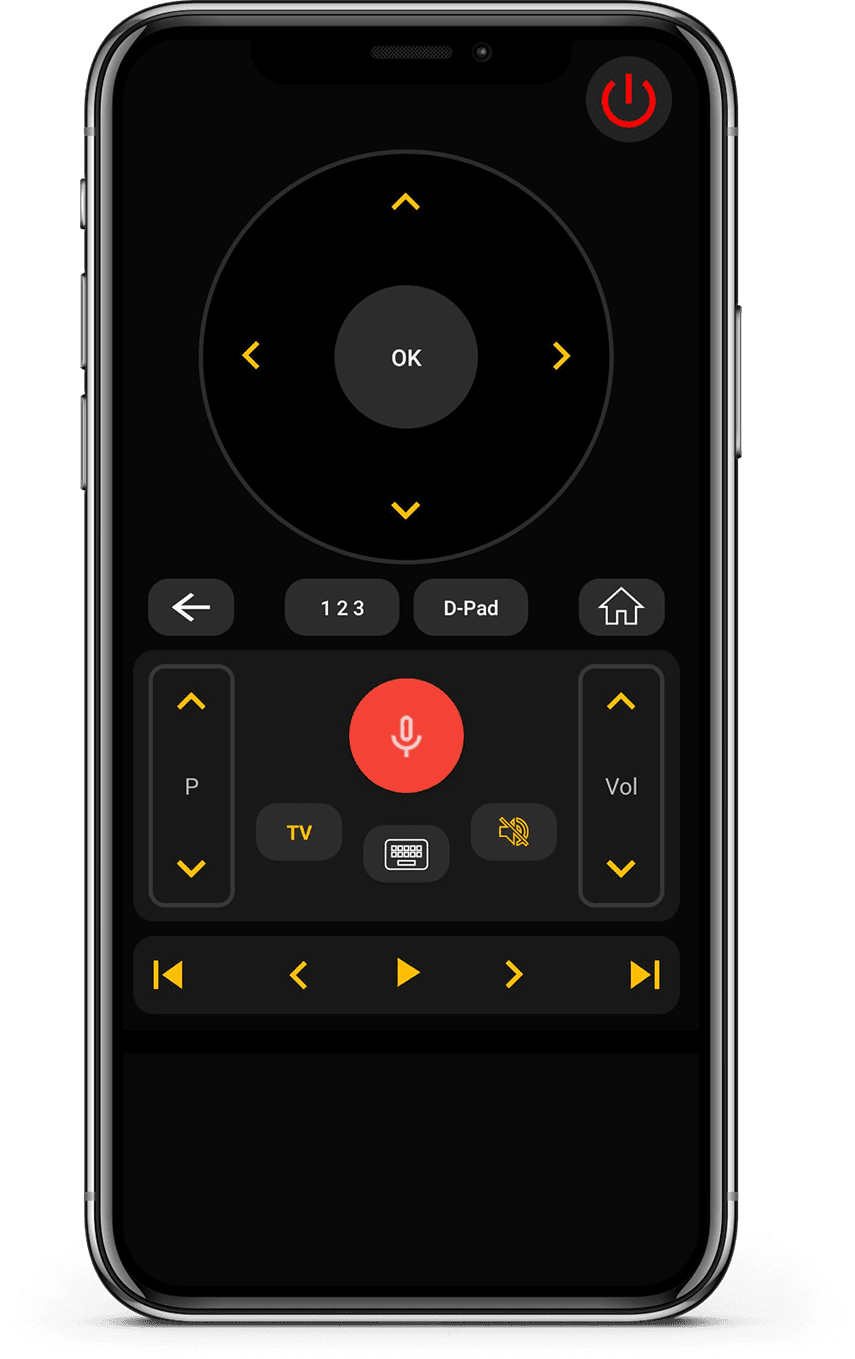
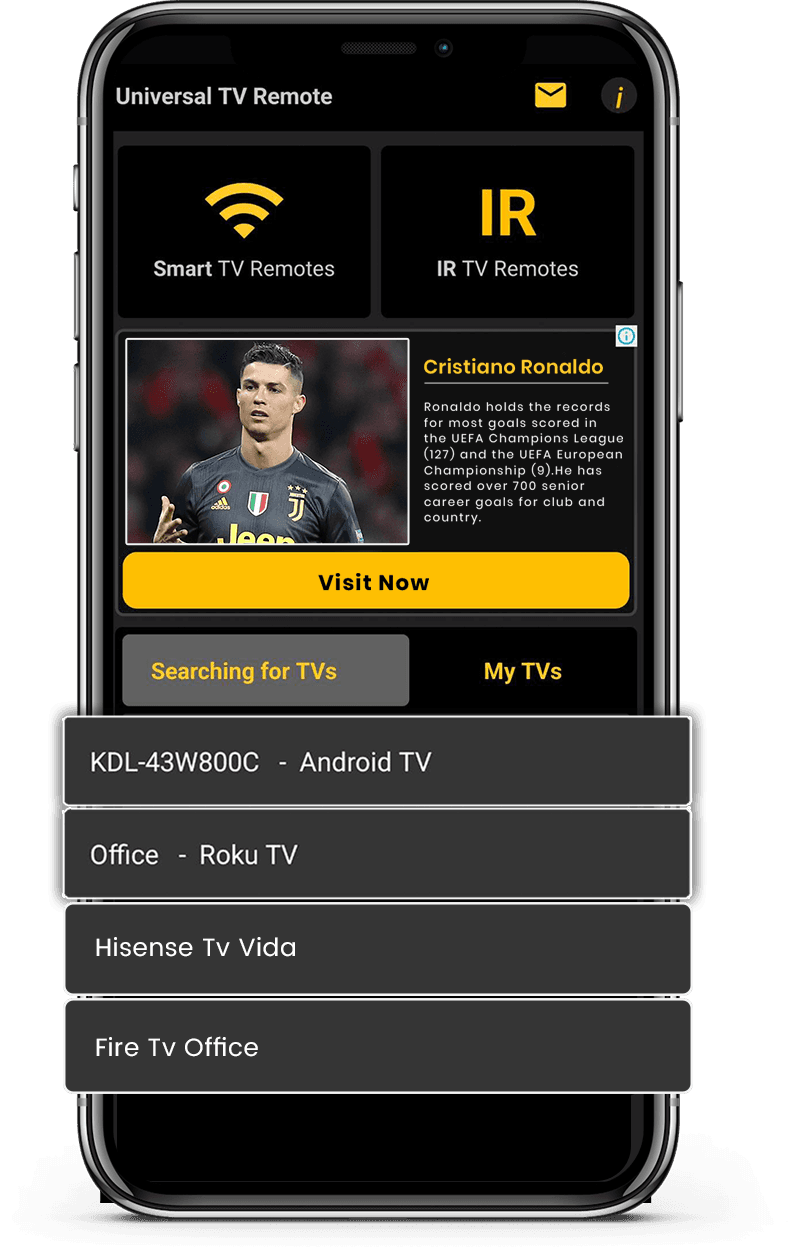
Our Universal TV Remote Control app connects easily with LG TVs and lets you manage everything from your phone. You can control volume, switch inputs, launch apps, and navigate menus without relying on the original remote.
The app includes a responsive D-Pad and a built-in keyboard that makes typing on LG TVs much easier. Voice control support helps you search content quickly, especially on newer smart models.
With WiFi and IR compatibility, the app works with both modern and older LG TVs. Used by millions worldwide, it offers a simple and dependable way to control your LG TV.
How to Use Universal
TV Remote Control app
Control your LG TV seamlessly. Quick setup and easy navigation make this the perfect companion for your entertainment system.
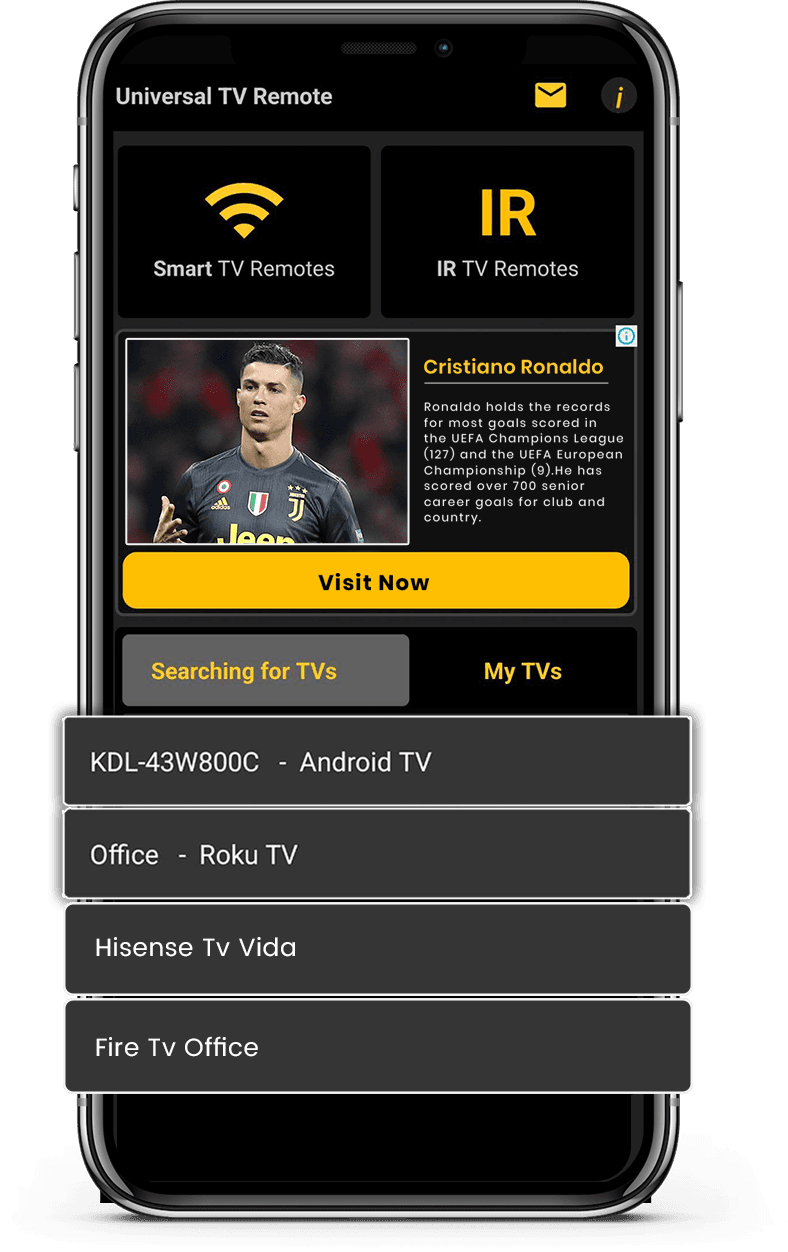
- Connect your phone and TV to the same Wi-Fi network
- Select LG TV from the list of available devices
- Enter the PIN code displayed on your TV screen
- Enjoy full control of your TV from your smartphone
Let's download free from
Apple and Play Store
Install the download from Apple and Play Store.