
Codematics logoUniverselle TV-Fernbedienung

Sprache

Universelle TV-Fernbedienung von Codematics

Die Nr. 1 Universal-TV-Fernbedienungs-App — Smart und IR in über 100 Ländern.

4,5466.000 Bewertungen

130 Mio.+ Nutzer700+ TV-MarkenAndroid & iOS

Mobile app mockup
TV Brand

App-Funktionen

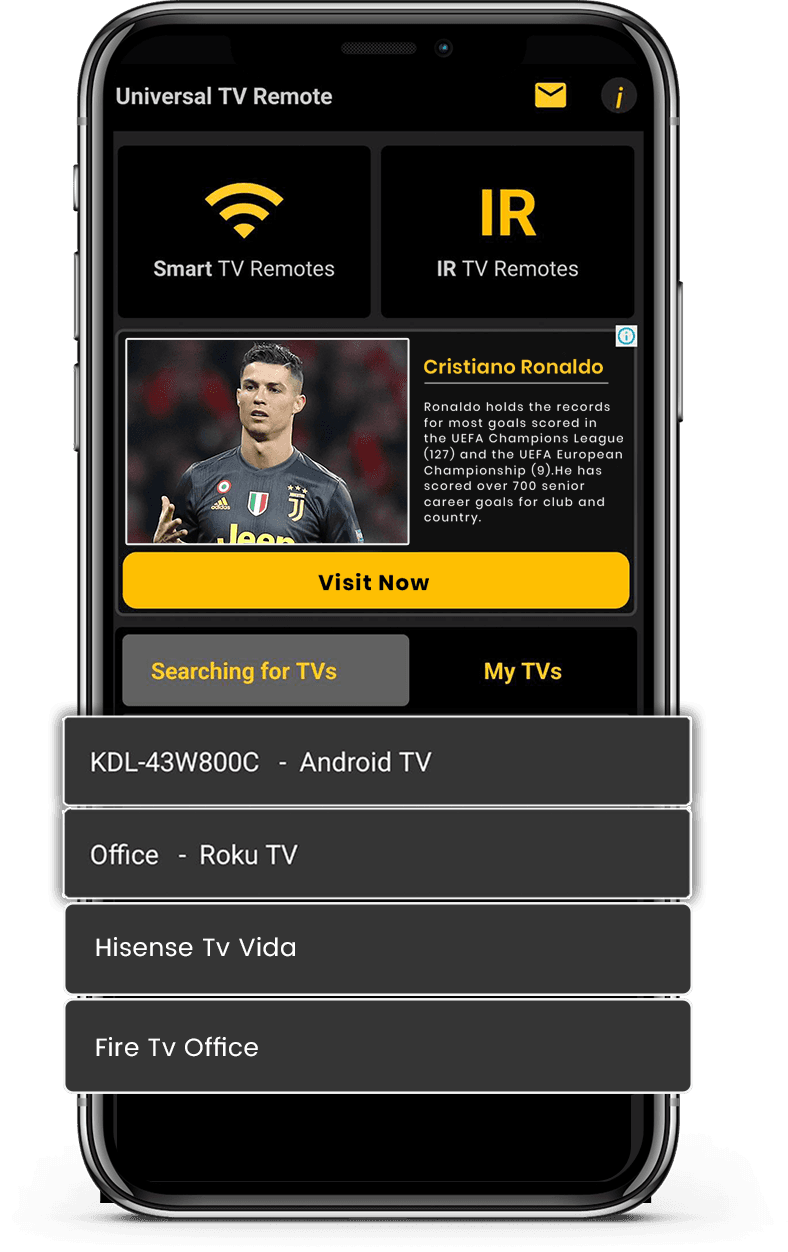
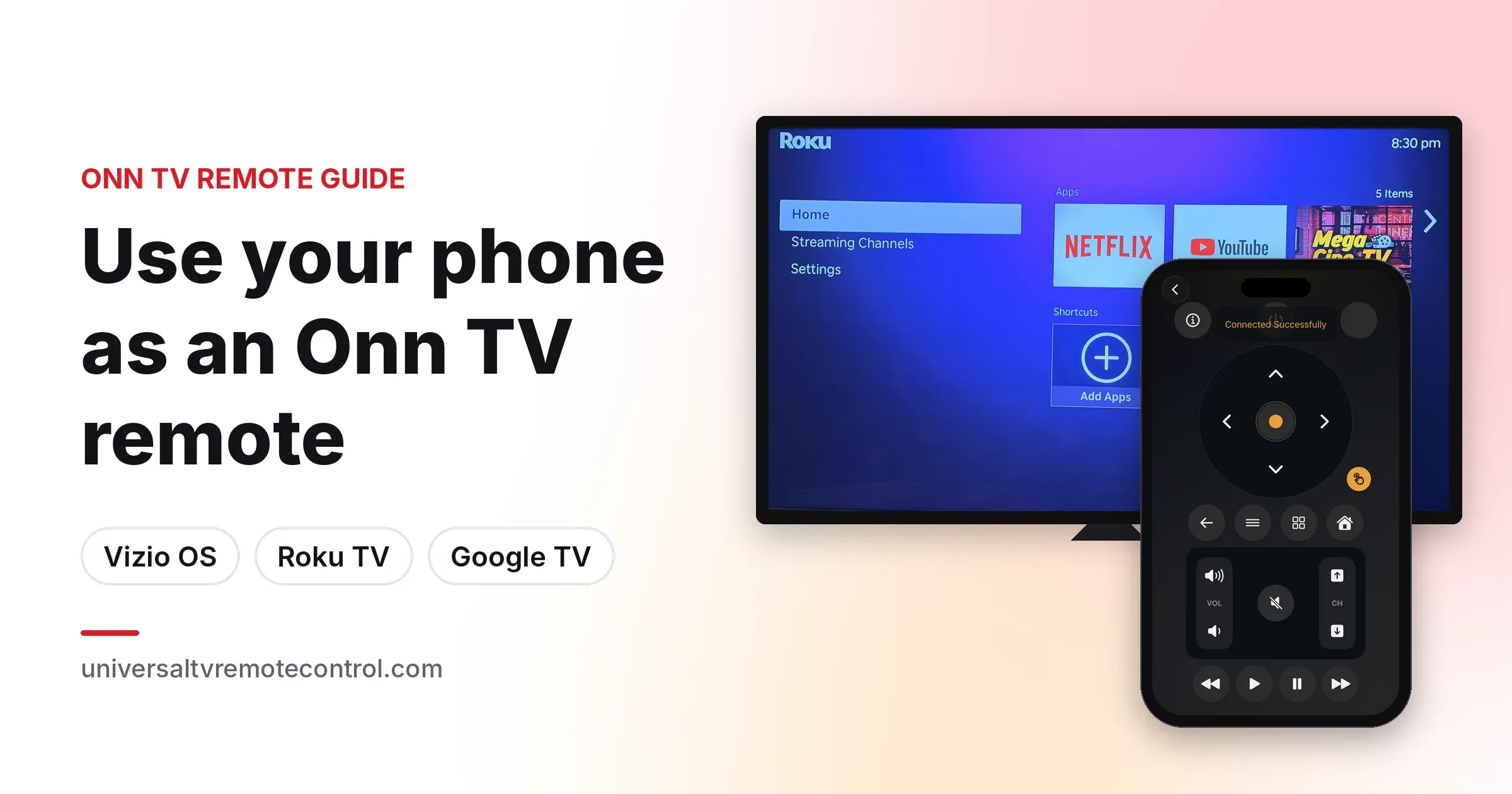
Funktioniert mit Smart-TVs und IR-fähigen Fernsehern für breite Kompatibilität. Sofortige Verbindung über WiFi oder IR mit einfacher Einrichtung.

Smart-TV- & IR-Unterstützung

Smart-TV- & IR-Unterstützung

Funktioniert mit Smart-TVs und IR-fähigen Fernsehern für breite Kompatibilität.

Schnelle & Einfache Verbindung

Schnelle & Einfache Verbindung

Sofortige Verbindung über WiFi oder IR mit einfacher Einrichtung.

Vollständige Fernbedienung

Vollständige Fernbedienung

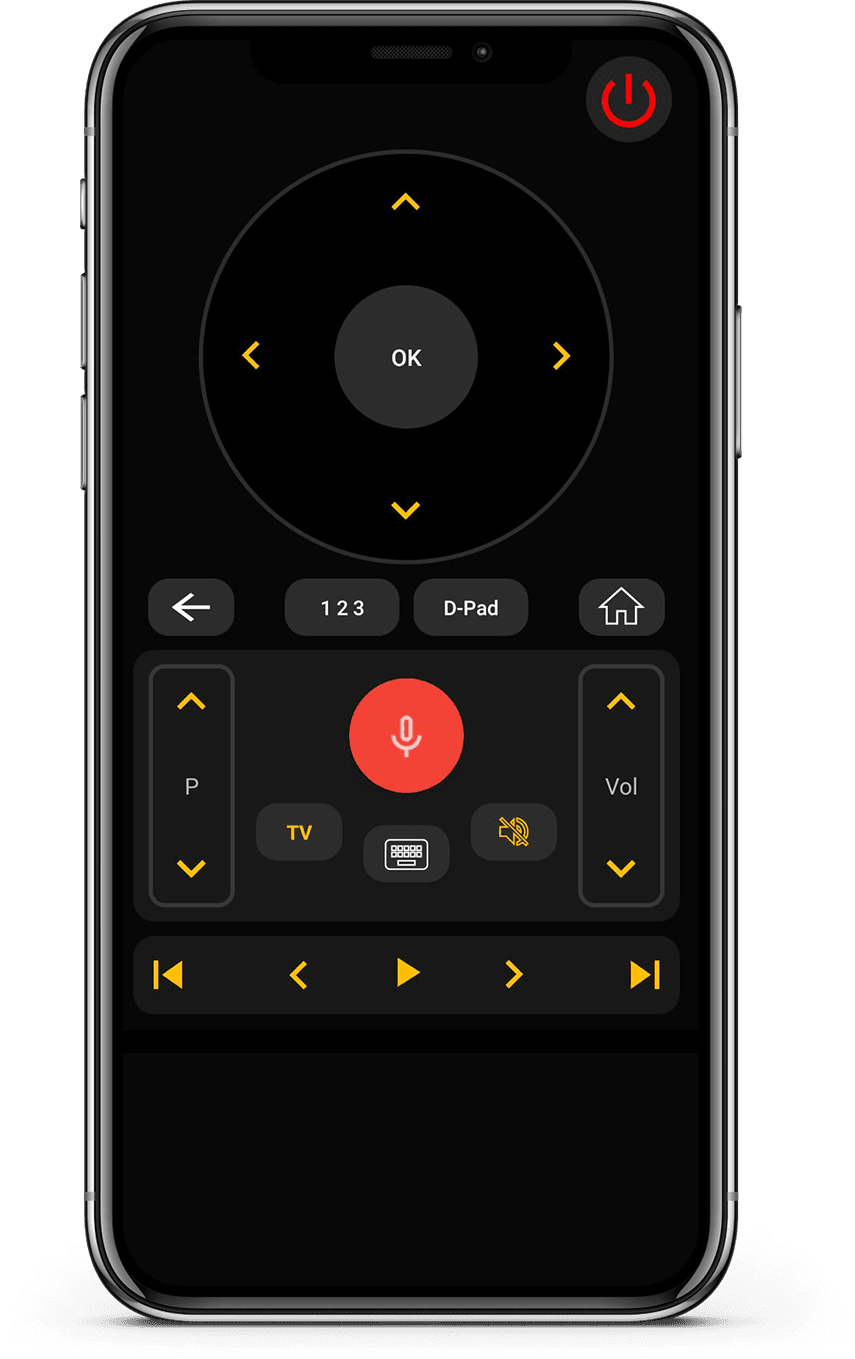
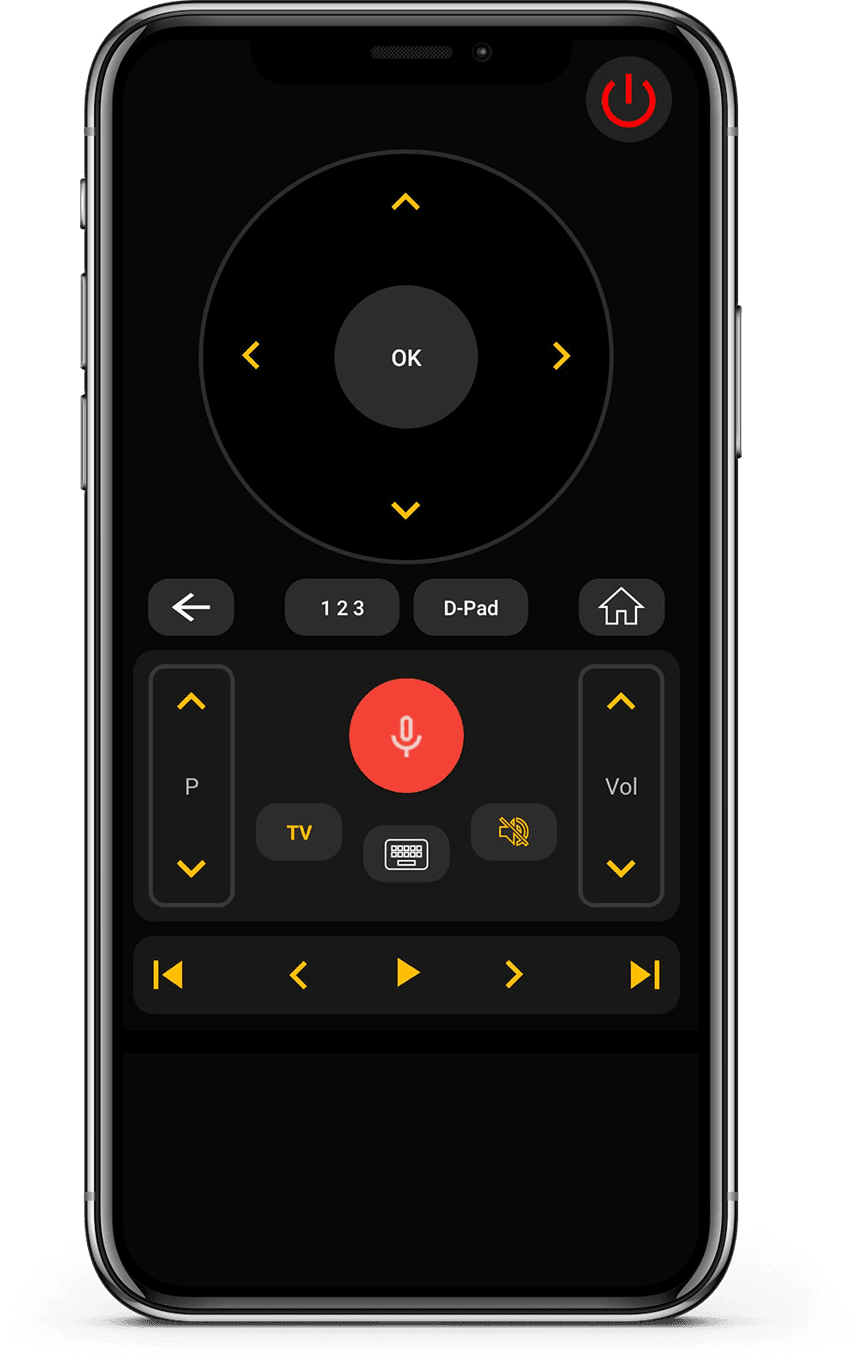
Steuern Sie Lautstärke, Kanäle, Apps, Navigation und Medienwiedergabe mühelos.

Klare & Benutzerfreundliche Oberfläche

Klare & Benutzerfreundliche Oberfläche

Minimalistisches Design, das leicht verständlich und angenehm zu bedienen ist.

How it works

Wie funktioniert diese App?

  • Gerät verbinden

    Verbinden Sie Ihr Smartphone und Ihren Fernseher mit demselben Wi-Fi-Netzwerk.

  • Koppeln & Steuern

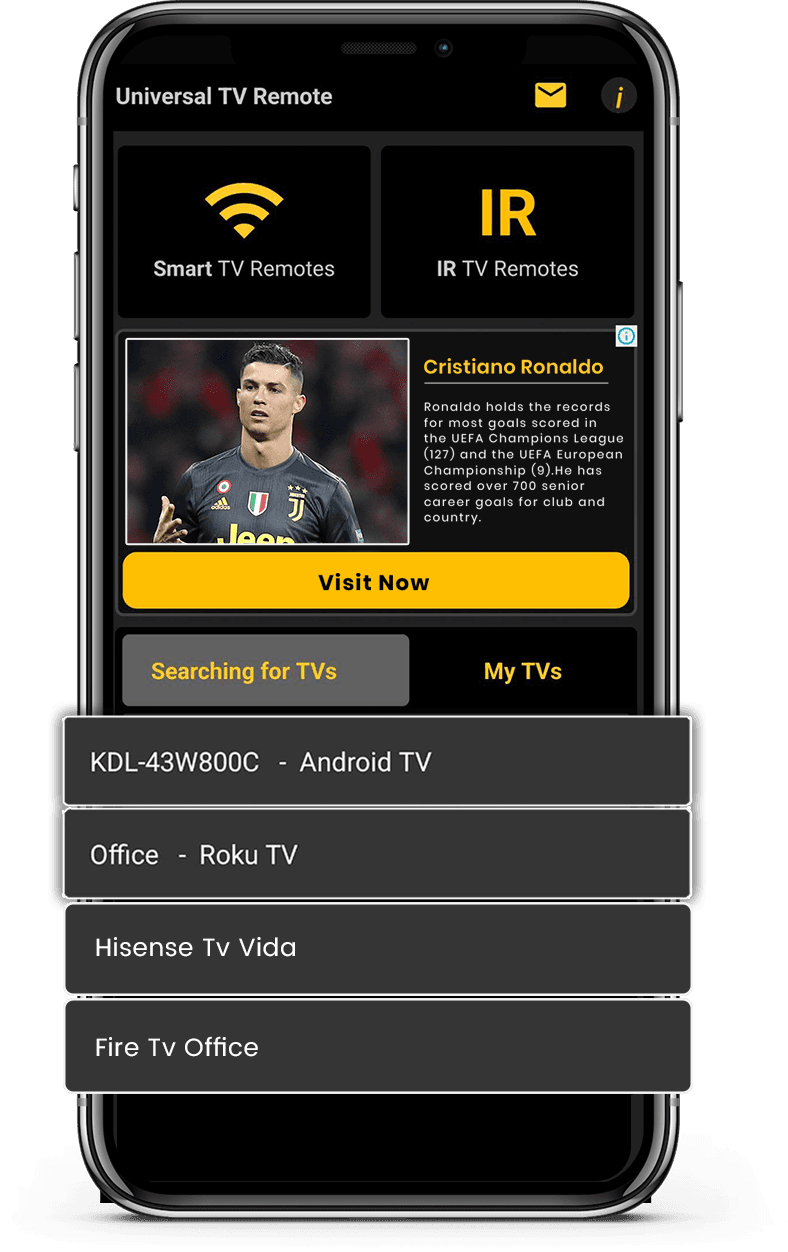
    Öffnen Sie die App, koppeln Sie Ihren Fernseher und steuern Sie sofort.

  • Smarte Steuerung genießen

    Wechseln Sie Kanäle, passen Sie die Lautstärke an und nutzen Sie Smart-Funktionen einfach.

Available on Google PlayAvailable on the App Store

Unterstützte TV-Marken

Funktioniert mit über 700 TV-Marken, darunter Samsung, LG, Sony, Roku, Fire TV, Android TV und mehr.

Vizio TV
Amazon Fire TV
Android TV

Was Nutzer sagen

Echtes Feedback von Menschen, die Universal TV Remote für Smart-TVs und IR-Geräte nutzen.

  • “Unlike the other apps tried, it easily found and connected to the TV, and worked.”
    KL
    Kent Lion
  • “Just downloaded this out of boredom. It was super easy to set up and it makes me wonder why all remotes aren't designed like this. I love the interface and I actually use it more than the actual remote the TV came with. I love how it has all my TV apps in one location. I found some apps I had forgotten about. I can't find a negative thing to say. I wonder if there is a way to turn ads off, even if it means paying a small fee. I have a Sony Bravia TV.”
    CR
    Corine Raymond
  • “I usually don't review but I had to for this. This was the only remote app that worked for me because this was the only one that I found that works as an IR remote. This works well for the most part except sometimes it goes ahead two spaces instead of one when I am in the settings. I will probably continue using this in the future.”
    RG
    Ramjot Grewal
  • “This is a really great app, and it barely took me 2 minutes to set my TV up! But some advice I have is: My TV measures volume from 1-100, and because the volume doesn't change when you long press the volume button, it's very tedious when you have to press the volume button over and over. And second: You could add a vibrate feature whenever you press a button. It feels really delicate to use the app otherwise. But overall, it's an awesome app!.”
    YC
    Yashna Chattree
  • “Worked flawlessly as a smart remote with my LG OLED webOS TV. My only complaint is that I can't hold down the volume buttons, but that is minor. Out of all the apps I tested, this was the only one that worked. Not only that, but the ads are out of the way and not obtrusive at all. Well done.”
    NR
    N River
  • “Thank you for this app guys, I'm using the free version and was staggered that your list of tv's included my obscure, old skool artefact! The interface is first class and includes all I need. Wonderful and totally unexpected gem. I'm upgrading to 5 stars now I am familiar with all the options. I can fully recommend this feature for all the frustrated searchers out there, download and good luck! Thanks again, Chris.”
    CG
    Christopher Garner
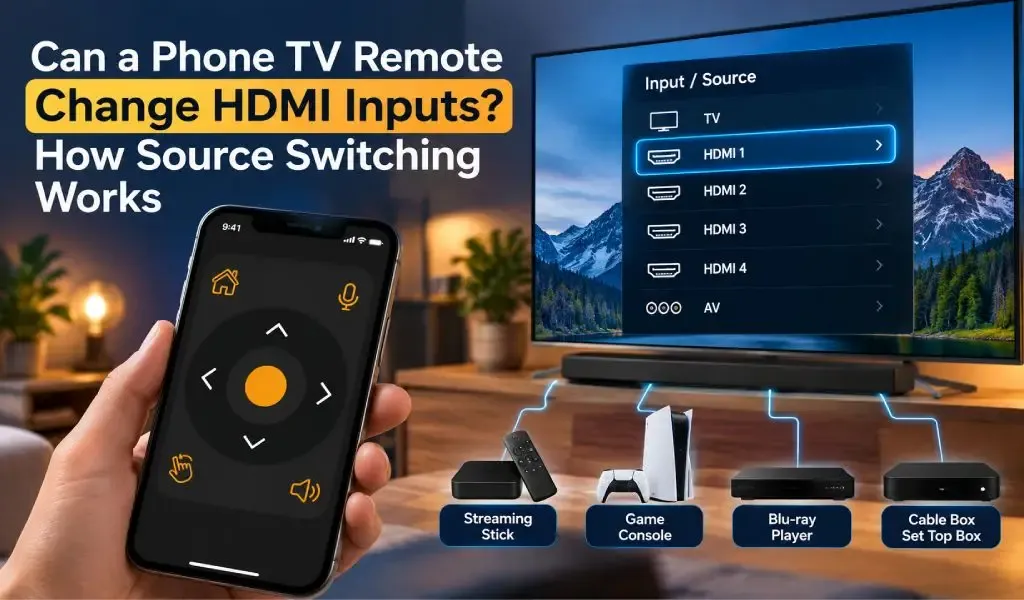
  • “Motel TVs- I like to connect my own device to watch my own recordings. That often requires switching which input on the TV is being used. Quite often the remote control provided by the motel won't allow that to happen. And quite often the commercial TV in a motel has had all of the buttons removed. But if you have your own universal remote you can get around all that. This app worked great at helping me do that. Also helps shut off the closed captioning if it's on.”
    DE
    David Ermoian
  • “Well Have a Bolva tv and there is no code listed for it , nor is it listed in either list. That being said!! You and your team have Nailed this app, easy to sorce it easy to use as well bright very well color coded and a huge list of codes available. If you ever lose your TV control, it's such a good app even if you don't Lose it this is an amazing app, features and design. Ilk even take it a little further what a team if you post an issue a team member quickly responds!! 2 Thumbs Up!!”
    CR
    Chris REDDING
  • “I have used so many remote apps. Yet i couldn't find any better than this. This universal remote has so much options working silk smooth. It has track pad, keyboard, full tv remote accessies,and most of all it allows you to search your TV brand and pair in just a click. I am simply amazed.”
    KZ
    Kamran Zahoor
  • “Simple setup with an incredible number of brands supported, clean interface, unobtrusive ads. Unfortunately, I didn't think to check whether my new phone has IR capability before downloading (my last phone did and this one is supposed to be an upgrade)”
    A
    Ada

Häufig gestellte Fragen

Schnelle Antworten zu Kompatibilität, Einrichtung und Funktionsweise der App.

Was ist Universal TV Remote Control?
Universal TV Remote Control ist eine mobile Anwendung, die von CodeMatics Services Pvt. Ltd. entwickelt wurde. Sie ist dafür ausgelegt, dass Nutzer kompatible Fernseher mit ihrem Smartphone steuern.
Wer entwickelt Universal TV Remote Control?
Universal TV Remote Control wird von CodeMatics Services Pvt. Ltd. entwickelt und gepflegt. Das Unternehmen entwickelt die App und aktualisiert sie fortlaufend, während sich mobile und Fernsehtechnologien weiterentwickeln.
Ist Universal TV Remote Control sowohl für Android als auch für das iPhone verfügbar?
Ja. Die App ist für Android-Geräte über Google Play und für iPhone und iPad über den App Store von Apple erhältlich.
Wo kann ich Universal TV Remote Control herunterladen?
Sie können die App im offiziellen Google Play Store für Android-Geräte oder im App Store von Apple für iPhone und iPad herunterladen.
Wo ist Universal TV Remote Control verfügbar?
Universal TV Remote Control ist in mehr als 100 Ländern verfügbar. Die Verfügbarkeit kann vom App-Store und der Plattform in Ihrer Region abhängen.
Gibt es von Universal TV Remote Control verschiedene Versionen für verschiedene TV-Marken?
Für jede unterstützte TV-Marke ist keine eigene App erforderlich. Universal TV Remote Control ist als eine einzige mobile Anwendung konzipiert, die kompatible Fernseher vieler Hersteller unterstützt.
Funktioniert die App auf jedem unterstützten Fernseher gleich?
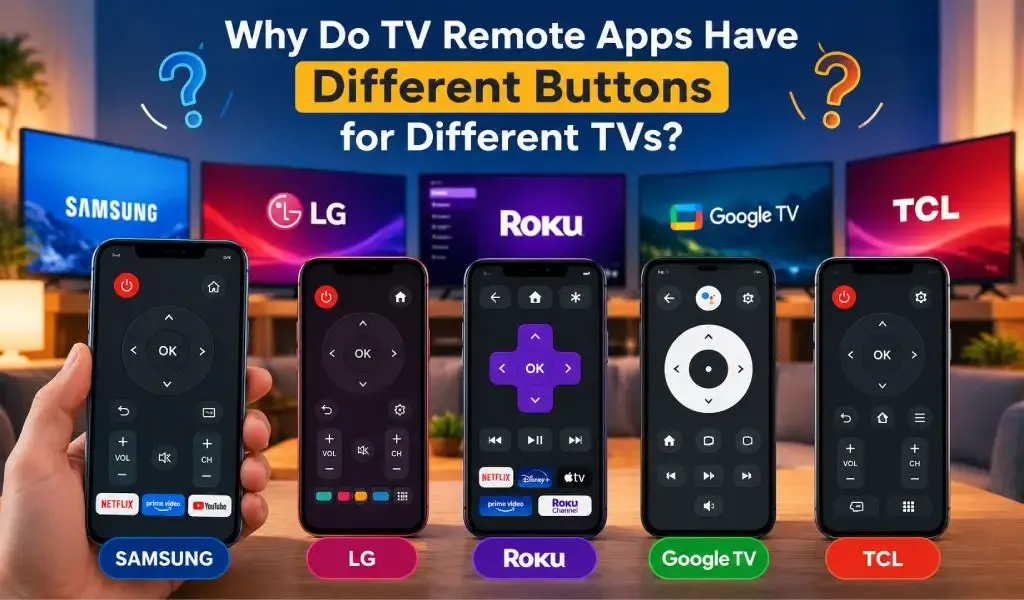
Nicht unbedingt. Die verfügbaren Steuerungen und die Nutzererfahrung können je nach TV-Marke, Modell, Betriebssystem und unterstützten Funktionen variieren. So kann die App Unterschiede zwischen Fernsehplattformen berücksichtigen.
Kann Universal TV Remote Control für mehr als einen TV-Typ verwendet werden?
Ja. Die App ist für Haushalte und Nutzer gedacht, die Fernseher verschiedener Hersteller haben können. Unterstützte Fernseher lassen sich entsprechend ihrer jeweiligen Kompatibilität und Verbindungsanforderungen einrichten.
Wo finde ich Hilfe, wenn ich ein Problem mit der App habe?
Sie können die Anleitungen und Ressourcen zur Fehlerbehebung auf der Website von Universal TV Remote Control nutzen. Diese Ressourcen behandeln häufige Fragen zu Kompatibilität, Einrichtung, TV-Erkennung, Konnektivität und bestimmten TV-Plattformen.

Noch Fragen? Scrollen Sie nach unten, laden Sie die App herunter und testen Sie sie an Ihrem Fernseher.

Kontakt

Für schnellen Support oder Anregungen nutzen Sie das Formular unten. Unser Team meldet sich so schnell wie möglich.

Adresse

Office # 14, 2nd Floor, KPK IT Park,
Abbottabad, Pakistan

Kostenlos herunterladen im Apple und Play Store

Installieren Sie die App aus dem Apple und Play Store.

Get it on Google PlayDownload on the App Store
App screenshot preview 2
App screenshot preview 1
Datenschutzrichtlinie

Copyright © 2018 - 2026 Universal TV Remote Control. Produkt von Codematics Services (Private) Limited.