Codematics logo万能电视遥控

语言

控制您的
Hisense TV

Hisense 电视以其亲民的价格和智能功能而广受欢迎,提供出色的画质和内置流媒体选项。许多 Hisense 型号配备支持应用、语音控制和无线连接的智能平台。
Mobile app mockup

Hisense TV 功能

通过我们的高级功能,无缝控制您的 Hisense TV。

智能电视与红外支持

智能电视与红外支持

兼容智能电视和红外电视,适用范围广。

快速轻松连接

快速轻松连接

通过 WiFi 或红外即时连接,设置简单快捷。

完整遥控功能

完整遥控功能

轻松控制音量、频道、应用、导航和媒体播放。

简洁友好的界面

简洁友好的界面

极简设计,易于理解,使用舒适。

如何使用 Universal

TV Remote Control 应用

无缝控制您的 Hisense TV。快速设置和简便导航,是您娱乐系统的完美伴侣。

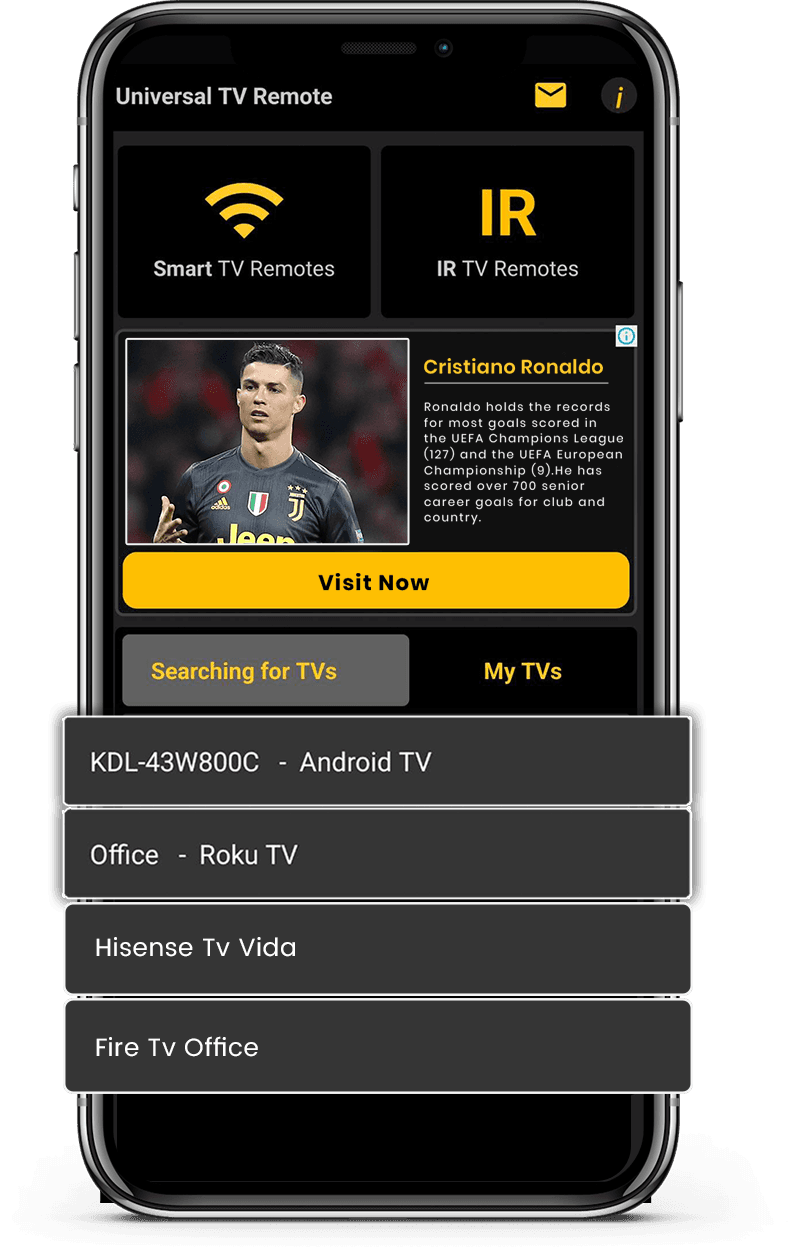
  • 将手机和电视连接到同一 Wi-Fi 网络
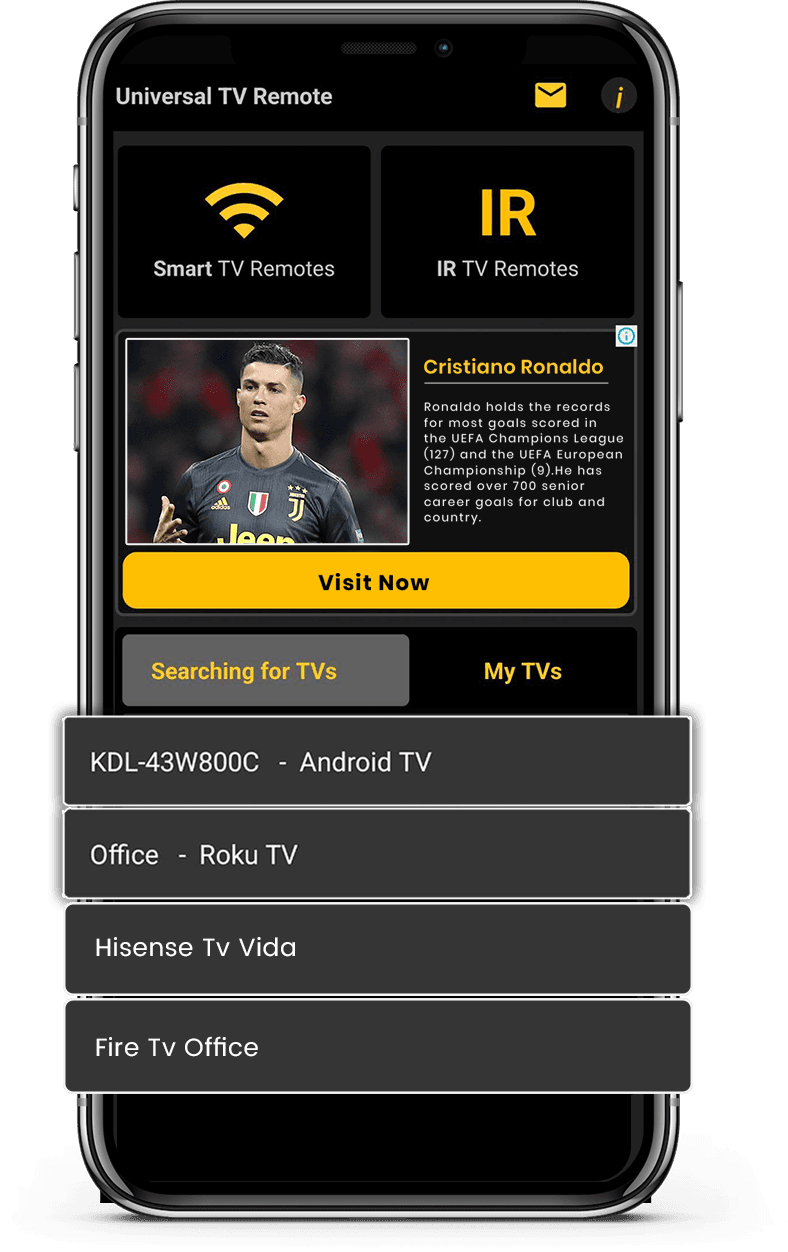
  • 从可用设备列表中选择 Hisense TV
  • 输入电视屏幕上显示的 PIN 码
  • 通过智能手机全面控制电视
Download on the App StoreGet it on Google Play

轻松控制您的智能电视

我们的 Universal TV Remote Control 应用兼容 Hisense 电视,提供流畅、响应迅速的遥控体验。您可以控制所有基本功能,包括音量、频道、输入选择和智能导航。

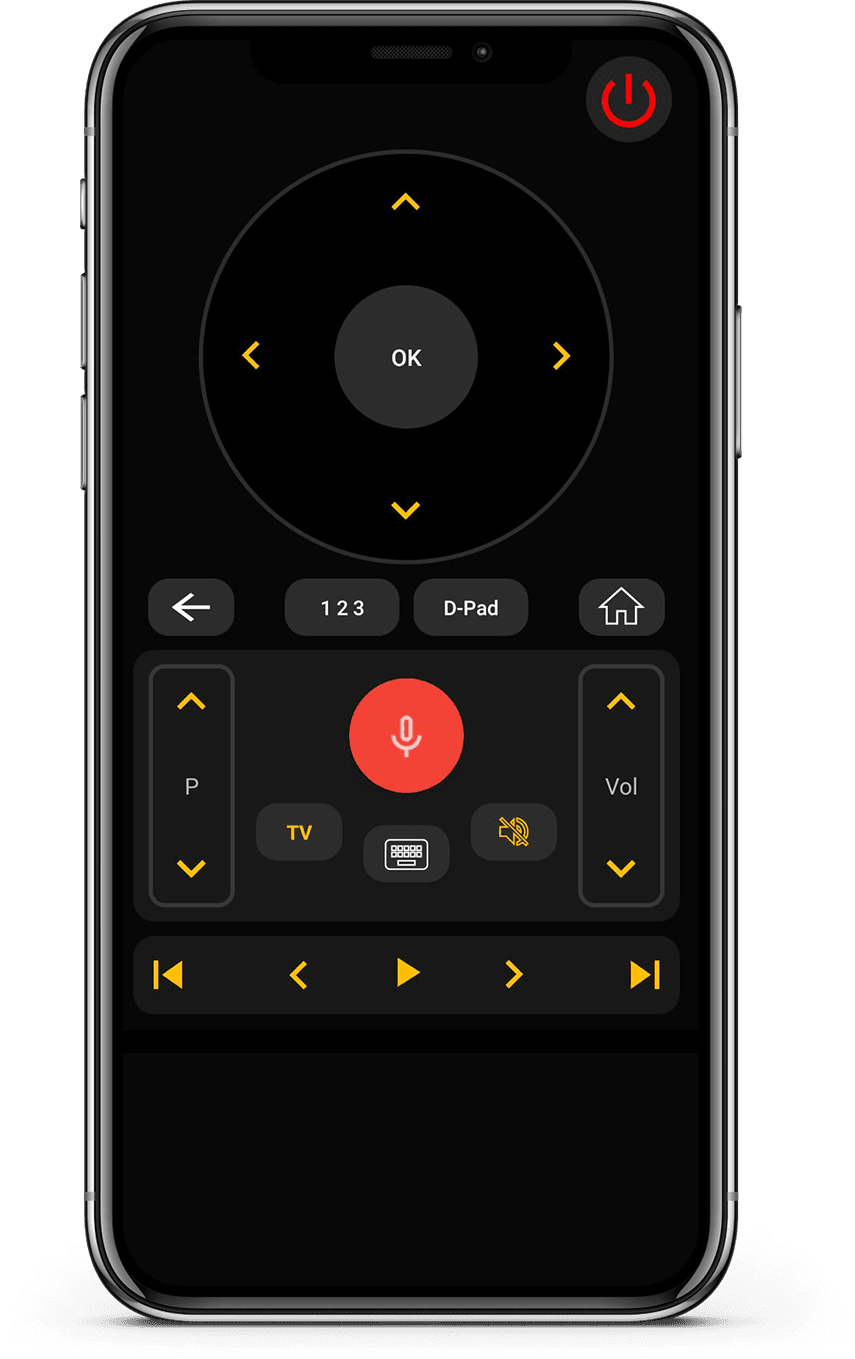
该应用包含触控友好的 D-Pad、易于使用的键盘以及语音控制支持,实现更快速的交互。凭借 WiFi 和 IR 兼容性,它适用于较新的智能型号和较旧的 Hisense 电视。

受到全球超过 1.3 亿用户的信赖,这款应用以简洁和性能为设计理念。如果您拥有 Hisense 电视,可以依靠这款遥控应用实现快速设置和稳定控制。
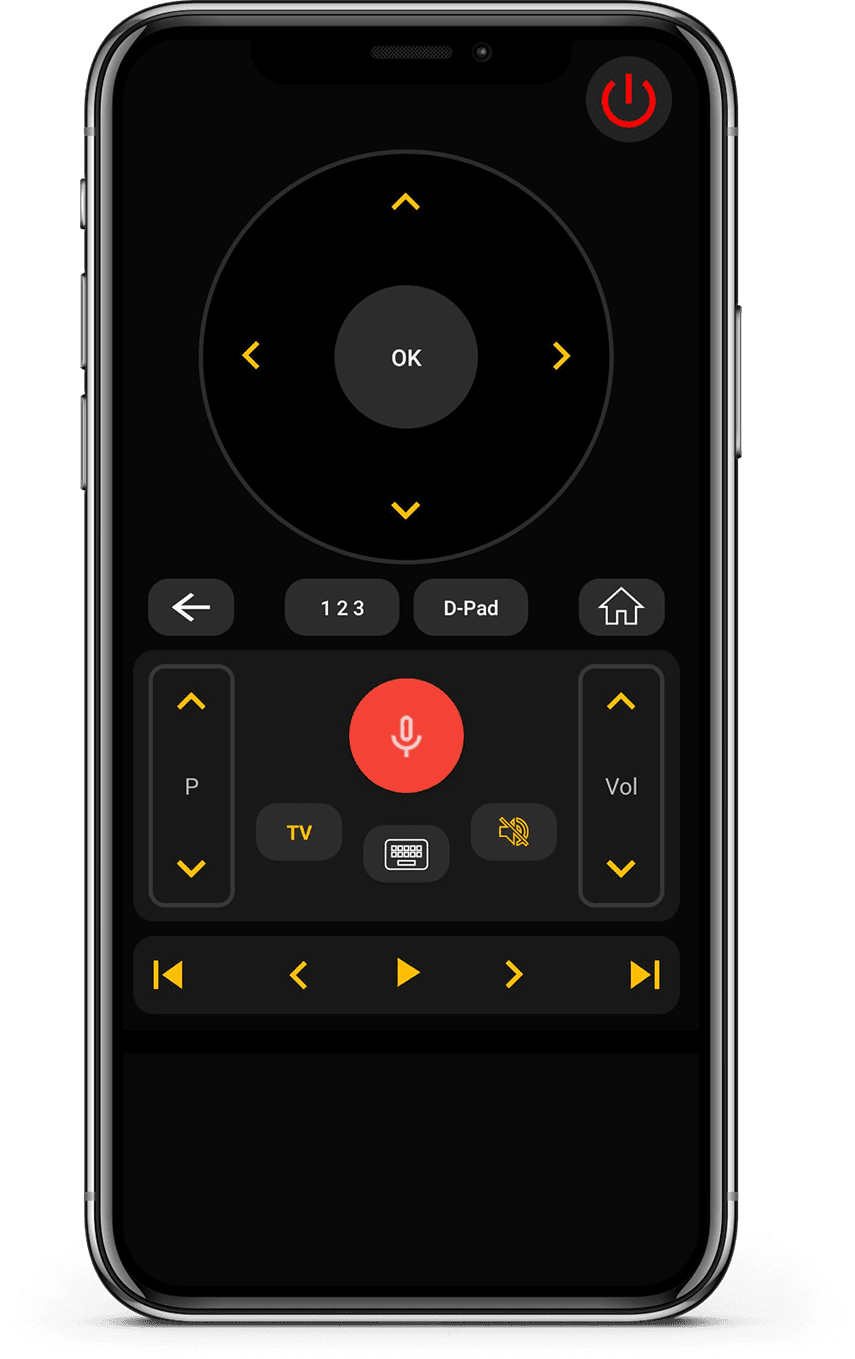
App Interface 1
App Interface 2

用户评价

使用 Universal TV Remote 控制智能电视和红外设备的真实反馈。

Unlike the other apps tried, it easily found and connected to the TV, and worked.

KL
Kent Lion

Just downloaded this out of boredom. It was super easy to set up and it makes me wonder why all remotes aren't designed like this. I love the interface and I actually use it more than the actual remote the TV came with. I love how it has all my TV apps in one location. I found some apps I had forgotten about. I can't find a negative thing to say. I wonder if there is a way to turn ads off, even if it means paying a small fee. I have a Sony Bravia TV.

CR
Corine Raymond

I usually don't review but I had to for this. This was the only remote app that worked for me because this was the only one that I found that works as an IR remote. This works well for the most part except sometimes it goes ahead two spaces instead of one when I am in the settings. I will probably continue using this in the future.

RG
Ramjot Grewal

常见问题

关于兼容性、设置和应用使用的快速解答。

哪款是最好的电视遥控应用?
Universal TV Remote Control 是最佳应用之一,因为它支持多种智能电视品牌,通过 Wi-Fi 连接,并免费提供基本遥控功能。
有免费的电视遥控应用吗?
有的。Universal TV Remote 是一款免费应用,无需付费或订阅即可使用完整遥控功能。
我可以把手机当作电视遥控器吗?
可以。适用于 Android 和 iOS 的 Universal TV Remote Control 可以让智能手机完全替代实体遥控器。
这款遥控应用支持哪些电视品牌?
Universal TV Remote 支持 700 多款智能电视,包括 Samsung、LG、Android TV、Google TV、Roku、Fire TV、Sony、TCL、JVC、Insignia、Sharp、Panasonic、Hisense、Xiaomi 等。
这款电视遥控应用如何连接电视?
Universal TV Remote 通过同一 Wi-Fi 网络连接手机和电视,并直接向电视发送控制指令。
这款应用能替代丢失的电视遥控器吗?
可以。如果实体遥控器丢失或损坏,只要电视和手机在同一 Wi-Fi 网络,Universal TV Remote 可以完全替代它。
应用支持非智能红外电视吗?
支持。Universal TV Remote 适用于智能和非智能电视。对于非智能电视,手机需内置红外传感器。
一个应用可以控制多台电视吗?
可以。Universal TV Remote 可以用一部智能手机控制多台兼容电视。
这款应用在 Android 和 iOS 上可用吗?
是的,Universal TV Remote 适用于 Android 和 iOS 设备。

还有疑问?向下滚动下载应用并在您的电视上试用。

联系我们

如需快速支持或有宝贵建议,请使用下方联系表单。我们的团队会尽快回复。

地址

Office # 14, 2nd Floor, KPK IT Park,
Abbottabad, Pakistan

免费下载 Apple 和 Play 商店

从 Apple 和 Play 商店安装应用。

Download on the App StoreGet it on Google Play
App screenshot preview 2
App screenshot preview 1

版权所有 © 2018 - 2026 Universal TV Remote Control。产品由 Codematics Services (Private) Limited 提供。