

Codematics logoControl Remoto Universal

Idioma

Control Remoto Universal de TV de Codematics

La app nº 1 de control remoto universal de TV — Smart e IR en más de 100 países.

4,5466 mil valoraciones

130 M+ usuarios700+ marcas de TVAndroid e iOS

Mobile app mockup
TV Brand

Funciones de la App

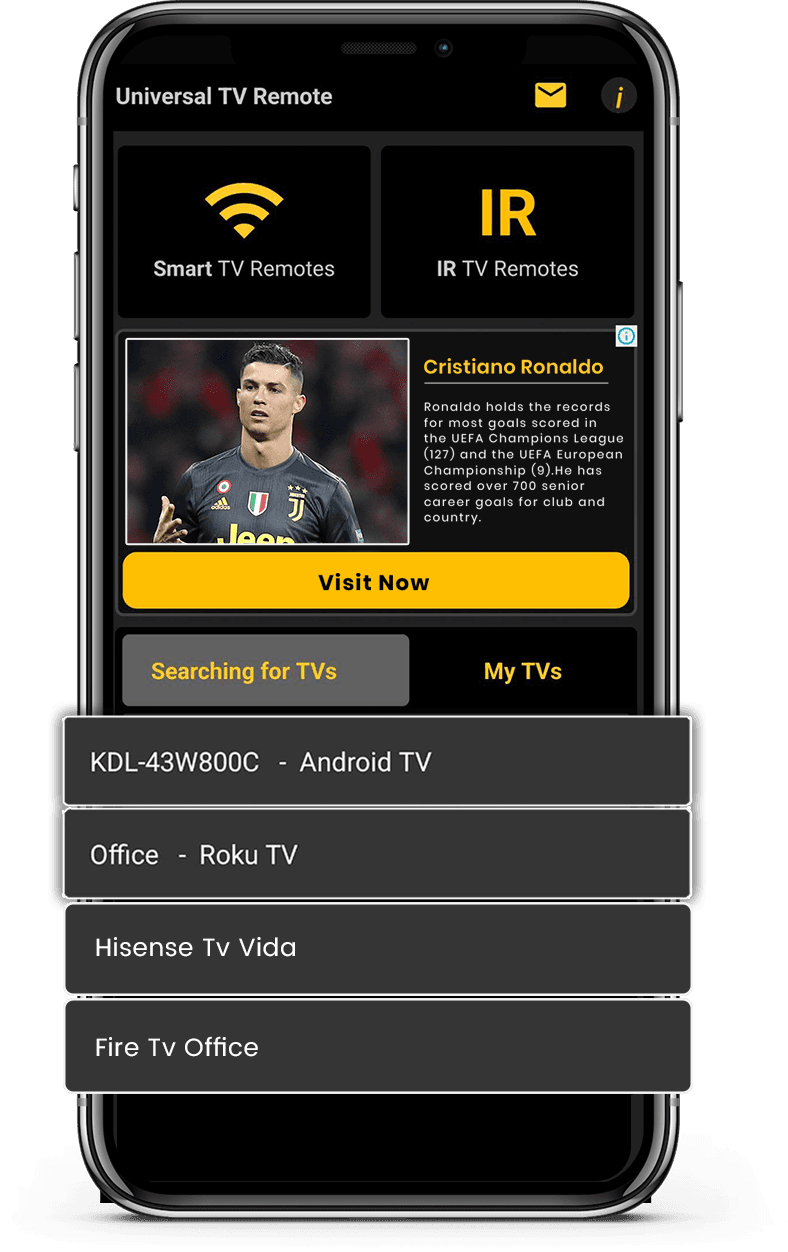
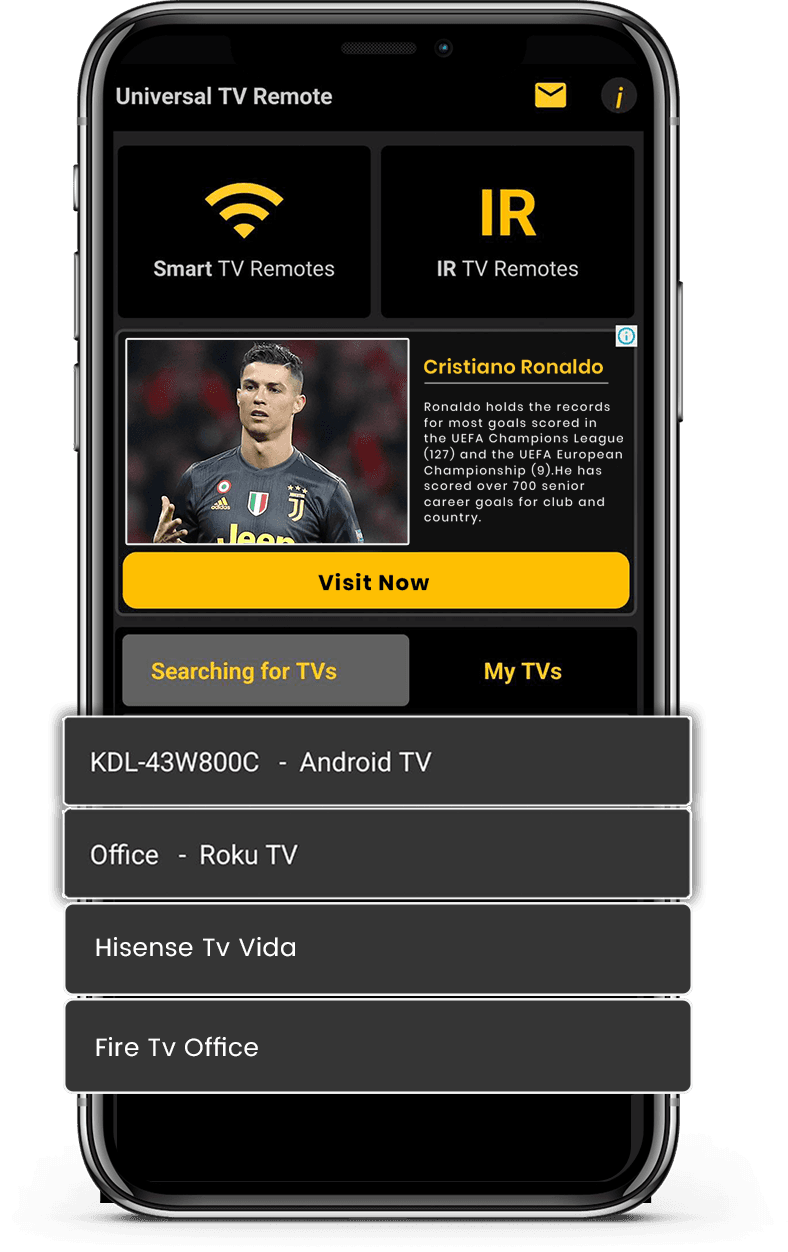
Funciona con Smart TV y televisores con IR para amplia compatibilidad. Conéctate al instante vía WiFi o IR con una configuración simple y rápida.

Soporte Smart TV e IR

Soporte Smart TV e IR

Funciona con Smart TV y televisores con IR para amplia compatibilidad.

Conexión Rápida y Fácil

Conexión Rápida y Fácil

Conéctate al instante vía WiFi o IR con una configuración simple y rápida.

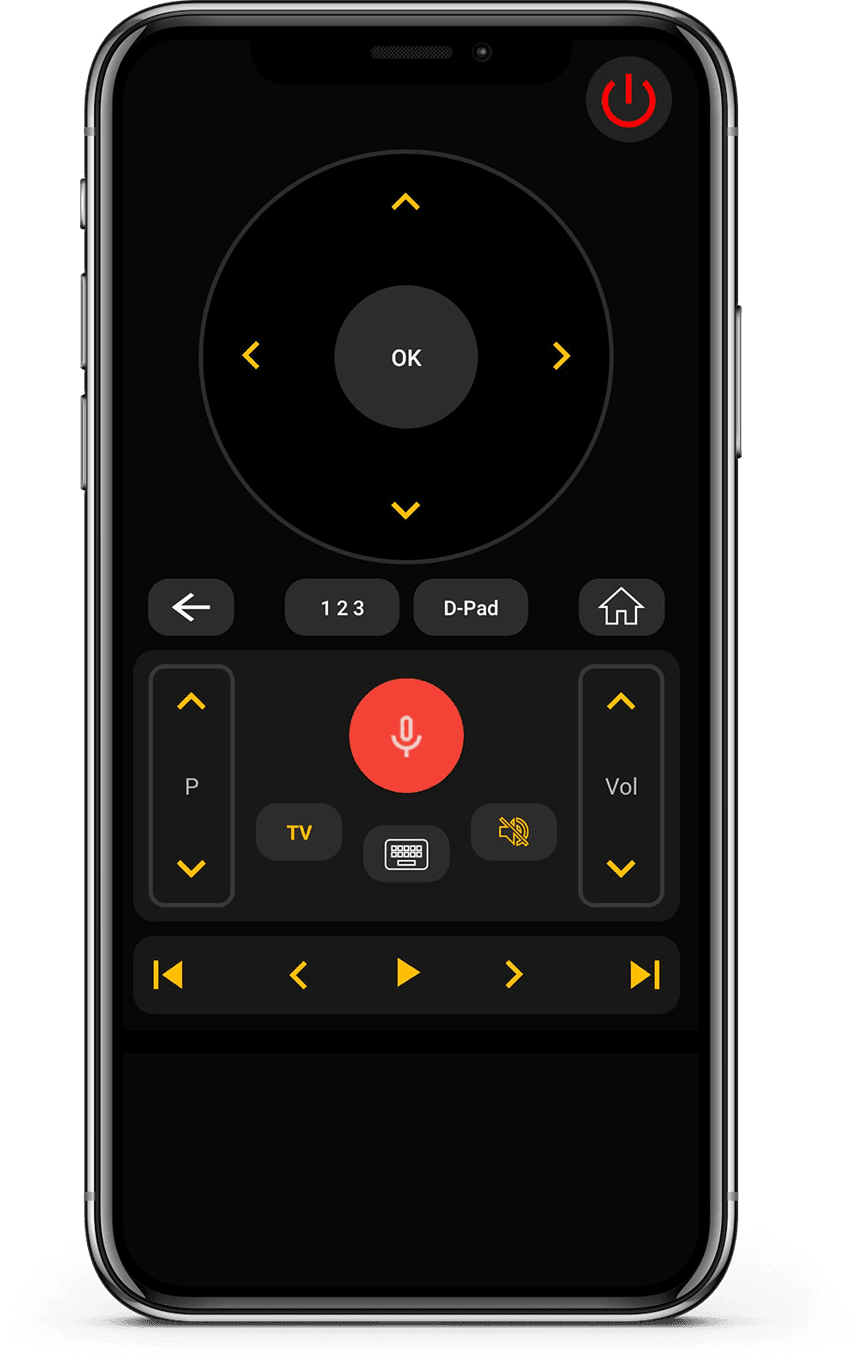
Control Remoto Completo

Control Remoto Completo

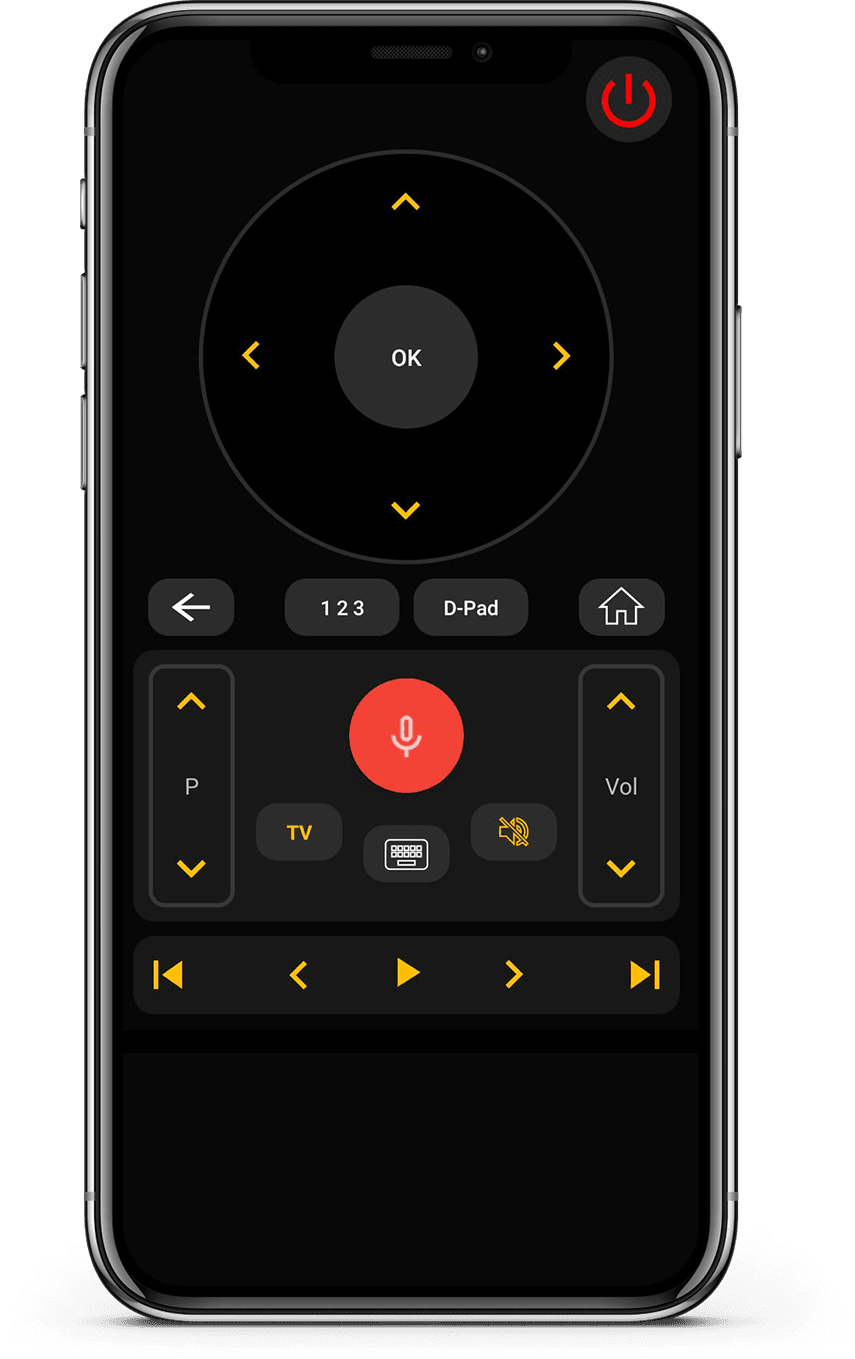
Controla volumen, canales, apps, navegación y reproducción de medios sin esfuerzo.

Interfaz Limpia e Intuitiva

Interfaz Limpia e Intuitiva

Diseño minimalista fácil de entender y cómodo de usar.

How it works

¿Cómo funciona esta app?

  • Conectar Dispositivo

    Conecta tu teléfono y TV a la misma red Wi-Fi.

  • Emparejar y Controlar

    Abre la app, empareja tu TV y comienza a controlar al instante.

  • Disfruta del Control Inteligente

    Cambia canales, ajusta el volumen y usa funciones inteligentes fácilmente.

Available on Google PlayAvailable on the App Store

Marcas de TV Compatibles

Funciona con más de 700 marcas de TV, incluyendo Samsung, LG, Sony, Roku, Fire TV, Android TV y más.

Vizio TV
Amazon Fire TV
Android TV

Lo que dicen los usuarios

Opiniones reales de personas que usan Universal TV Remote para controlar Smart TV y dispositivos IR.

  • “Unlike the other apps tried, it easily found and connected to the TV, and worked.”
    KL
    Kent Lion
  • “Just downloaded this out of boredom. It was super easy to set up and it makes me wonder why all remotes aren't designed like this. I love the interface and I actually use it more than the actual remote the TV came with. I love how it has all my TV apps in one location. I found some apps I had forgotten about. I can't find a negative thing to say. I wonder if there is a way to turn ads off, even if it means paying a small fee. I have a Sony Bravia TV.”
    CR
    Corine Raymond
  • “I usually don't review but I had to for this. This was the only remote app that worked for me because this was the only one that I found that works as an IR remote. This works well for the most part except sometimes it goes ahead two spaces instead of one when I am in the settings. I will probably continue using this in the future.”
    RG
    Ramjot Grewal
  • “This is a really great app, and it barely took me 2 minutes to set my TV up! But some advice I have is: My TV measures volume from 1-100, and because the volume doesn't change when you long press the volume button, it's very tedious when you have to press the volume button over and over. And second: You could add a vibrate feature whenever you press a button. It feels really delicate to use the app otherwise. But overall, it's an awesome app!.”
    YC
    Yashna Chattree
  • “Worked flawlessly as a smart remote with my LG OLED webOS TV. My only complaint is that I can't hold down the volume buttons, but that is minor. Out of all the apps I tested, this was the only one that worked. Not only that, but the ads are out of the way and not obtrusive at all. Well done.”
    NR
    N River
  • “Thank you for this app guys, I'm using the free version and was staggered that your list of tv's included my obscure, old skool artefact! The interface is first class and includes all I need. Wonderful and totally unexpected gem. I'm upgrading to 5 stars now I am familiar with all the options. I can fully recommend this feature for all the frustrated searchers out there, download and good luck! Thanks again, Chris.”
    CG
    Christopher Garner
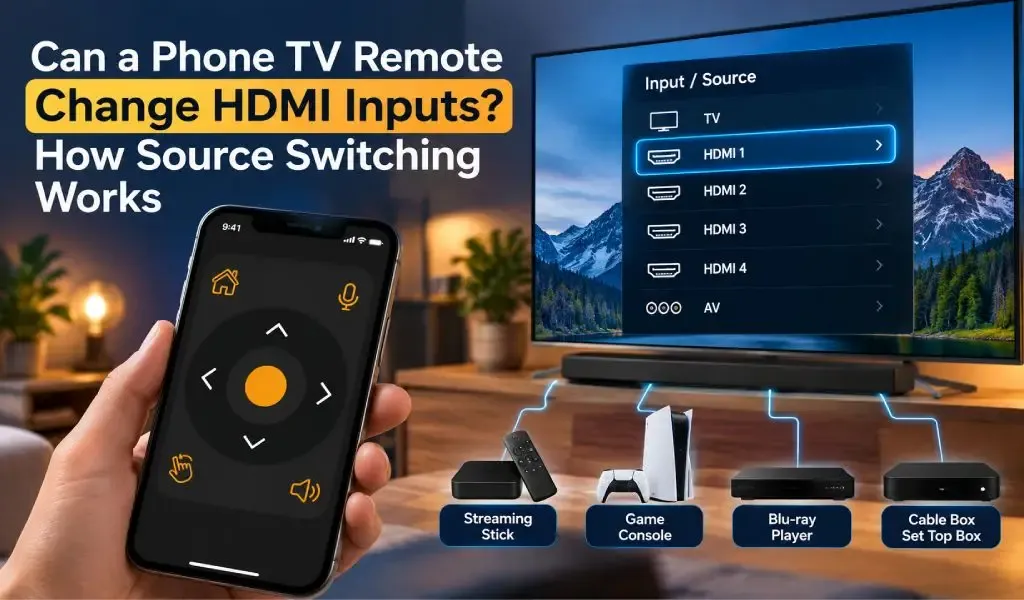
  • “Motel TVs- I like to connect my own device to watch my own recordings. That often requires switching which input on the TV is being used. Quite often the remote control provided by the motel won't allow that to happen. And quite often the commercial TV in a motel has had all of the buttons removed. But if you have your own universal remote you can get around all that. This app worked great at helping me do that. Also helps shut off the closed captioning if it's on.”
    DE
    David Ermoian
  • “Well Have a Bolva tv and there is no code listed for it , nor is it listed in either list. That being said!! You and your team have Nailed this app, easy to sorce it easy to use as well bright very well color coded and a huge list of codes available. If you ever lose your TV control, it's such a good app even if you don't Lose it this is an amazing app, features and design. Ilk even take it a little further what a team if you post an issue a team member quickly responds!! 2 Thumbs Up!!”
    CR
    Chris REDDING
  • “I have used so many remote apps. Yet i couldn't find any better than this. This universal remote has so much options working silk smooth. It has track pad, keyboard, full tv remote accessies,and most of all it allows you to search your TV brand and pair in just a click. I am simply amazed.”
    KZ
    Kamran Zahoor
  • “Simple setup with an incredible number of brands supported, clean interface, unobtrusive ads. Unfortunately, I didn't think to check whether my new phone has IR capability before downloading (my last phone did and this one is supposed to be an upgrade)”
    A
    Ada

Preguntas Frecuentes

Respuestas rápidas sobre compatibilidad, configuración y funcionamiento de la app.

¿Qué es Universal TV Remote Control?
Universal TV Remote Control es una aplicación móvil desarrollada por CodeMatics Services Pvt. Ltd. Está diseñada para que los usuarios controlen televisores compatibles desde su teléfono.
¿Quién desarrolla Universal TV Remote Control?
Universal TV Remote Control es desarrollada y mantenida por CodeMatics Services Pvt. Ltd. La empresa desarrolla la aplicación y sigue actualizándola a medida que evolucionan las tecnologías móviles y de televisión.
¿Universal TV Remote Control está disponible para Android y para iPhone?
Sí. La aplicación está disponible para dispositivos Android en Google Play y para iPhone y iPad en el App Store de Apple.
¿Dónde puedo descargar Universal TV Remote Control?
Puede descargar la aplicación en la tienda oficial Google Play para dispositivos Android o en el App Store de Apple para iPhone y iPad.
¿Dónde está disponible Universal TV Remote Control?
Universal TV Remote Control está disponible en más de 100 países. La disponibilidad puede depender de la tienda de aplicaciones y de la plataforma de su región.
¿Universal TV Remote Control tiene versiones distintas para cada marca de TV?
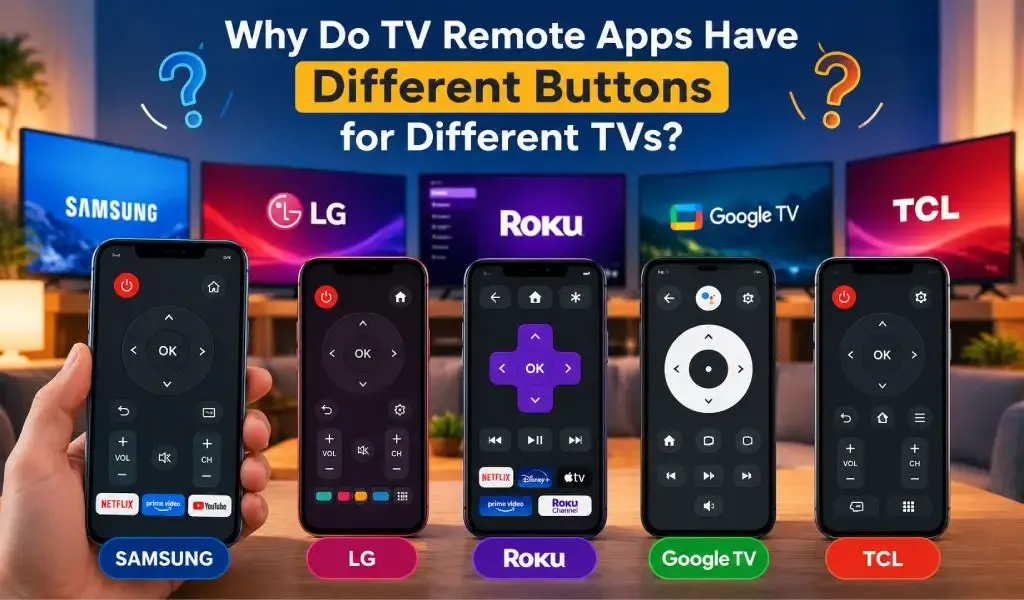
No se necesita una aplicación distinta para cada marca de TV compatible. Universal TV Remote Control está diseñada como una sola aplicación móvil que admite televisores compatibles de muchos fabricantes.
¿La aplicación funciona igual en todos los televisores compatibles?
No necesariamente. Los controles disponibles y la experiencia de uso pueden variar según la marca, el modelo, el sistema operativo y las capacidades compatibles del televisor. Así la aplicación se adapta a las diferencias entre plataformas de televisión.
¿Se puede usar Universal TV Remote Control en más de un tipo de TV?
Sí. La aplicación está pensada para hogares y usuarios que pueden tener televisores de distintos fabricantes. Los televisores compatibles se pueden configurar según sus requisitos individuales de compatibilidad y conexión.
¿Dónde puedo encontrar ayuda si tengo un problema con la aplicación?
Puede usar las guías y los recursos de solución de problemas disponibles en el sitio web de Universal TV Remote Control. Estos recursos cubren preguntas habituales sobre compatibilidad, configuración, detección de TV, conectividad y plataformas de TV concretas.

¿Aún tienes preguntas? Desplázate hacia abajo para descargar la app y probarla en tu TV.

Contáctanos

Para soporte rápido o sugerencias, usa el formulario de abajo. Nuestro equipo te responderá lo antes posible.

Dirección

Office # 14, 2nd Floor, KPK IT Park,
Abbottabad, Pakistan

Descarga gratis desde Apple y Play Store

Instala la app desde Apple y Play Store.

Get it on Google PlayDownload on the App Store
App screenshot preview 2
App screenshot preview 1
Política de privacidad

Copyright © 2018 - 2026 Universal TV Remote Control. Producto de Codematics Services (Private) Limited.