



Codematics logoรีโมททีวีอเนกประสงค์

ภาษา

รีโมททีวีอเนกประสงค์ โดย Codematics

แอปรีโมตทีวียูนิเวอร์แซลอันดับ 1 — Smart และ IR ในกว่า 100 ประเทศ

4.5466K การให้คะแนน

ผู้ใช้ 130 ล้าน+แบรนด์ทีวี 700+Android และ iOS
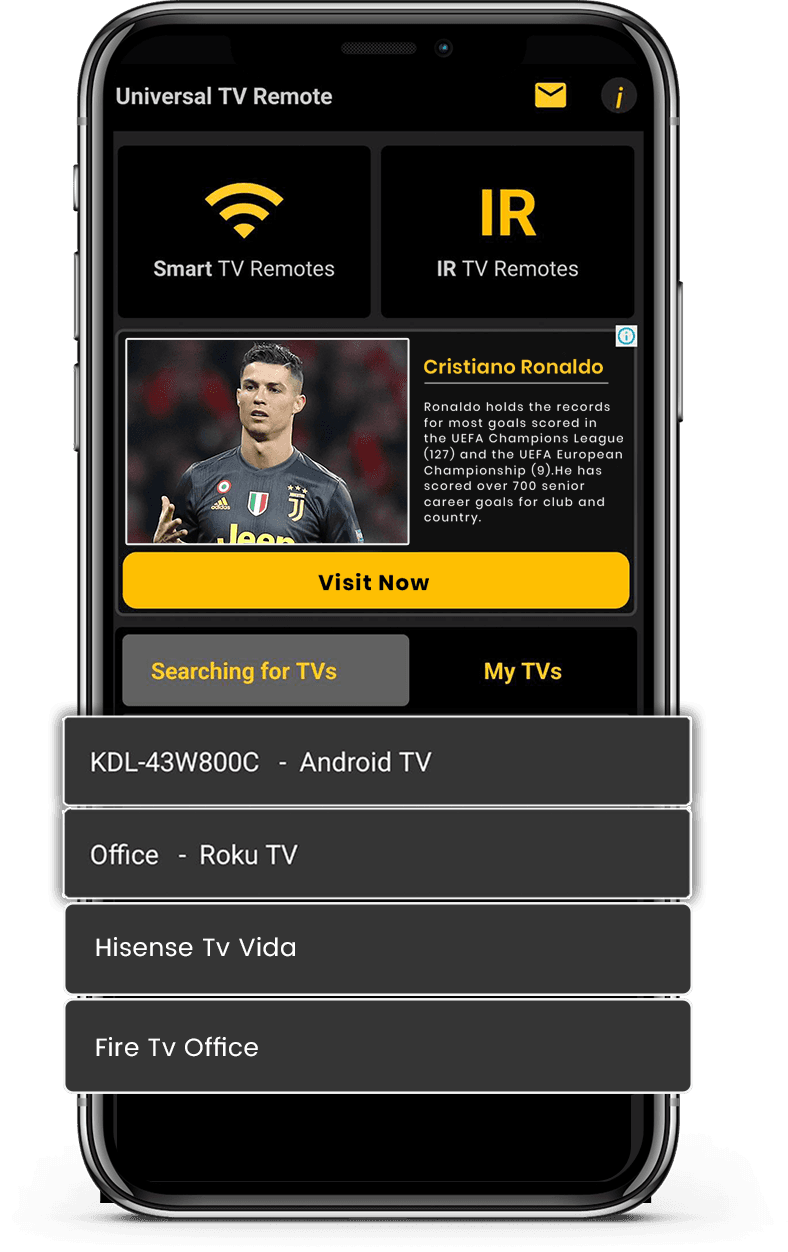
Mobile app mockup
TV Brand

ฟีเจอร์แอป

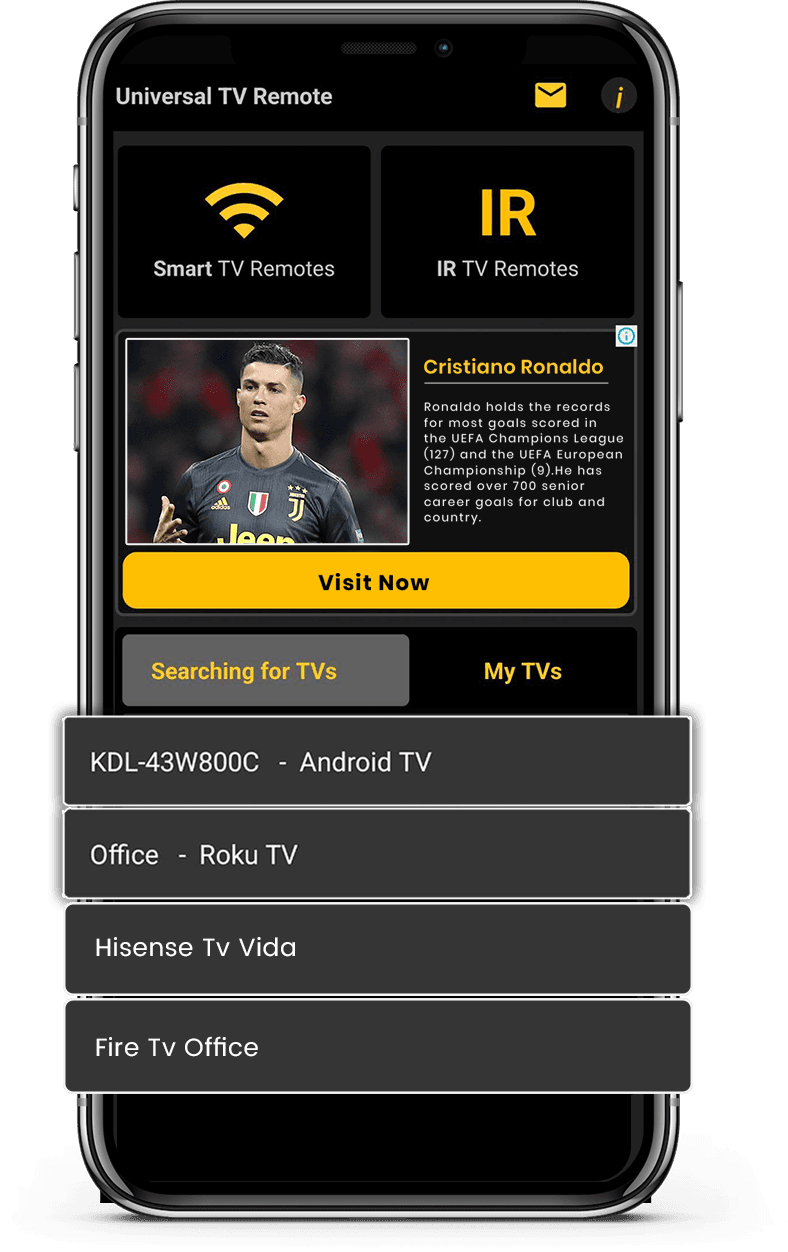
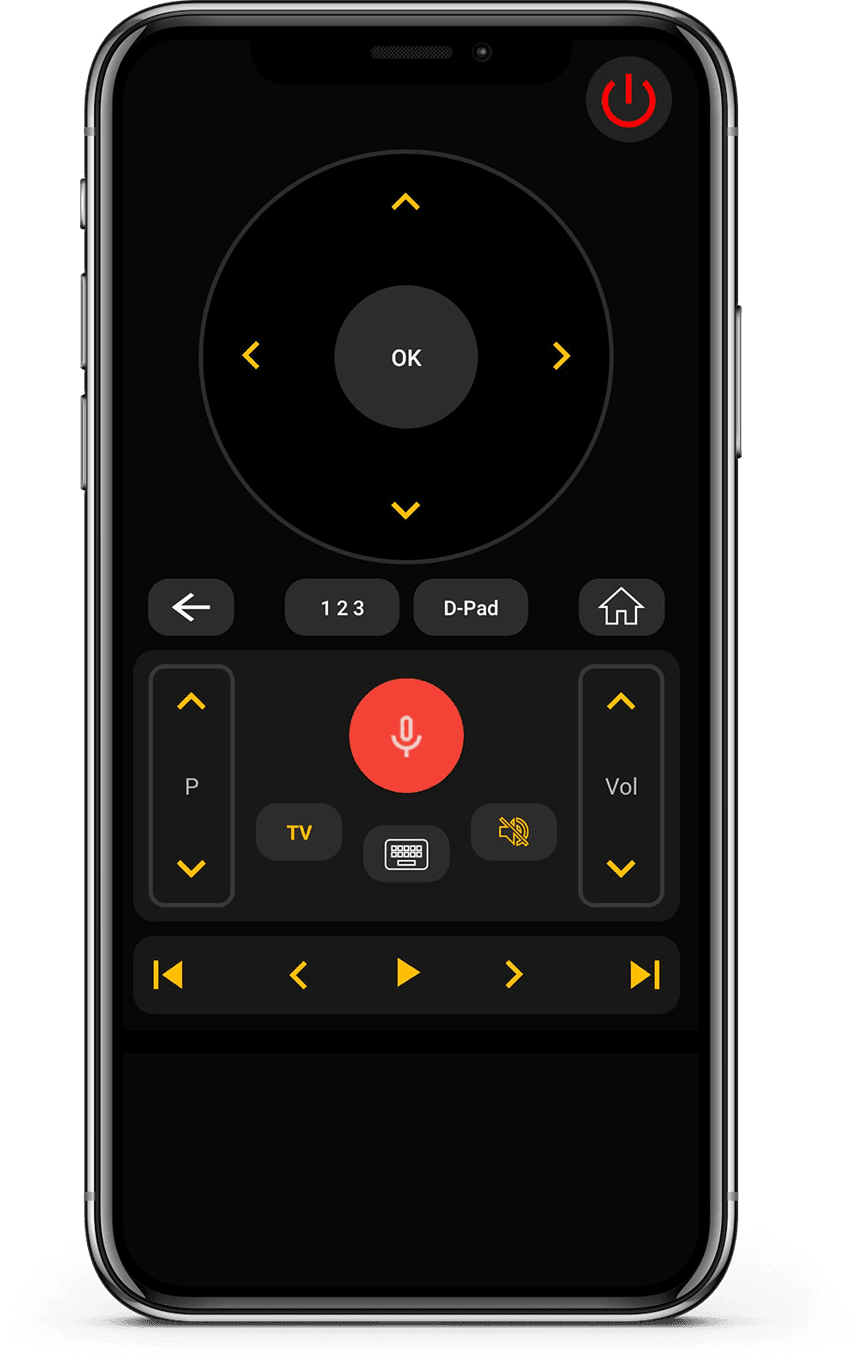
ใช้งานได้กับ Smart TV และทีวีที่รองรับ IR เชื่อมต่อทันทีผ่าน WiFi หรือ IR ด้วยการตั้งค่าที่ง่ายและรวดเร็ว

รองรับ Smart TV และ IR

รองรับ Smart TV และ IR

ใช้งานได้กับ Smart TV และทีวีที่รองรับ IR เพื่อความเข้ากันได้กว้าง

เชื่อมต่อเร็วและง่าย

เชื่อมต่อเร็วและง่าย

เชื่อมต่อทันทีผ่าน WiFi หรือ IR ด้วยการตั้งค่าที่ง่ายและรวดเร็ว

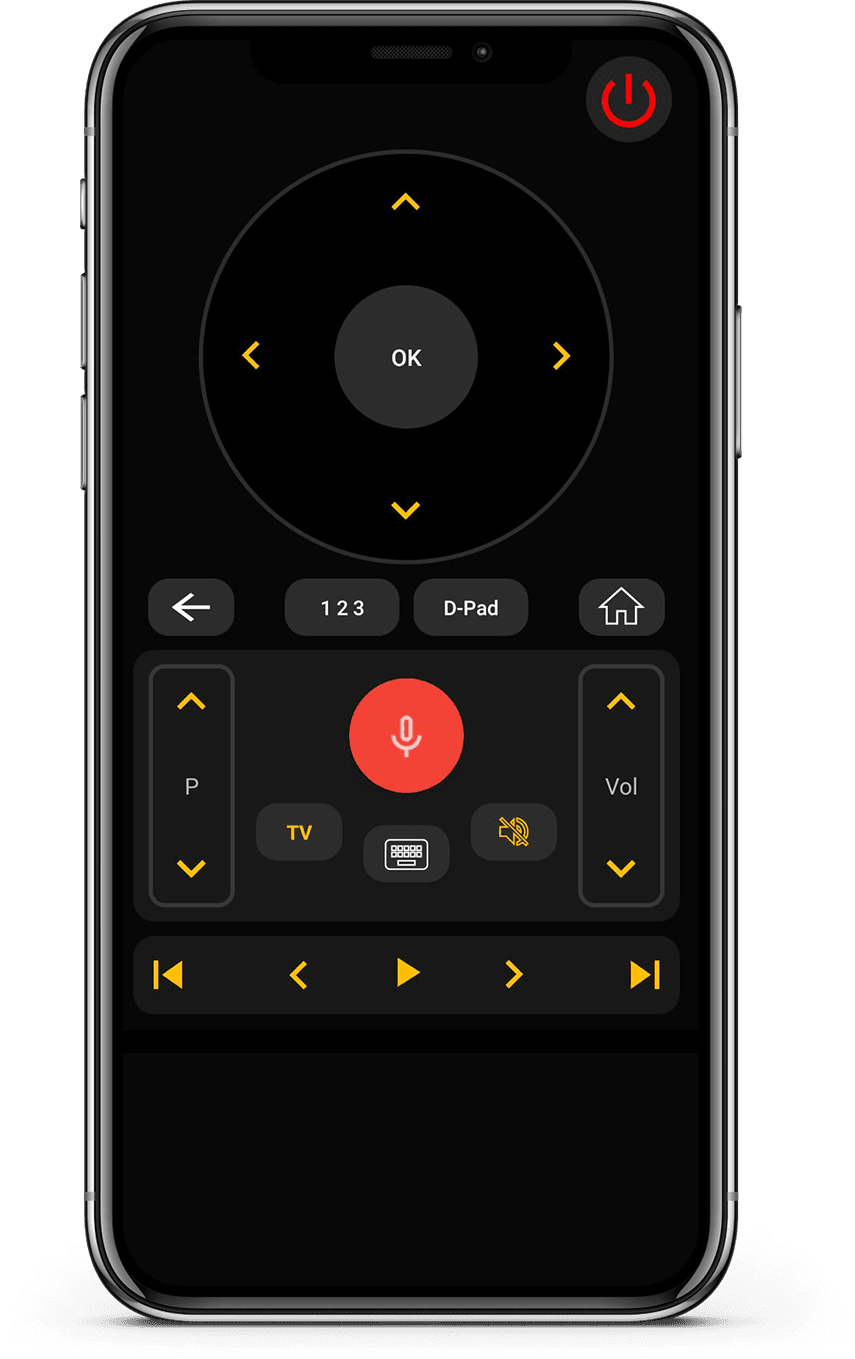
ควบคุมรีโมตครบถ้วน

ควบคุมรีโมตครบถ้วน

ควบคุมระดับเสียง ช่อง แอป การนำทาง และการเล่นสื่อได้อย่างง่ายดาย

อินเทอร์เฟซเรียบง่ายและใช้งานง่าย

อินเทอร์เฟซเรียบง่ายและใช้งานง่าย

ดีไซน์มินิมอลที่เข้าใจง่ายและใช้งานสะดวก

How it works

แอปนี้ทำงานอย่างไร?

  • เชื่อมต่ออุปกรณ์

    เชื่อมต่อโทรศัพท์และทีวีให้อยู่ในเครือข่าย Wi-Fi เดียวกัน

  • จับคู่และควบคุม

    เปิดแอป จับคู่ทีวี และเริ่มควบคุมได้ทันที

  • เพลิดเพลินกับการควบคุมอัจฉริยะ

    เปลี่ยนช่อง ปรับระดับเสียง และใช้ฟีเจอร์อัจฉริยะได้อย่างง่ายดาย

Available on Google PlayAvailable on the App Store

แบรนด์ทีวีที่รองรับ

รองรับแบรนด์ทีวีกว่า 700 แบรนด์ รวม Samsung, LG, Sony, Roku, Fire TV, Android TV และอื่นๆ
Vizio TV
Amazon Fire TV
Android TV

คู่มือรีโมททีวีล่าสุด

เคล็ดลับ คู่มือการตั้งค่า และการแก้ปัญหาเพื่อประสบการณ์ที่ดีที่สุด

TV Remote App Buttons

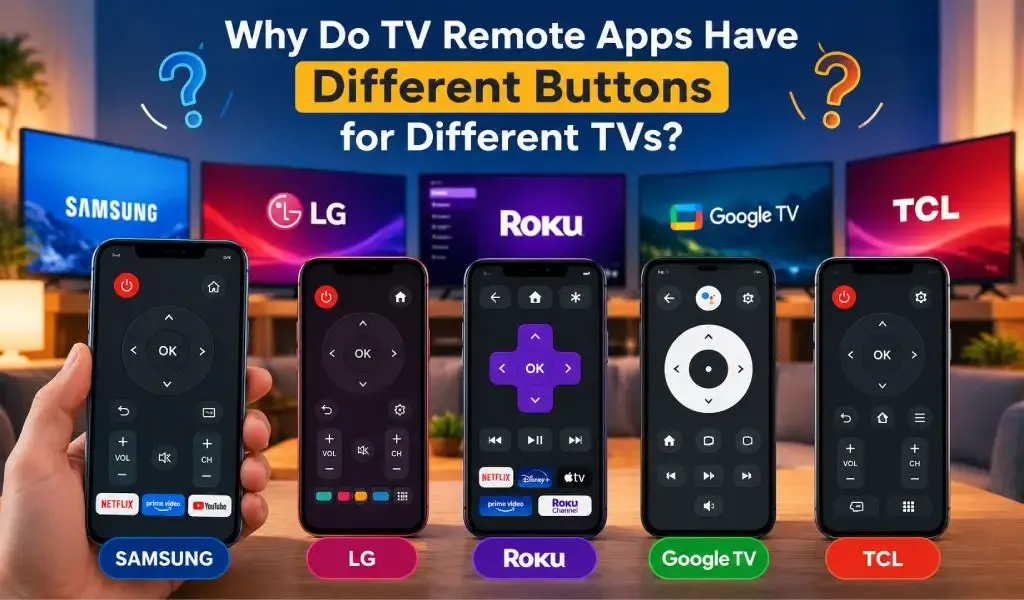
ทำไมแอปรีโมททีวีจึงมีปุ่มต่างกันสำหรับทีวีแต่ละเครื่อง?

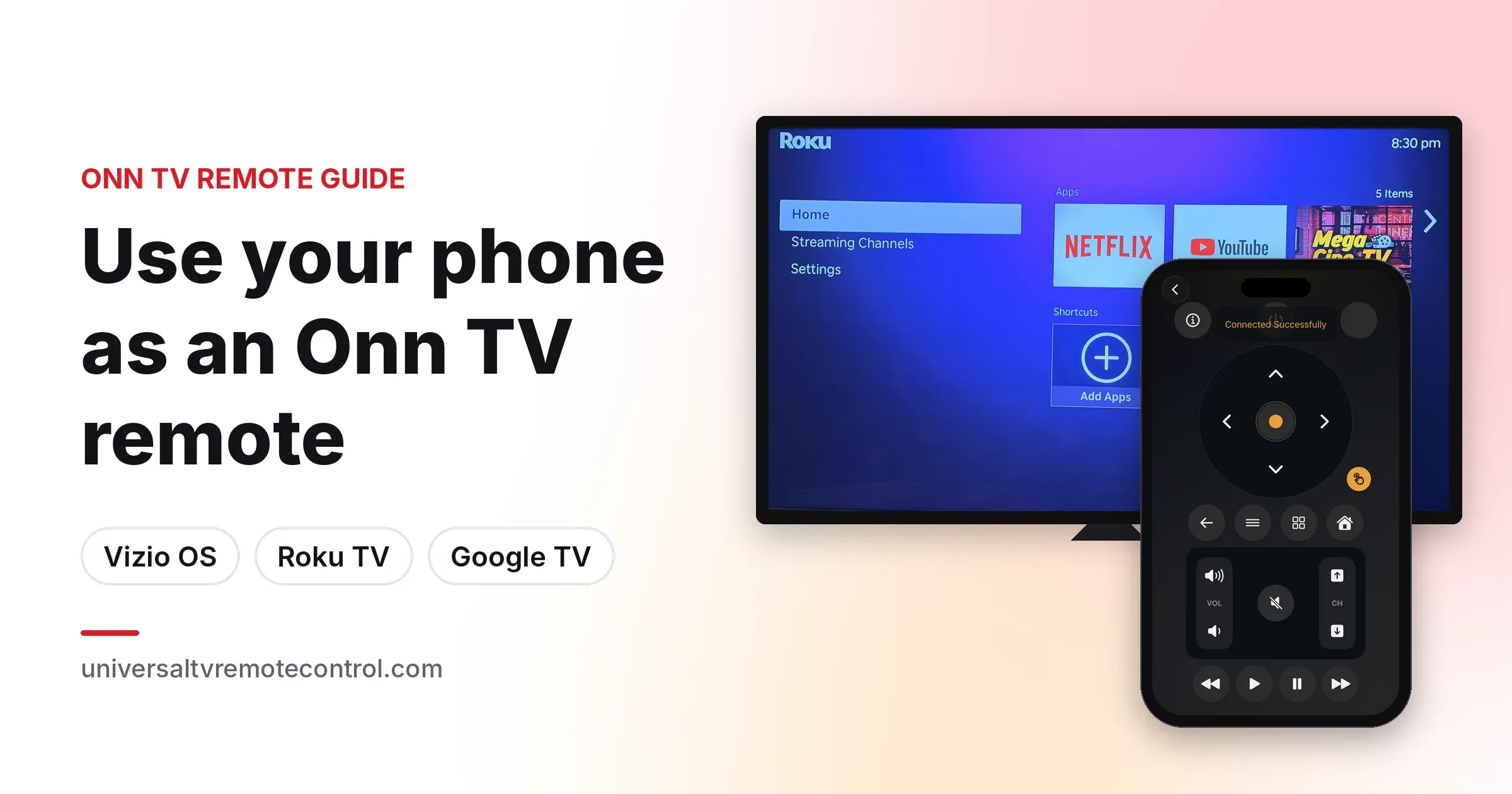
ทำไมแอปรีโมททีวีจึงแสดงปุ่มต่างกันสำหรับทีวีแต่ละเครื่อง? เรียนรู้ว่าแบรนด์ รุ่น ระบบปฏิบัติการ และวิธีเชื่อมต่อส่งผลต่อรีโมทอย่างไร
7 ตุลาคม 2569
TV Remote App HDMI Settings

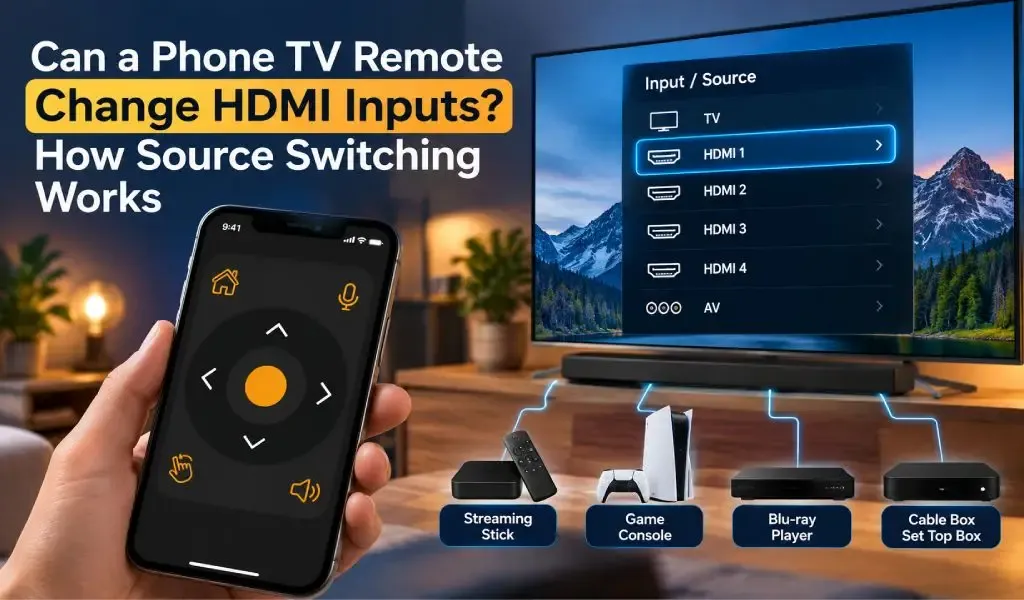
รีโมททีวีบนโทรศัพท์เปลี่ยนช่อง HDMI ได้ไหม? การสลับแหล่งสัญญาณทำงานอย่างไร

รีโมททีวีบนโทรศัพท์เปลี่ยนช่อง HDMI ได้ไหม? เรียนรู้ว่าการสลับแหล่งสัญญาณทำงานอย่างไร HDMI CEC มีผลอย่างไร และเหตุใดการควบคุมช่องสัญญาณจึงต่างกันตามรุ่นทีวีและแอป

1 ตุลาคม 2569

ผู้ใช้พูดถึงเรา

ความคิดเห็นจริงจากผู้ที่ใช้ Universal TV Remote ควบคุม Smart TV และอุปกรณ์ IR

  • “Unlike the other apps tried, it easily found and connected to the TV, and worked.”
    KL
    Kent Lion
  • “Just downloaded this out of boredom. It was super easy to set up and it makes me wonder why all remotes aren't designed like this. I love the interface and I actually use it more than the actual remote the TV came with. I love how it has all my TV apps in one location. I found some apps I had forgotten about. I can't find a negative thing to say. I wonder if there is a way to turn ads off, even if it means paying a small fee. I have a Sony Bravia TV.”
    CR
    Corine Raymond
  • “I usually don't review but I had to for this. This was the only remote app that worked for me because this was the only one that I found that works as an IR remote. This works well for the most part except sometimes it goes ahead two spaces instead of one when I am in the settings. I will probably continue using this in the future.”
    RG
    Ramjot Grewal
  • “This is a really great app, and it barely took me 2 minutes to set my TV up! But some advice I have is: My TV measures volume from 1-100, and because the volume doesn't change when you long press the volume button, it's very tedious when you have to press the volume button over and over. And second: You could add a vibrate feature whenever you press a button. It feels really delicate to use the app otherwise. But overall, it's an awesome app!.”
    YC
    Yashna Chattree
  • “Worked flawlessly as a smart remote with my LG OLED webOS TV. My only complaint is that I can't hold down the volume buttons, but that is minor. Out of all the apps I tested, this was the only one that worked. Not only that, but the ads are out of the way and not obtrusive at all. Well done.”
    NR
    N River
  • “Thank you for this app guys, I'm using the free version and was staggered that your list of tv's included my obscure, old skool artefact! The interface is first class and includes all I need. Wonderful and totally unexpected gem. I'm upgrading to 5 stars now I am familiar with all the options. I can fully recommend this feature for all the frustrated searchers out there, download and good luck! Thanks again, Chris.”
    CG
    Christopher Garner
  • “Motel TVs- I like to connect my own device to watch my own recordings. That often requires switching which input on the TV is being used. Quite often the remote control provided by the motel won't allow that to happen. And quite often the commercial TV in a motel has had all of the buttons removed. But if you have your own universal remote you can get around all that. This app worked great at helping me do that. Also helps shut off the closed captioning if it's on.”
    DE
    David Ermoian
  • “Well Have a Bolva tv and there is no code listed for it , nor is it listed in either list. That being said!! You and your team have Nailed this app, easy to sorce it easy to use as well bright very well color coded and a huge list of codes available. If you ever lose your TV control, it's such a good app even if you don't Lose it this is an amazing app, features and design. Ilk even take it a little further what a team if you post an issue a team member quickly responds!! 2 Thumbs Up!!”
    CR
    Chris REDDING
  • “I have used so many remote apps. Yet i couldn't find any better than this. This universal remote has so much options working silk smooth. It has track pad, keyboard, full tv remote accessies,and most of all it allows you to search your TV brand and pair in just a click. I am simply amazed.”
    KZ
    Kamran Zahoor
  • “Simple setup with an incredible number of brands supported, clean interface, unobtrusive ads. Unfortunately, I didn't think to check whether my new phone has IR capability before downloading (my last phone did and this one is supposed to be an upgrade)”
    A
    Ada

คำถามที่พบบ่อย

คำตอบด่วนเกี่ยวกับความเข้ากันได้ การตั้งค่า และการทำงานของแอป

Universal TV Remote Control คืออะไร?
Universal TV Remote Control เป็นแอปมือถือที่พัฒนาโดย CodeMatics Services Pvt. Ltd. ออกแบบมาเพื่อให้ผู้ใช้ควบคุมโทรทัศน์ที่รองรับจากสมาร์ทโฟน
ใครเป็นผู้พัฒนา Universal TV Remote Control?
Universal TV Remote Control พัฒนาและดูแลโดย CodeMatics Services Pvt. Ltd. บริษัทพัฒนาแอปและอัปเดตอย่างต่อเนื่องตามวิวัฒนาการของเทคโนโลยีมือถือและโทรทัศน์
Universal TV Remote Control ใช้ได้ทั้ง Android และ iPhone หรือไม่?
ได้ แอปมีให้สำหรับอุปกรณ์ Android ผ่าน Google Play และสำหรับ iPhone กับ iPad ผ่าน App Store ของ Apple
ฉันจะดาวน์โหลด Universal TV Remote Control ได้ที่ไหน?
คุณสามารถดาวน์โหลดแอปจาก Google Play Store อย่างเป็นทางการสำหรับอุปกรณ์ Android หรือจาก App Store ของ Apple สำหรับ iPhone และ iPad
Universal TV Remote Control มีให้บริการที่ใด?
Universal TV Remote Control มีให้บริการในกว่า 100 ประเทศ ความพร้อมใช้งานอาจขึ้นอยู่กับร้านแอปและแพลตฟอร์มในภูมิภาคของคุณ
Universal TV Remote Control มีเวอร์ชันแยกสำหรับแต่ละยี่ห้อทีวีหรือไม่?
ไม่จำเป็นต้องมีแอปแยกสำหรับแต่ละยี่ห้อทีวีที่รองรับ Universal TV Remote Control ออกแบบเป็นแอปมือถือเดียวที่รองรับโทรทัศน์ที่เข้ากันได้จากผู้ผลิตหลายราย
แอปทำงานเหมือนกันบนทีวีที่รองรับทุกเครื่องหรือไม่?
ไม่เสมอไป การควบคุมที่มีและประสบการณ์การใช้งานอาจแตกต่างกันตามยี่ห้อ รุ่น ระบบปฏิบัติการ และความสามารถที่รองรับของทีวี ซึ่งช่วยให้แอปปรับตามความแตกต่างของแพลตฟอร์มโทรทัศน์
สามารถใช้ Universal TV Remote Control กับทีวีมากกว่าหนึ่งประเภทได้หรือไม่?
ได้ แอปออกแบบมาสำหรับครัวเรือนและผู้ใช้ที่อาจมีโทรทัศน์จากผู้ผลิตต่างกัน ทีวีที่รองรับสามารถตั้งค่าตามข้อกำหนดด้านความเข้ากันได้และการเชื่อมต่อของแต่ละเครื่อง
หากมีปัญหากับแอป ฉันจะขอความช่วยเหลือได้ที่ไหน?
คุณสามารถใช้คู่มือและแหล่งข้อมูลการแก้ปัญหาที่มีอยู่ทั่วเว็บไซต์ Universal TV Remote Control แหล่งข้อมูลเหล่านี้ครอบคลุมคำถามทั่วไปเกี่ยวกับความเข้ากันได้ การตั้งค่า การค้นหาทีวี การเชื่อมต่อ และแพลตฟอร์มทีวีเฉพาะ

ยังมีคำถาม? เลื่อนลงเพื่อดาวน์โหลดแอปและลองใช้กับทีวีของคุณ

ติดต่อเรา

สำหรับการสนับสนุนด่วนหรือข้อเสนอแนะ ใช้แบบฟอร์มด้านล่าง ทีมของเราจะติดต่อกลับโดยเร็วที่สุด

ที่อยู่

Office # 14, 2nd Floor, KPK IT Park,
Abbottabad, Pakistan

โทรศัพท์

+92-992-639764+92-992-526915

ดาวน์โหลดฟรีจาก Apple และ Play Store

ติดตั้งแอปจาก Apple และ Play Store

Get it on Google PlayDownload on the App Store
App screenshot preview 2
App screenshot preview 1