
Giới thiệu
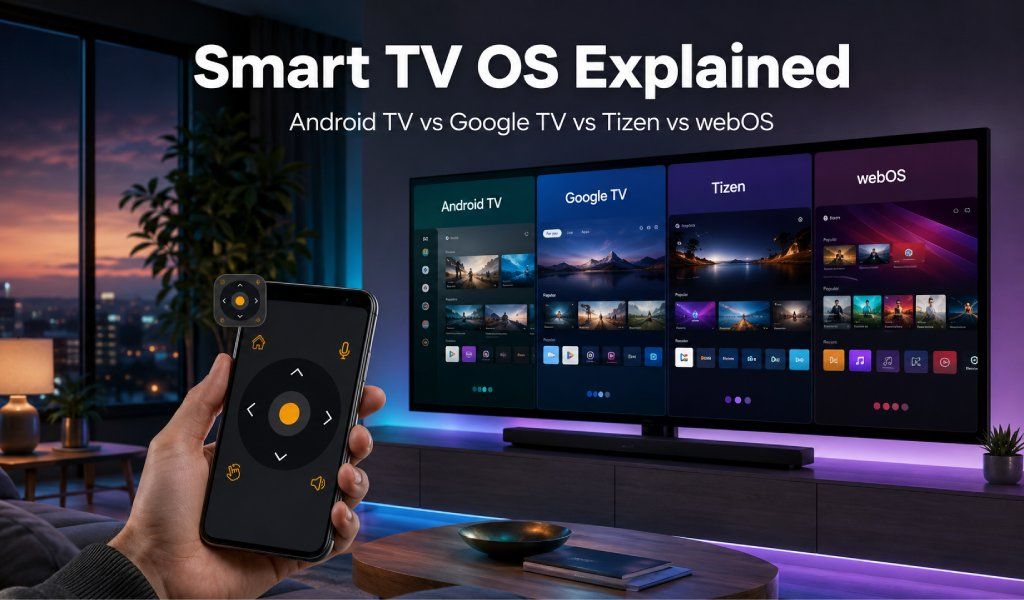
Có bốn hệ điều hành Smart TV chính trong năm 2025/2026: Android TV, Google TV, Tizen và webOS. Mỗi hệ có giao diện và cách hoạt động khác nhau, đòi hỏi cách tiếp cận hơi khác khi dùng điện thoại làm remote. Đây là ý nghĩa thực tế của từng OS đối với trải nghiệm TV hàng ngày, và lý do Universal TV Remote Control hoạt động liền mạch với tất cả.
Tại sao OS TV quan trọng hơn bạn nghĩ
Hệ điều hành Smart TV không chỉ là giao diện; nó kiểm soát mọi thứ từ khả năng có sẵn của ứng dụng đến cách TV kết nối với thiết bị khác. Nó quyết định giao diện, tốc độ, tính năng và cách ứng dụng remote trên điện thoại giao tiếp với TV.
Tính đến 2025/2026, Android TV chiếm thị phần toàn cầu lớn nhất khoảng 35% nền tảng Smart TV đã cài đặt. Tizen của Samsung và webOS của LG cũng thống trị hàng triệu hộ gia đình. Hiểu các hệ này ảnh hưởng trực tiếp đến mức độ dễ điều khiển TV, đặc biệt khi dùng ứng dụng remote phổ quát.
Tại sao ứng dụng remote TV không hoạt động? (Sửa mọi vấn đề)
1: Android TV - Hệ Smart OS phổ biến nhất
Là gì:
Android TV do Google phát triển, dựa trên hệ sinh thái Android, tối ưu cho màn hình lớn. Chạy trên TV của Sony, TCL, Hisense, Philips, Xiaomi và OnePlus.
Giao diện:
- Màn hình chính dạng ô vuông với gợi ý nội dung, Google Assistant tích hợp và truy cập Google Play Store.
Điểm mạnh chính:
- Android TV có thư viện ứng dụng lớn nhất và hỗ trợ Chromecast tích hợp, cho phép truyền liền mạch từ điện thoại.
Hạn chế:
- Có thể hơi nặng hoặc chậm hơn trên TV giá rẻ hoặc đời cũ.
Tích hợp ứng dụng remote:
- Universal TV Remote Control kết nối qua Wi-Fi khi điện thoại và TV cùng mạng. Bạn có trải nghiệm đầy đủ: điều hướng trackpad, gõ bàn phím, khởi chạy ứng dụng và điều khiển media.
Tải Universal TV Remote Control để dùng điện thoại làm remote Android TV đầy đủ (không cần thiết lập).
2: Google TV - Sự tiến hóa thông minh hơn của Android TV
Là gì:
- Google TV không phải OS riêng mà là giao diện nâng cao trên Android TV. Cài sẵn trên model mới của Sony, TCL và Hisense.
Khác biệt chính so với Android TV:
- Google TV tập trung tổng hợp nội dung. Thay vì mở từng ứng dụng, hiển thị gợi ý thống nhất từ Netflix, Disney+ và Prime Video.
Giao diện:
- Màn hình chính cá nhân hóa theo hồ sơ, tích hợp sâu Google Assistant và bảng tin nội dung “For You”.
Tích hợp ứng dụng remote:
- Vì chạy trên lõi Android TV, Universal TV Remote Control hoạt động y hệt. Có Wi-Fi, trackpad, bàn phím và điều hướng mượt. Model phổ biến: Sony Bravia, TCL 6-Series và TV Hisense mới.
3: Samsung Tizen - Dành cho hệ sinh thái Samsung
Là gì:
- Tizen là hệ điều hành độc quyền của Samsung, chỉ dùng trên Samsung Smart TV từ model giá rẻ đến màn hình QLED và OLED cao cấp.
Giao diện:
- “Smart Hub” — thanh điều hướng dưới gọn giữ nội dung hiển thị khi duyệt.
Điểm mạnh chính:
- Tích hợp chặt Samsung SmartThings, Gaming Hub tích hợp và hỗ trợ AirPlay 2. Tizen nhanh và mượt hơn đáng kể trong vài năm qua.
Hạn chế:
- Không có Google Play Store — ứng dụng giới hạn trong hệ sinh thái riêng của Samsung.
Tích hợp ứng dụng remote:
- Universal TV Remote Control kết nối TV Samsung qua Wi-Fi, hỗ trợ đầy đủ: âm lượng, kênh, điều hướng và điều khiển ứng dụng. Hoạt động với hầu hết model Samsung từ 2016 trở đi.
4: LG webOS - Giao diện mượt nhất trong bốn hệ
Là gì:
- webOS là hệ điều hành Smart TV độc quyền của LG, nổi tiếng đơn giản và hiệu năng mượt.
Giao diện:
- Thanh launcher gọn ở dưới không làm gián đoạn nội dung đang xem, lý tưởng cho đa nhiệm mượt.
Điểm mạnh chính:
- webOS nhanh, nhẹ và rất thân thiện. Đặc biệt phổ biến với gia đình và người dùng lớn tuổi thích giao diện đơn giản. Một số model hỗ trợ AirPlay 2 và Google Assistant.
Tích hợp ứng dụng remote:
- Universal TV Remote Control kết nối qua Wi-Fi, hỗ trợ đầy đủ webOS — gồm điều hướng trackpad kiểu con trỏ, âm lượng, kênh và ứng dụng.
“Hoạt động hoàn hảo như remote thông minh với LG OLED webOS TV của tôi.” Đánh giá người dùng thật.
Đọc thêm: IR Blaster vs ứng dụng remote TV WiFi — bạn thực sự cần cái nào?
Lời kết
Dù bạn dùng Smart TV OS nào — Android TV, Google TV, Samsung Tizen hay LG webOS — không cần ứng dụng remote riêng cho từng hệ. Universal TV Remote Control được thiết kế hoạt động liền mạch trên mọi nền tảng chính với một giao diện gọn.
Hơn 130 triệu người dùng toàn cầu, Wi-Fi nhanh, điều khiển trực quan và không phiền thiết lập. Đổi TV hay có nhiều hãng, một ứng dụng xử lý tất cả.
Tải ngay trên Google Play hoặc App Store và biến điện thoại thành remote phổ quát mạnh mẽ.
Phần câu hỏi thường gặp
H1: Android TV và Google TV khác nhau thế nào?
Đ: Android TV và Google TV đều chạy trên nền tảng Google, nhưng Google TV là phiên bản mới hơn với giao diện tập trung nội dung, tổng hợp gợi ý từ nhiều ứng dụng. Nếu màn hình chính có gợi ý cá nhân từ nhiều dịch vụ streaming, bạn đang dùng Google TV. Cả hai hoạt động giống nhau với Universal TV Remote Control.
H2: Làm sao biết Smart TV đang chạy OS nào?
Đ: Xem thiết kế màn hình chính: Samsung dùng Smart Hub (Tizen), LG dùng thanh launcher (webOS). Sony và TCL thường dùng Android TV hoặc Google TV. Có thể xác nhận trong Cài đặt → Giới thiệu → Thông tin hệ thống.
H3: Một ứng dụng remote có điều khiển TV hệ điều hành khác nhau không?
Đ: Có. Universal TV Remote Control hoạt động trên Android TV, Google TV, Samsung Tizen và LG webOS. Chỉ cần chọn hãng TV, ứng dụng tự kết nối qua Wi-Fi.
H4: Ứng dụng remote TV có hoạt động khác tùy Smart TV OS không?
Đ: Cách kết nối giống nhau (Wi-Fi), nhưng tính năng có thể hơi khác. Ví dụ bố cục điều hướng và nút tắt khác nhau giữa các OS. Universal TV Remote Control được tối ưu cho từng hệ.
H5: Smart TV OS nào dễ điều khiển nhất bằng ứng dụng remote trên điện thoại?
Đ: Bốn nền tảng chính đều tốt, nhưng Android TV và Google TV hỗ trợ tính năng rộng hơn. Tizen và webOS cho kết nối ổn định, mượt cho dùng hàng ngày.