
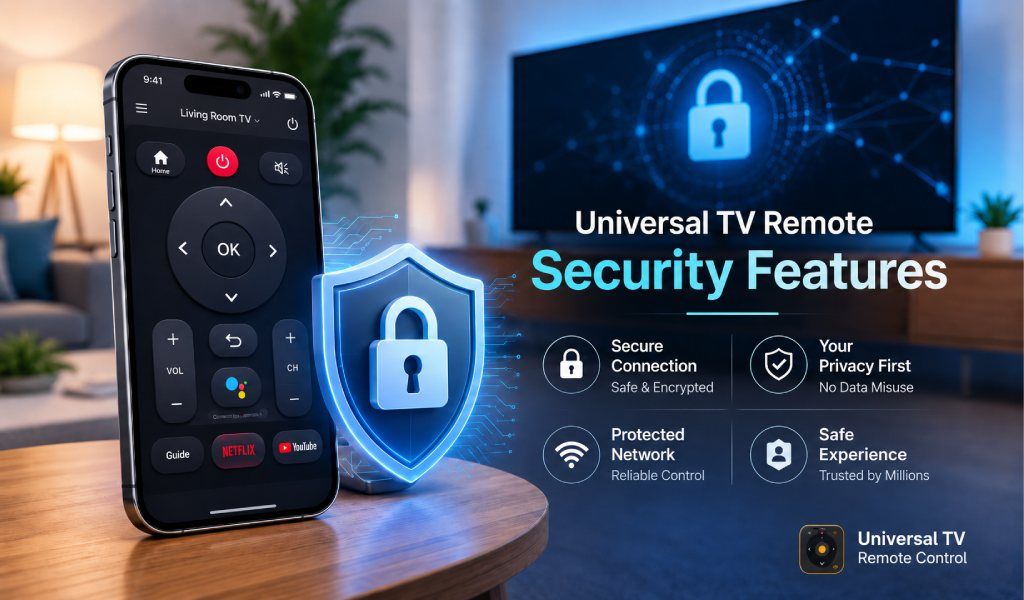
Yes, your smart TV can be accessed in certain situations, but the risk is very low when you use a trusted universal remote app with strong security and a protected network.
Smart TVs and mobile remote apps have changed how people control their entertainment systems. Instead of relying on a physical remote, users now use their phones for everything from changing channels to typing and voice search. This convenience often raises one important concern. Can someone else take control of your TV?
Let’s break it down clearly.
Can Someone Really Hack Your TV Through a Remote App?
In most real-world cases, no one can randomly hack your TV through a remote app.
For any control to happen, the device must be connected to the same WiFi network. Remote apps do not connect across the internet without permission. This means your TV is not exposed to strangers unless your network is already compromised.
The real risk appears when users ignore basic security practices. Open networks, weak passwords, and unknown apps create the actual problem.
How Universal TV Remote Apps Work
A universal TV remote app connects your phone to your TV over the same WiFi network. Once paired, your phone sends commands directly to the TV.
This setup has an important advantage. The communication stays within your local network. It does not rely on external servers for control.
A well-built universal remote app is designed to:
- Detect TVs only within your network
- Require user confirmation before connection
- Maintain a stable and secure pairing
This local connection model itself adds a strong layer of safety.
Real Security Risks You Should Know
Even though remote apps are generally safe, there are still a few situations where risks can appear.
Public WiFi Risks
Using a remote app on public WiFi exposes your device to others on the same network. These networks are often unprotected.
Weak Home Network Security
If your WiFi password is easy to guess or shared with many people, anyone connected to it may try to access your TV.
Fake or Malicious Remote Apps
Some apps may request unnecessary permissions or include hidden risks. These are usually low-quality or unverified apps.
Unauthorized Access on Shared Networks
In shared spaces like offices or apartments, other users on the same network may attempt to connect to available devices.
Signs Your Smart TV Might Be Compromised
Security issues are rare, but there are clear warning signs.
Volume changing without input, Apps opening on their own, Unknown devices appearing in connection lists, Settings changing automatically
If you notice any of these, disconnect your TV and review your network and app usage.
How a Secure Universal TV Remote App Protects You
A reliable app like Universal TV Remote Control is designed with user safety in mind, not just convenience.
Here is how a secure app strengthens protection:
Local Network-Based Connection
The app connects only within your WiFi network, which prevents external access.
No Unauthorized Pairing
Devices cannot connect without user action, which blocks unknown attempts.
Optimized Permissions
The app uses only the permissions necessary for remote functionality.
Stable and Controlled Communication
Commands are sent directly to your TV without unnecessary background activity.
Wide Compatibility with Secure Protocols
Supporting hundreds of TV brands means the app adheres to standard, safe communication practices.
These factors make a trusted remote app far safer than many users assume.
How to Protect Your TV from Hacking
You can further improve your safety with a few simple steps.
Secure Your WiFi Network
Use a strong password and avoid sharing it widely.
Use Trusted Remote Apps Only
Choose a well-known app with strong user trust and global usage.
Keep TV Software Updated
Updates fix security gaps and improve system safety.
Disable Unused Features
Turn off features you do not use, such as open casting or device discovery.
Monitor Connected Devices
Check your network regularly and remove unknown devices.
Does Universal TV Remote Control App is Safe to Use?
Yes, universal tv remote control is safe when you choose a trusted solution and use a secure network.
The risk does not come from the concept of remote apps. It comes from poor choices, such as using unknown apps or unsecured networks.
When used correctly, a universal remote app becomes one of the safest and most convenient ways to control your TV.
Best Practices for Safe Usage
Good usage habits make a real difference.
- Avoid using remote apps on public networks.
- Always connect through your private WiFi.
- Install apps only from official stores.
- Review permissions before allowing access.
- Disconnect your TV when not in use for long periods
These small steps ensure long-term safety.
Conclusion
Smart TVs and remote apps are built with safety in mind, and the chances of someone hacking your TV are very low when you follow basic precautions.
Using a trusted universal TV remote app with a strong security design adds another layer of protection. When paired with a secure network, it gives you full control over your TV without worry.
FAQs
Q. Can someone control my TV without permission
A: Only if they are connected to the same network, and your security is weak.
Q. Is a WiFi remote app safe
A: Yes, it is safe when used with a secure network and a trusted app.
Q. Should I uninstall remote apps for safety
A: No, there is no need if you are using a reliable and secure app.
Q. Do smart TVs have built-in security
A: Yes, most smart TVs include security features and receive updates.
Q. Can hackers see through my TV camera?
A: This is extremely rare and usually requires a compromised device. Keeping your system secure prevents this.