
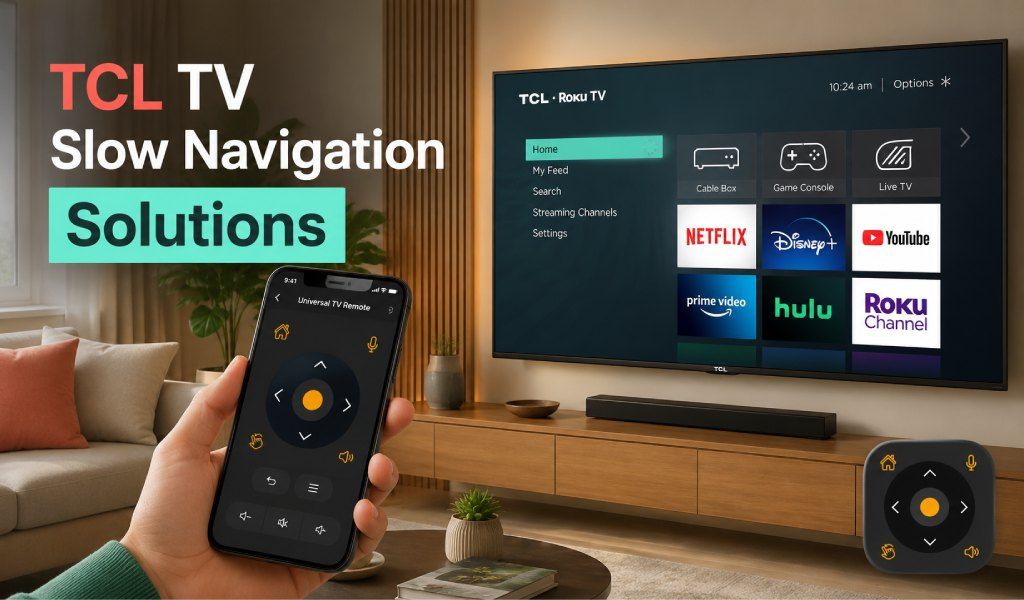
If your TCL TV feels slow when navigating menus or opening apps, you are not alone. Many users experience delayed responses, lag when scrolling, and slow typing. This is not always a hardware fault. In many cases, it comes down to how you control your TV.
This guide explains why TCL TV navigation slows down and how to fix it with smarter, faster control methods.
Why TCL TV Navigation Feels Slow
Before fixing anything, it is important to understand the cause of the delay.
Limited System Resources
Most TCL TVs run on Google TV or Roku TV platforms. These systems rely on limited RAM and storage. When multiple apps stay active in the background, performance drops.
Remote Input Delay
Physical remotes often introduce a slight delay. Each button press sends a signal that may not feel instant, especially when battery is weak or the sensor response is slow.
App Heavy Interface
Modern smart TV interfaces include recommendations, animations, and auto-loading content. All of this increases the load on the system.
Slow Text Input
Typing using the arrow keys is one of the biggest frustrations. Searching for a movie or app takes longer than expected.
Quick Fixes to Improve Navigation Speed
You can start with a few simple adjustments.
Restart Your TV
A quick restart clears temporary memory and improves responsiveness.
Close Background Apps
Unused apps continue running and consume resources. Close them to free up memory.
Clear Cache
Cached data accumulates over time and slows system navigation.
Update Software
System updates improve performance and fix bugs that cause lag.
These steps help, but they do not fully solve navigation limitations caused by traditional remotes.
Why Physical Remotes Slow You Down
Even after optimizing your TV, the remote control itself can remain a bottleneck.
- Button-based input is slow for scrolling
- Typing requires multiple clicks per letter
- Navigation feels delayed during fast movement
- No flexibility for quick switching or advanced control
This is where smarter control methods make a real difference.
Smarter Way to Control Your TCL TV
Using your phone as a remote changes the entire experience. It removes many limitations of traditional remotes and provides faster, smoother control.
Faster Navigation with Touch Control
Instead of pressing buttons repeatedly, you can navigate using touch or D-pad style control. This reduces delay and makes movement more fluid.
Instant Typing with Keyboard
Typing on TV becomes effortless when you use your phone keyboard. You can search content in seconds instead of struggling with on-screen letters.
Voice Search for Quick Access
Voice input allows you to find movies, apps, or settings instantly without typing.
Stable Connection
A well-designed remote app connects via WiFi and delivers a consistent response without signal interruptions.
How a Universal TV Remote Control App Improves Speed
A reliable universal remote remote control app is not just a replacement for a physical remote. It is a performance upgrade.
Smooth Command Response
Commands are sent directly over your network, reducing delay compared to infrared signals.
Better Control Layout
The modern interface gives easy access to all functions without complex navigation.
Multi-Feature Access
You get keyboard, voice, and navigation tools in one place.
Works Across Multiple Devices
If you have more than one TV, a universal app lets you control all of them from one phone.
Real Scenario Where It Makes a Difference
Imagine you want to search for a movie on your TCL TV.
With a physical remote, you press the arrow keys repeatedly. Select each letter one by one. Wait for the interface to respond
With a phone remote, open keyboard, type full name in seconds, select result instantly
This simple change saves time and improves your daily experience.
When You Should Switch to a Remote App
There are clear signs that it is time to move beyond a traditional remote.
- Navigation feels slow, even after updates
- Typing takes too long
- Remote response is inconsistent
- You want faster access to apps and content
Switching to a universal remote app solves these problems without needing new hardware.
Why Many Users Prefer Universal TV Remote Control App
A trusted solution like Universal TV Remote Control App is designed to handle these exact issues.
It offers
- Fast and smooth navigation
- Built-in keyboard for instant typing
- Voice control for quick search
- Strong compatibility with TCL TVs and many other brands
With millions of users worldwide, it provides stable control that removes common frustrations linked with traditional remotes.
Best Practices for Faster TCL TV Performance
To get the best results, combine smart control with good usage habits.
- Keep your TV software updated
- Avoid installing unnecessary apps
- Restart your TV regularly
- Use a stable WiFi connection
- Control your TV through a reliable remote app
Conclusion
Slow navigation on TCL TV is a common issue, but it is not something you have to accept. While basic fixes can help, real improvement comes from using smarter control methods.
A universal remote app transforms how you interact with your TV. It removes delays, improves typing speed, and gives you full control more quickly and efficiently.
If you want a smoother TCL TV experience, using your phone as a remote is one of the easiest upgrades you can make.
FAQs
Q. Why is my TCL TV so slow when navigating
A: Slow navigation is usually caused by limited memory, background apps, and delayed input from physical remotes.
Q. Does using a phone remote improve speed
A: Yes, phone-based remote apps offer faster input, smoother navigation, and instant typing.
Q. Can I control my TCL TV without a physical remote?
A: Yes, you can use a universal remote app on your phone to fully control your TV.
Q. Why is typing on TCL TV so slow
A: Typing with a physical remote requires multiple clicks per letter, slowing the process.
Q. Is a universal TV remote app better than a physical remote
A: For navigation speed, typing, and convenience, a universal remote app provides a much better experience.