
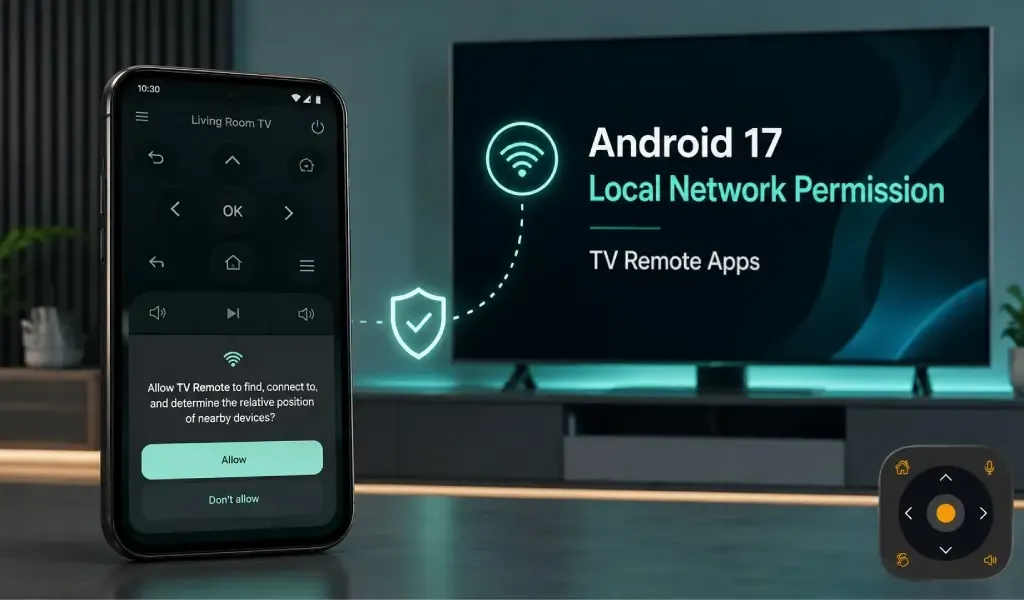
Android 17 changes how apps can communicate with devices on your home network, and TV remote apps are directly affected when they need local network access. Apps targeting Android 17 or higher must handle the new ACCESS_LOCAL_NETWORK permission before they can discover and communicate with devices such as smart TVs.
This matters because a phone-based TV remote does more than display buttons. It needs to find the television on the same local network and send commands to it. If Android blocks that communication, the TV may appear unreachable even though the phone itself is connected to WiFi.
The change is part of Android's broader privacy protections. Google says unrestricted local network access can reveal information about nearby devices and can be used for tracking or device fingerprinting. Android 16 introduced the protection as an opt in change, while Android 17 makes it mandatory for apps that target API level 37 or higher.
For users, the important point is simple: Android 17 does not make phone based TV remotes impossible. It changes how apps must request access to the local network.
What Is Android 17 Local Network Permission?
Android 17 Local Network Permission controls whether an app can communicate directly with devices on your home network.
Before this change, an app with internet access could generally communicate with devices on the local network as well. Android 17 separates this access and introduces ACCESS_LOCAL_NETWORK for apps targeting Android 17 or newer.
The distinction matters because your TV and phone may be connected to the same router without actually having unrestricted communication between them. A remote app can have internet access while still being unable to reach the TV locally if the required permission has not been granted.
Android places this permission within the existing Nearby Devices permission group. Users who have already granted another permission from that group may not receive a separate prompt for local network access.
Read Also: Does WiFi 6 or WiFi 7 Improve TV Remote Performance?
Why Do TV Remote Apps Need Local Network Access?
TV remote apps need local network access because many smart TVs receive remote commands directly through the home network.
A phone remote normally has to discover the TV before it can send navigation, volume, power, or other commands. Depending on the platform and implementation, device discovery can involve technologies such as mDNS, SSDP, or Android's network discovery APIs. Google specifically identifies mDNS, SSDP, NsdManager, and direct local TCP or UDP communication as operations affected by the new protections.
This is different from opening a normal website. When you visit a website, your phone communicates with a remote internet server. When a remote app communicates with a smart TV, the destination may be another device sitting a few metres away on your home network.
That local connection is what makes phone based TV control possible without sending every remote command through an external server.
What Changes for TV Remote Apps on Android 17?
Android 17 blocks local network access by default for apps that update their target SDK to 37 or higher.
This is the most important change for users and developers. An app targeting Android 17 cannot simply assume that its existing internet permission also provides unrestricted access to local devices. It must use an approved approach for local network communication.
Google provides two broad paths. An app can use a privacy preserving, system mediated device picker where the use case supports it. Alternatively, an app that needs direct and broader local network communication can declare ACCESS_LOCAL_NETWORK and request it at runtime.
For a TV remote application, the exact implementation depends on how the app discovers and communicates with televisions. That means users should not assume every remote app will behave identically after upgrading to Android 17.
Can Android 17 Stop a TV Remote App From Finding Your TV?
Android 17 can prevent a TV remote app from finding or communicating with your TV when required local network access is blocked.
The symptoms can look like a normal connection problem. The app may keep searching, fail to display the television, or find the TV but fail to communicate correctly. A user may then restart the router or reconnect WiFi even though the actual problem is permission related.
Google notes that blocked local TCP connections can typically result in timeouts, while UDP operations and some other local network requests can produce permission errors.
This is why Android 17 changes may create a new type of troubleshooting scenario. The phone can still browse the internet normally. Streaming apps can still work. WiFi can show as connected. Yet a local TV control function can fail.
Does Android 17 Affect Older TV Remote Apps?
Android 17 does not immediately treat every older app the same way as an app targeting Android 17.
Google's current documentation distinguishes apps based on their target SDK. Apps targeting SDK 37 or higher must handle the new local network permission. Apps targeting an older SDK can temporarily retain implicit local network access through the existing internet permission.
That means an app may continue working after a user upgrades to Android 17 if the app has not yet moved its target SDK to 37. However, this should not be treated as a permanent exemption. Once an app updates its target SDK to Android 17, it must follow the new local network rules.
For users, this creates an important difference between the Android version installed on the phone and the target Android version used by the app.
What Should You Do If Your TV Remote Stops Working?
If a TV remote app stops working after an Android update, first check whether the app has local network access before changing your router settings.
Start by checking the app's permissions in Android settings. If Android presents a local network or nearby devices permission for the app, allow it when the app genuinely needs that access to control your TV.
Next, make sure the phone and television are connected to the network that the app expects. If the app still cannot find the TV, restart the app and television before moving to more complicated network troubleshooting.
Do not assume that a working internet connection proves local device communication is working. Android's new protection specifically separates these two types of access.
How Does This Affect Universal TV Remote Control?
Universal TV Remote Control depends on reliable phone to TV communication, so Android's local network changes make permission handling especially important.
Universal TV Remote Control is designed to work with more than 700 TV brands and has reached 130M+ downloads across 100+ countries. The app also provides D Pad navigation, voice control, keyboard support, and a user friendly interface.
For Android users, the important takeaway is that the operating system can affect how an app reaches a television. A remote app may have all the necessary TV support while still needing the correct Android permission to communicate with a TV locally.
If you use Universal TV Remote Control and Android asks for access needed to discover devices on your local network, that permission can be important for the remote functionality you are trying to use.
You can get the Android version from Google Play.
The app is also available for iPhone and iPad through the App Store.
What Does Android 17 Mean for the Future of TV Remote Apps?
Android 17 will push TV remote apps toward clearer permission handling and more deliberate device discovery.
The change is not simply about adding another permission screen. It changes the relationship between smartphone apps and devices inside the home. Android is making local device access more visible to users instead of allowing apps to assume that internet access also means unrestricted LAN access.
For developers, that means testing TV discovery and control under Android 17 becomes more important. For users, it means a failed TV connection may sometimes be related to Android privacy settings rather than the television or router.
The broader direction is clear. Phones are becoming controllers for more devices around the home, while operating systems are adding stronger controls over those connections. TV remote apps will need to provide reliable control while also making it clear why local network access is needed.
Conclusion
Android 17 does not eliminate phone based TV remotes, but it makes local network permission an important part of how they work.
The biggest change is the introduction of ACCESS_LOCAL_NETWORK for apps targeting Android 17 and higher. Local network access is blocked by default for those apps until they use an appropriate system mediated method or receive the required permission.
For TV remote users, this can explain a confusing situation where WiFi works perfectly but the remote cannot find or control the television. Checking permissions should become part of the troubleshooting process alongside checking the network connection.
As Android continues to place tighter controls around nearby devices, choosing a remote app that keeps pace with platform changes becomes increasingly important.
Frequently Asked Questions
Is local network permission the same as WiFi permission?
No. Local network permission controls access to devices on the LAN, while being connected to WiFi simply means the phone has a network connection.
Does Android 17 require every app to request local network permission?
No. The requirement applies to apps targeting Android 17, or API level 37, and higher when they need protected local network access.
Can I use a TV remote app without giving it local network access?
A remote app that needs direct communication with a TV on your LAN generally cannot perform that function if Android blocks the required local network access.
Will updating my phone automatically break my TV remote?
No. Updating to Android 17 does not automatically mean every TV remote will stop working because the result also depends on the app's target SDK and how it handles local network access.
Why is Google adding local network protection?
Google is adding the protection to reduce privacy risks from unrestricted access to nearby network devices, including the possibility of tracking and device fingerprinting.
Can a TV remote app still use the internet after local network access is blocked?
Yes. Android's local network protection does not generally block ordinary internet access or mobile network access.
Is Android 17 local network protection only relevant to TV remote apps?
No. The protection can affect many apps that communicate directly with devices on a local network, including smart home and other connected device applications.