









IR Blaster vs WiFi TV Remote App - Which One Do You Actually Need?
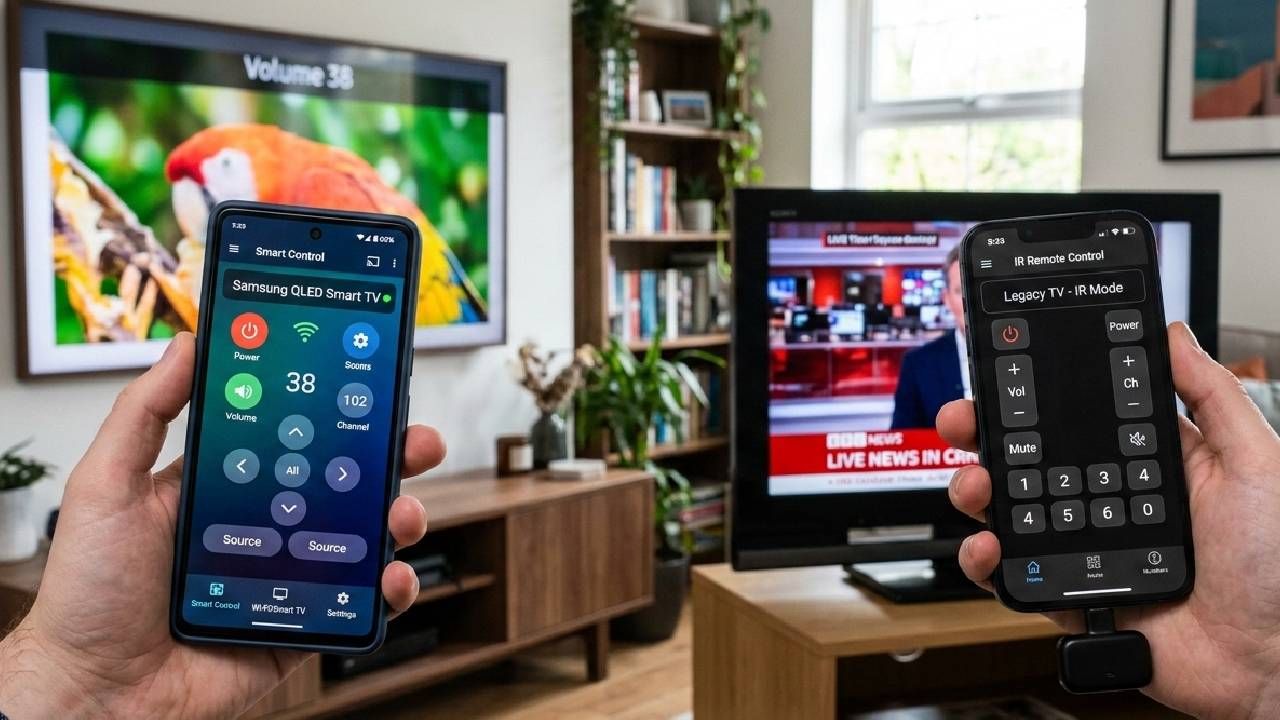
IR blaster or WiFi? Which TV remote app do you need? Compare the two methods, identify key differences, and determine which works best for your TV and phone.
March 17, 2026
The No.1 Universal TV Remote Control - Smart and IR Remotes App in more than 100 countries.
Trusted by 125 Million+ Users Worldwide
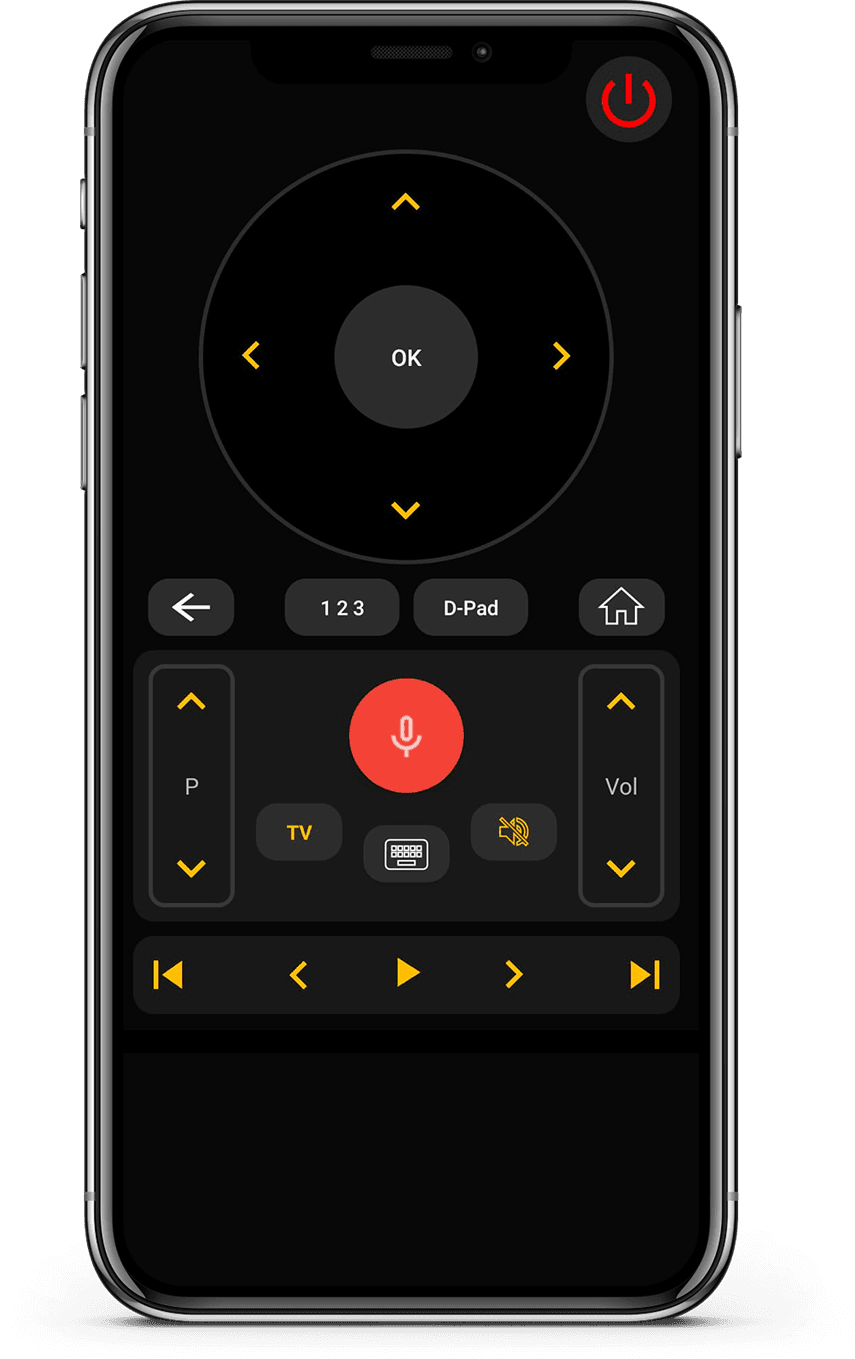

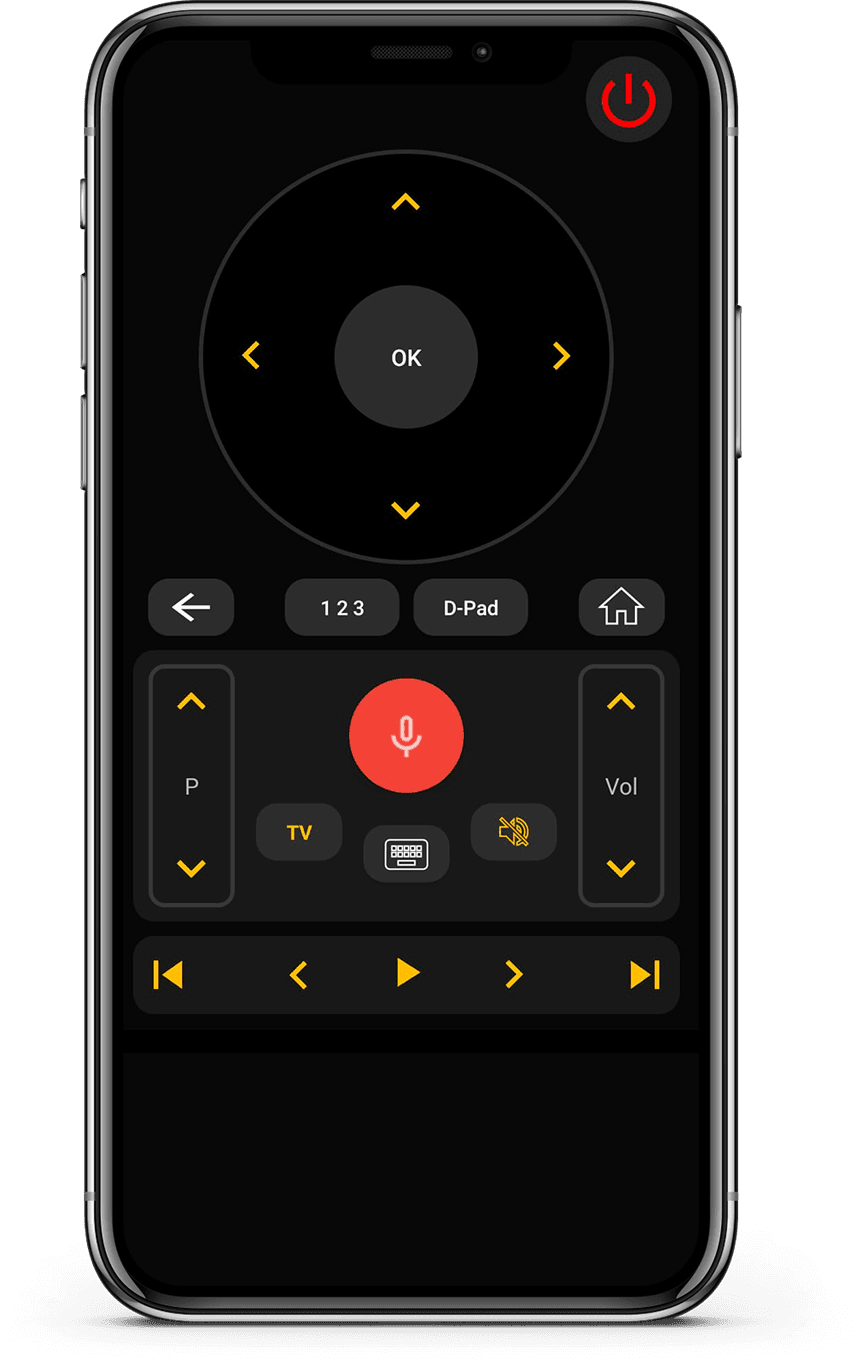
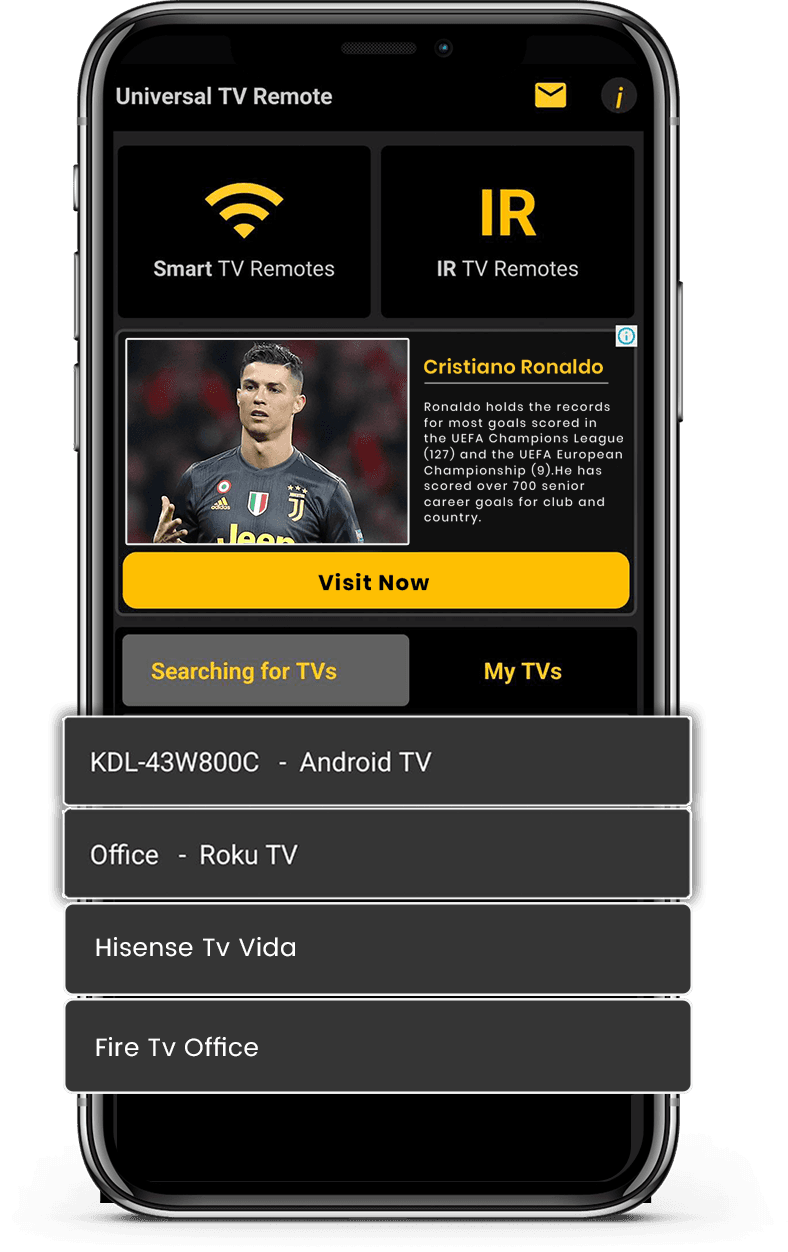
Works with both Smart TVs and IR-enabled televisions for wide compatibility. Connect instantly via WiFi or IR with a simple and quick setup process.

Works with both Smart TVs and IR-enabled televisions for wide compatibility.

Connect instantly via WiFi or IR with a simple and quick setup process.

Control volume, channels, apps, navigation, and media playback effortlessly.

Minimal design that is easy to understand and comfortable to use.

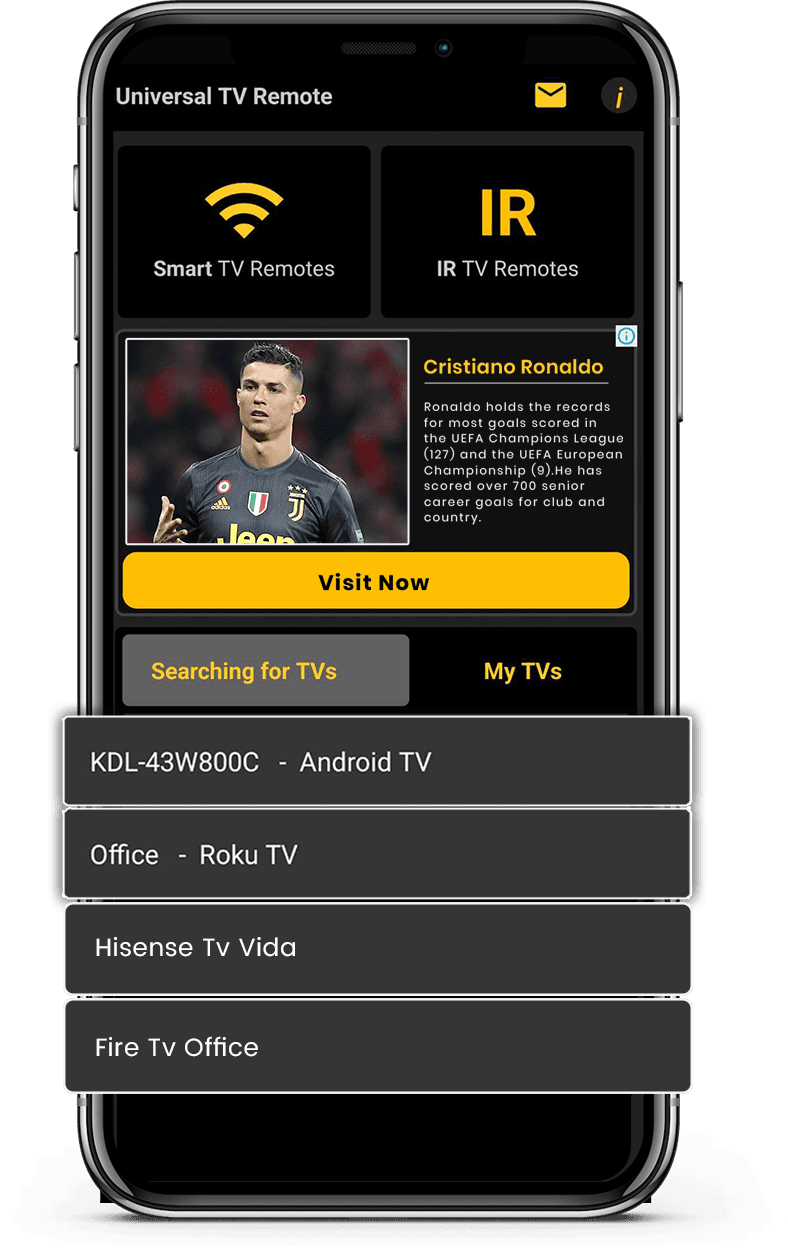
Connect your phone and TV to the same Wi-Fi network.
Open the app, pair your TV, and start controlling instantly.
Change channels, adjust volume, and use smart features easily.





Tips, setup guides, and troubleshooting to help you get the best experience.
IR blaster or WiFi? Which TV remote app do you need? Compare the two methods, identify key differences, and determine which works best for your TV and phone.
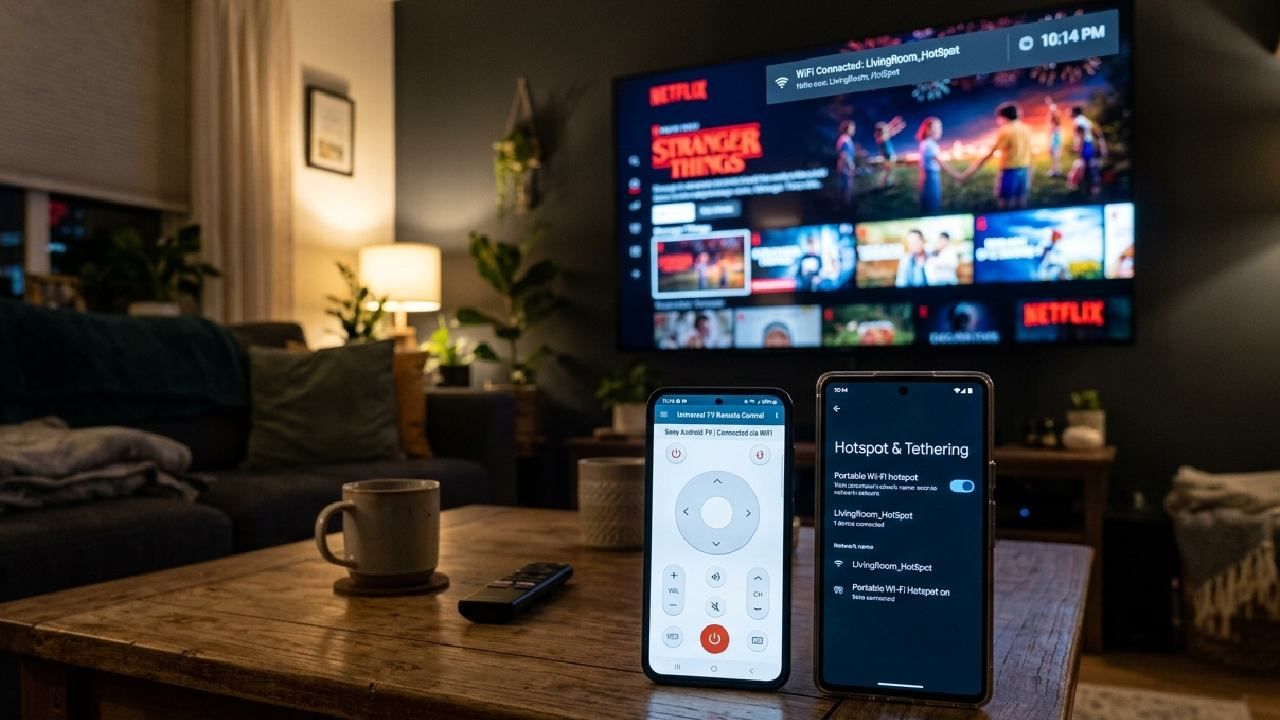
Find out how you can use a mobile hotspot to connect the Universal TV Remote Control App, along with other working tips for a seamless connection.
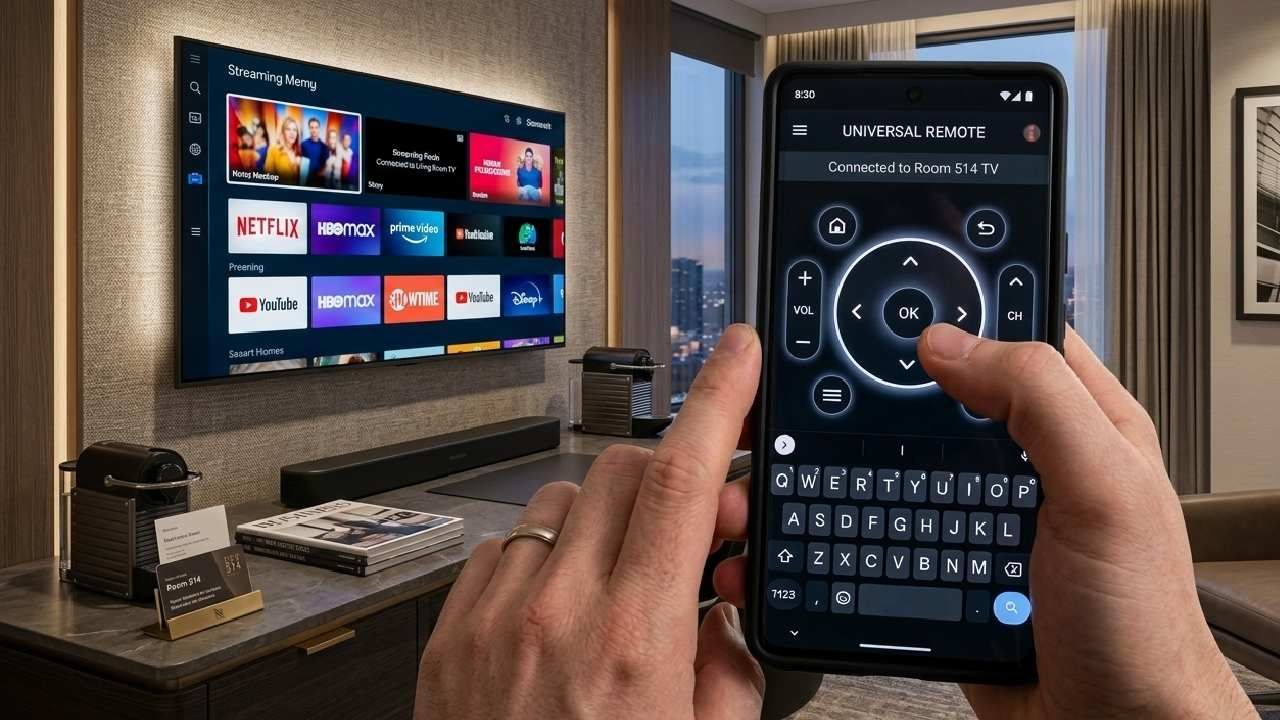
Learn how to use the D-Pad and keyboard in the Universal TV Remote Control app to navigate menus faster, type easily, and improve your smart TV experience.
Real feedback from people using Universal TV Remote to control Smart TVs and IR devices.
Quick answers about compatibility, setup, and how the app works.
Still have questions? Scroll down to download the app and try it on your TV.
For quick support or valuable suggestions, use the contact form below. Our team will get back to you as soon as possible.
Address
Office # 14, 2nd Floor, KPK IT Park,
Abbottabad, Pakistan
Install the download from Apple and Play Store. Enjoy your study journey with lots of practice and learning included.